OpenCart Automation Quick Reference: Menus, Events and Cron
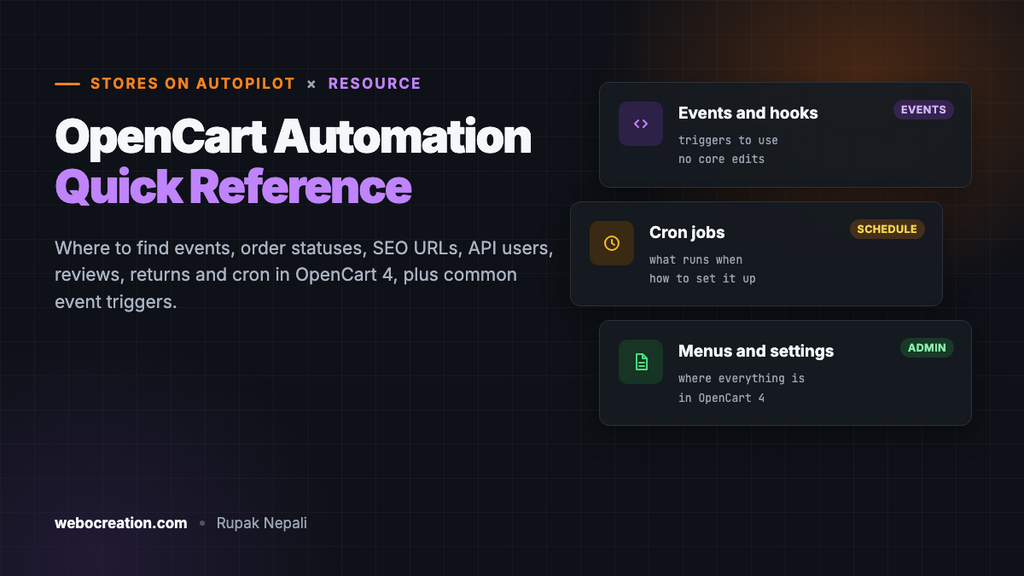
Where to find events, order statuses, SEO URLs, API users, reviews, returns and cron in OpenCart 4, plus common event triggers.
 Rupak NepaliPublished Nov 22, 2026
Menu locations are for OpenCart 4 and may vary slightly between releases and with installed extensions.
| Task | Where in OpenCart |
|---|---|
| View and manage events | Extensions > Events |
| Install extensions | Extensions > Installer, then Extensions > Extensions |
| Order statuses | System > Localisation > Order Statuses |
| Processing and complete statuses, stock checkout, guest checkout | System > Settings > (edit store) > Option |
| SEO URLs | System > Settings > (edit store) > Server; SEO keywords on each product, category and information page |
| API users | System > Users > API |
| Attributes | Catalog > Attributes |
| Options | Catalog > Options |
| Reviews | Catalog > Reviews |
| Returns | Sales > Returns |
| Reward points | Product edit > Reward Points; customer groups |
| Coupons | Marketing > Coupons |
| Cron tasks | The built-in cron manager in the admin menu (location varies by release) |
| Maintenance mode | System > Settings > (edit store) > Server |
Common event triggers to look for (copy the exact format from an existing event on your version):
- After an order history is added (order placed or status changed): catalog/model/checkout/order, addHistory method, after
- After a customer account is created: catalog/model/account/customer, addCustomer method, after
- After a review is added: catalog/model/catalog/review, addReview method, after
Cron setup pattern: one server cron entry calls the store’s cron URL every few minutes; OpenCart runs whichever tasks are due.
This article is part of the book Stores That Sell on Autopilot by Rupak Nepali.
Get every chapter, the printable checklists and the worksheets in one place. See the automations running live at demo.webocreation.com. Want it done for you? Ask about the Stores That Sell on Autopilot service.
← Previous: Copy-Ready Email Templates for Ecommerce Flows
The Stores That Sell on Autopilot series
- Start here: Series overview
- Part 1: What "Autopilot" Really Means
- Part 2: The Autopilot Stack
- Part 3: Building an Automation-Ready Store
- Part 4: Catalog on Autopilot
- Part 5: Orders, Payments and Fulfillment
- Part 6: Inventory and Suppliers
- Part 7: Search Traffic That Compounds
- Part 8: Email and SMS Flows That Sell While You Sleep
- Part 9: Reviews, Social Proof and Referrals
- Part 10: Ads and Retargeting with Guardrails
- Part 11: Customer Service Without the Inbox
- Part 12: AI Agents and Agentic Commerce
- Part 13: The 30-Minute Weekly Owner Routine
- Part 14: Case Study: Automating the Demo Store
- Resource: The Complete Ecommerce Automation Checklist
- Resource: Ecommerce Automation Tools Directory: Free and Paid Options
- Resource: Copy-Ready Email Templates for Ecommerce Flows
- Resource: OpenCart Automation Quick Reference: Menus, Events and Cron (you are here)

Rupak Nepali is a web developer, manage Webocreation website and the author of six books:
Getting Started with OpenCart Module Development (Packt, 2013),
OpenCart Theme and Module Development (Packt, 2015),
OpenCart 4: Dev Guide for Themes & Extensions (2024),
OpenCart 4: User Manual (2025),
Cloudflare for the Enterprise Website (2026) and
The Technical Web Guide for Marketers (2026).
Rupak has built OpenCart stores and extensions since 2010, has published more than 600 tutorials on Webocreation, and shares free OpenCart extensions on GitHub.
Find Rupak on
GitHub | Amazon | LinkedIn | X | YouTube.