Copy-Ready Email Templates for Ecommerce Flows
Subject lines and body copy for welcome, abandoned cart, post-purchase, review request and win-back emails you can adapt today.
 Rupak NepaliPublished Nov 22, 2026
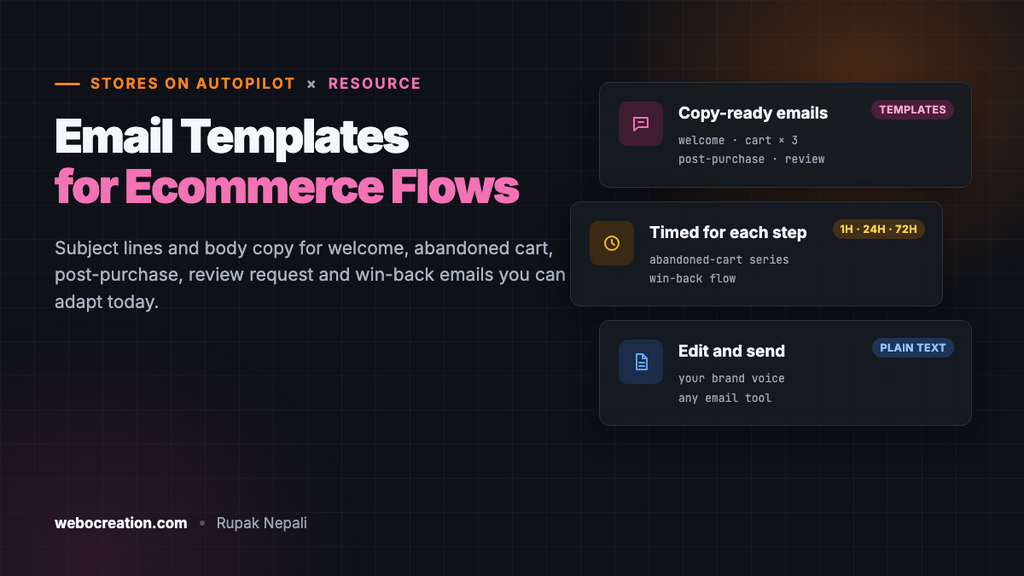
Adapt the wording to your brand voice. Keep each email short, with one main button.
Welcome email 1
Subject options: Welcome to [Store] / Your [discount] is inside / Thanks for joining us
Body: Hi [First name], thanks for joining [Store]. We [one sentence on what you sell and why]. As promised, here’s [discount code or guide]. Not sure where to start? These are our customers’ favorites. [Shop bestsellers]
Cart abandonment email 1 (about 1 hour)
Subject options: Still thinking it over? / You left something behind / Your cart is saved
Body: Hi [First name], you left [product name] in your cart. We’ve saved it for you. [Product image, name, price] [Return to my cart] Questions? Just reply to this email.
Cart abandonment email 2 (about 24 hours)
Subject options: Any questions about your [product]? / What other customers say about [product]
Body: Still deciding? Here’s what you should know: free shipping over [$X], [return window]-day returns, and [rating] stars from [number] customers. [Two short reviews] [Complete my order]
Cart abandonment email 3 (about 72 hours)
Subject options: Last reminder about your cart / Your cart expires soon
Body: This is our last reminder. Your cart with [product] is still waiting. [Optional, first-time customers only: Use code [CODE] for [offer], valid for 48 hours.] [Finish checkout]
Post-purchase: what happens next
Subject: Your order is confirmed: here’s what happens next
Body: Thanks for your order, [First name]. We’ll ship it within [X business days] and email your tracking link. You can check your order anytime here: [Track my order]
Review request
Subject options: How is your [product]? / Quick question about your order
Body: Hi [First name], you’ve had your [product] for a few days now. How’s it going? Your review helps other shoppers and helps us improve. [Star rating row] [Write a review] Add a photo for [incentive applied to all reviews].
Win-back email 1
Subject options: We miss you, [First name] / A lot has changed at [Store]
Body: It’s been a while. Since your last visit we’ve added [new products or improvements]. Here are a few picks based on your last order. [See what’s new]
Win-back email 3
Subject: Do you still want to hear from us?
Body: We don’t want to fill your inbox with emails you don’t read. Click below to stay subscribed. If we don’t hear from you, we’ll stop sending marketing emails. [Keep me subscribed]
This article is part of the book Stores That Sell on Autopilot by Rupak Nepali.
Get every chapter, the printable checklists and the worksheets in one place. See the automations running live at demo.webocreation.com. Want it done for you? Ask about the Stores That Sell on Autopilot service.
← Previous: Ecommerce Automation Tools Directory: Free and Paid Options | Next: OpenCart Automation Quick Reference: Menus, Events and Cron →
The Stores That Sell on Autopilot series
- Start here: Series overview
- Part 1: What "Autopilot" Really Means
- Part 2: The Autopilot Stack
- Part 3: Building an Automation-Ready Store
- Part 4: Catalog on Autopilot
- Part 5: Orders, Payments and Fulfillment
- Part 6: Inventory and Suppliers
- Part 7: Search Traffic That Compounds
- Part 8: Email and SMS Flows That Sell While You Sleep
- Part 9: Reviews, Social Proof and Referrals
- Part 10: Ads and Retargeting with Guardrails
- Part 11: Customer Service Without the Inbox
- Part 12: AI Agents and Agentic Commerce
- Part 13: The 30-Minute Weekly Owner Routine
- Part 14: Case Study: Automating the Demo Store
- Resource: The Complete Ecommerce Automation Checklist
- Resource: Ecommerce Automation Tools Directory: Free and Paid Options
- Resource: Copy-Ready Email Templates for Ecommerce Flows (you are here)
- Resource: OpenCart Automation Quick Reference: Menus, Events and Cron

Rupak Nepali is a web developer, manage Webocreation website and the author of six books:
Getting Started with OpenCart Module Development (Packt, 2013),
OpenCart Theme and Module Development (Packt, 2015),
OpenCart 4: Dev Guide for Themes & Extensions (2024),
OpenCart 4: User Manual (2025),
Cloudflare for the Enterprise Website (2026) and
The Technical Web Guide for Marketers (2026).
Rupak has built OpenCart stores and extensions since 2010, has published more than 600 tutorials on Webocreation, and shares free OpenCart extensions on GitHub.
Find Rupak on
GitHub | Amazon | LinkedIn | X | YouTube.