The Complete Ecommerce Automation Checklist
A master checklist for automating your online store: foundations, operations, growth, AI, customer service and weekly review.
 Rupak NepaliPublished Nov 22, 2026
Use this as your master list. Tick items as you complete them, and revisit it each quarter.
Foundations (see What "Autopilot" Really Means, The Autopilot Stack and Building an Automation-Ready Store)
- ☐ One-week task log completed and grouped into the four engines
- ☐ Automation map with top three automations chosen
- ☐ Automation register started (what, trigger, tool, owner)
- ☐ One tool per job; API keys in a password manager
- ☐ Protected staging store matching the live version
- ☐ Complete product data: SKU, price, weight, dimensions, brand, stock, images
- ☐ Guest checkout on; marketing consent separate and clear
- ☐ Order-status webhook or connector firing and logged
- ☐ Daily off-server backups and monthly restore test
- ☐ Uptime monitoring with alerts
- ☐ SSL, CDN, firewall and admin protections
- ☐ GA4, Search Console, Merchant Center and Clarity connected
Store operations (see Catalog on Autopilot, Orders, Payments and Fulfillment and Inventory and Suppliers)
- ☐ Scheduled supplier imports with mapping and price floor
- ☐ New products import disabled; AI drafts reviewed before publishing
- ☐ Image pipeline: resize, WebP, alt text
- ☐ Daily product feeds to Google (and Meta)
- ☐ Shipping costs visible before checkout; lean checkout form
- ☐ Automatic payment confirmation and fraud rules
- ☐ Automatic fulfillment handoff, tracking and delivery completion
- ☐ Bookkeeping sync
- ☐ Reorder points and daily reorder drafts
- ☐ Back-in-stock signups and emails
- ☐ Returns policy, portal and auto-approval rules
Growth (see Search Traffic That Compounds, Email and SMS Flows That Sell While You Sleep, Reviews, Social Proof and Referrals and Ads and Retargeting with Guardrails)
- ☐ SEO templates for all products and categories
- ☐ Automatic Product, Offer, Breadcrumb and Organization schema
- ☐ FAQs and clear facts on product pages; policies crawlable
- ☐ Monthly content and SEO report
- ☐ Six core email flows live with exit conditions
- ☐ SPF, DKIM and DMARC passing
- ☐ Automatic review requests after delivery; low-rating alerts
- ☐ Referral or loyalty program
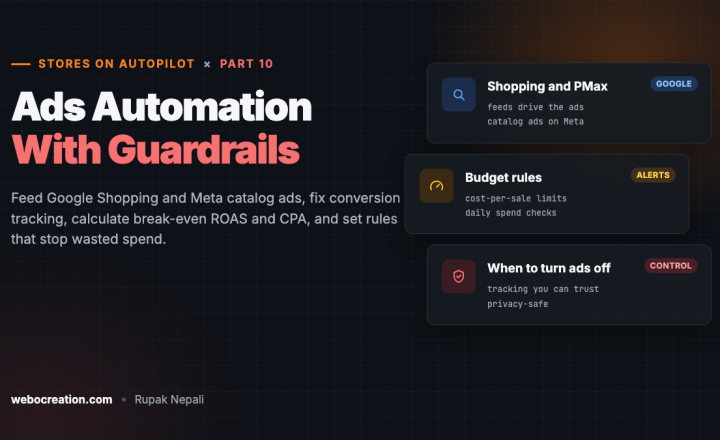
- ☐ Break-even ROAS and CPA known; ad rules and spending limits set
- ☐ Server-side conversion tracking and consent mode
AI, service and routine (see Customer Service Without the Inbox, AI Agents and Agentic Commerce and The 30-Minute Weekly Owner Routine)
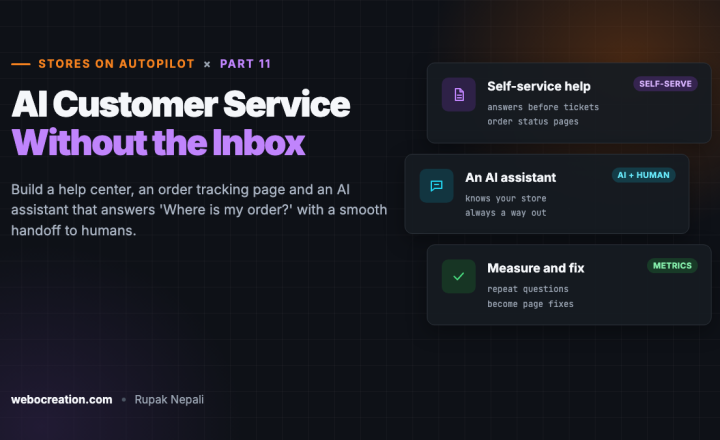
- ☐ Help center with top 20 answers; order tracking page
- ☐ AI assistant with order lookup and human handoff
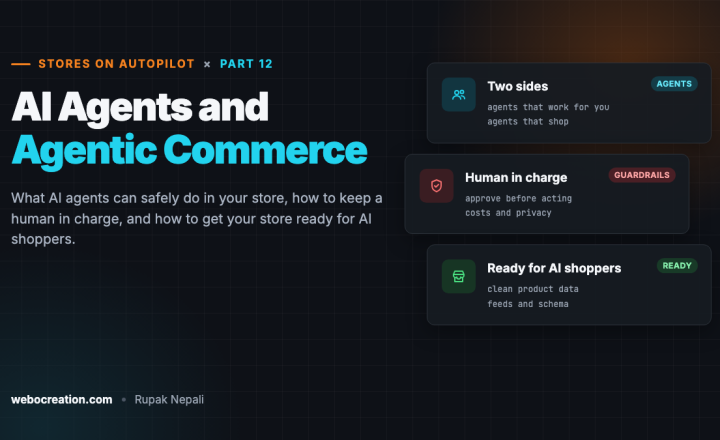
- ☐ Agents follow trigger, draft, approve, act and log, with written limits
- ☐ Store data ready for AI shoppers
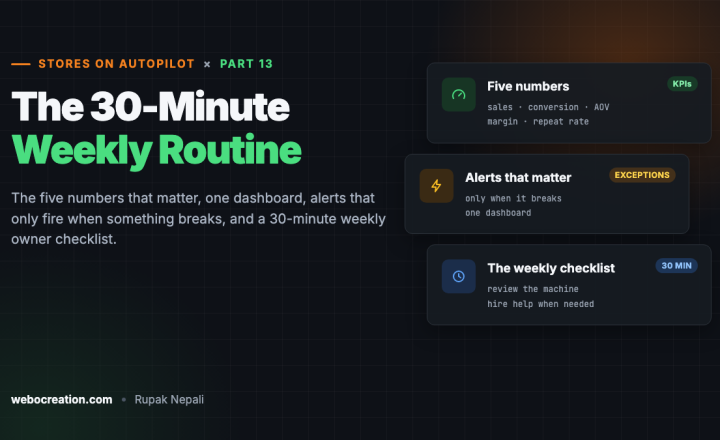
- ☐ Weekly dashboard and alert set
- ☐ Recurring 30-minute weekly review
This article is part of the book Stores That Sell on Autopilot by Rupak Nepali.
Get every chapter, the printable checklists and the worksheets in one place. See the automations running live at demo.webocreation.com. Want it done for you? Ask about the Stores That Sell on Autopilot service.
← Previous: Case Study: Automating the Demo Store | Next: Ecommerce Automation Tools Directory: Free and Paid Options →
The Stores That Sell on Autopilot series
- Start here: Series overview
- Part 1: What "Autopilot" Really Means
- Part 2: The Autopilot Stack
- Part 3: Building an Automation-Ready Store
- Part 4: Catalog on Autopilot
- Part 5: Orders, Payments and Fulfillment
- Part 6: Inventory and Suppliers
- Part 7: Search Traffic That Compounds
- Part 8: Email and SMS Flows That Sell While You Sleep
- Part 9: Reviews, Social Proof and Referrals
- Part 10: Ads and Retargeting with Guardrails
- Part 11: Customer Service Without the Inbox
- Part 12: AI Agents and Agentic Commerce
- Part 13: The 30-Minute Weekly Owner Routine
- Part 14: Case Study: Automating the Demo Store
- Resource: The Complete Ecommerce Automation Checklist (you are here)
- Resource: Ecommerce Automation Tools Directory: Free and Paid Options
- Resource: Copy-Ready Email Templates for Ecommerce Flows
- Resource: OpenCart Automation Quick Reference: Menus, Events and Cron

Rupak Nepali is a web developer, manage Webocreation website and the author of six books:
Getting Started with OpenCart Module Development (Packt, 2013),
OpenCart Theme and Module Development (Packt, 2015),
OpenCart 4: Dev Guide for Themes & Extensions (2024),
OpenCart 4: User Manual (2025),
Cloudflare for the Enterprise Website (2026) and
The Technical Web Guide for Marketers (2026).
Rupak has built OpenCart stores and extensions since 2010, has published more than 600 tutorials on Webocreation, and shares free OpenCart extensions on GitHub.
Find Rupak on
GitHub | Amazon | LinkedIn | X | YouTube.