Marketo programs that scale with you.
Marketo Engage instance setup, landing pages, email templates, smart campaigns and CRM integration — built to be reused, not rebuilt.
Marketo development: what we cover
Pick one piece or hand over the whole project. Every client works directly with a senior developer.
Email templates
Modular email templates with editable sections your marketers can use without code.
Landing pages and forms
Guided landing page templates and progressive-profiling forms that match your website.
Smart campaigns
Triggered and batch campaigns, nurture streams and operational programs.
Lead scoring
Behavior and demographic scoring tied to clear handoff rules for sales.
Integrations
Salesforce or Microsoft Dynamics sync, webhooks and website tracking with Munchkin.
Program reporting
Attribution and program reports that show what drives revenue.
What you get
- Program templates you can clone for new campaigns
- Email and landing page templates
- Forms embedded on your website with tracking
- Scoring model and lifecycle rules
- Documentation and team training
Every project starts with a written scope and a fixed price, agreed before any work begins.
How we work
- DiscoverA free 30-minute call about your goals, your current setup and what success looks like.
- PlanA written scope with deliverables, timeline and a fixed price agreed before work starts.
- BuildWe do the work on staging first, with progress you can review along the way.
- Launch & supportWe go live together, hand over documentation and stay available for fixes and next steps.
Update every Marketo form at once.
Adding UTM fields to hundreds of forms one by one takes days. Our Marketo form administration tool adds or removes a field on every form in your instance in a single run, using the Marketo REST API.
- 1Sign in with your instanceYour Munchkin ID and a REST API access token
- 2Choose add or deleteEnter the Field API Name from Field Management
- 3Submit onceEvery form in the instance is updated in a single run
- 4Read the reportSee which forms changed and which need a second look
Large instances can hit Marketo’s daily API call limits. Need it run for you, or a custom version? Ask us.
Free tutorials on this topic
See all marketo tutorials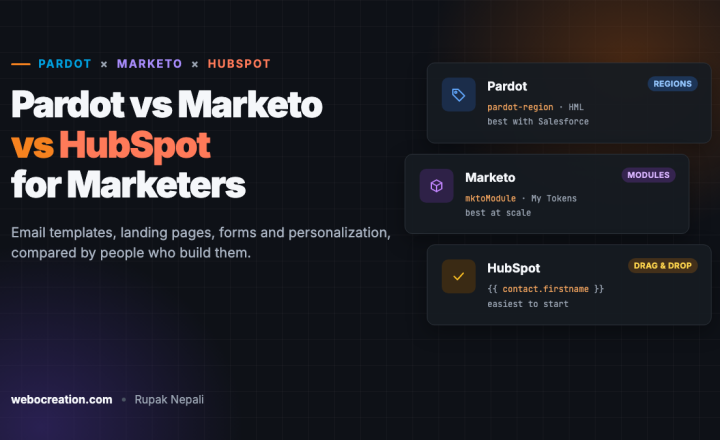
Pardot vs Marketo vs HubSpot for Email and Landing Pages: How Templates, Personalization and Forms Compare
A practical comparison of Pardot (Account Engagement), Marketo Engage and HubSpot for the work marketers do every day: email templates, landing pages, forms and…NOV 13, 2026 Salesforce · 5 min read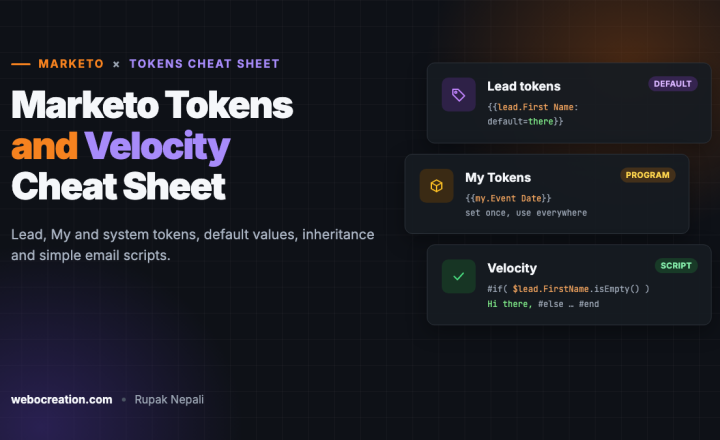
Marketo Tokens Cheat Sheet: Lead, My and System Tokens, Defaults and Velocity Email Scripts
A practical cheat sheet for Marketo tokens: lead, company, program (My) and system tokens, default values that prevent "Hi ,", token inheritance, and when…NOV 12, 2026 Salesforce · 4 min read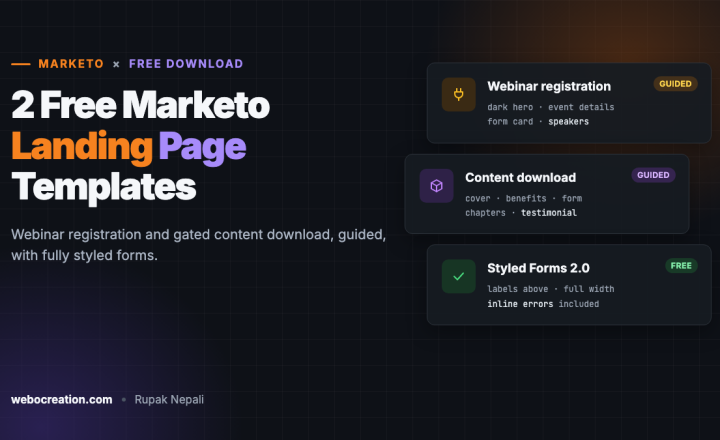
2 Free Marketo Landing Page Templates: Webinar Registration and Content Download (Guided)
Two free Marketo guided landing page templates, a webinar registration page and a gated content download page, with fully styled Forms 2.0 forms, color…NOV 12, 2026More services
- Brand identity designLogo, colors, typography and brand guidelines that work on every screen.
- Domain and hostingDomains, DNS, SSL, hosting, Cloudflare and migrations handled for you.
- OpenCart developmentNew stores, custom themes and modules, integrations and OpenCart 4 upgrades.
- WordPress developmentCustom themes and plugins, WooCommerce, headless builds and care plans.
- Drupal developmentCustom modules and themes, integrations and Drupal 10/11 upgrades.
- Pardot developmentAccount Engagement setup, forms, emails, automation and Salesforce sync.
- HubSpot developmentCMS themes and modules, landing pages, workflows and CRM integrations.
- Social media promotionStrategy, content calendars, post design and community management.
- Ads managementGoogle and Meta ads with proper conversion tracking and reporting.
- Security and speedCore Web Vitals, Cloudflare, hardening, malware cleanup and monitoring.
- SEO and marketingTechnical SEO, AIO/GEO, ad tech, content and analytics for stores.
- Next.js developmentReact front ends, headless WordPress and commerce, built for speed and SEO.
- Webflow developmentCustom Webflow sites, CMS collections, interactions and integrations.
- Unbounce landing pagesCampaign landing pages, popups and A/B tests connected to your CRM.
Ready to get started? Let’s talk.
Tell us what you’re building or fixing. A senior developer reads every message and replies personally — usually with a few questions or a link to book a call.