Stores That Sell on Autopilot: The Complete Guide to Ecommerce Automation
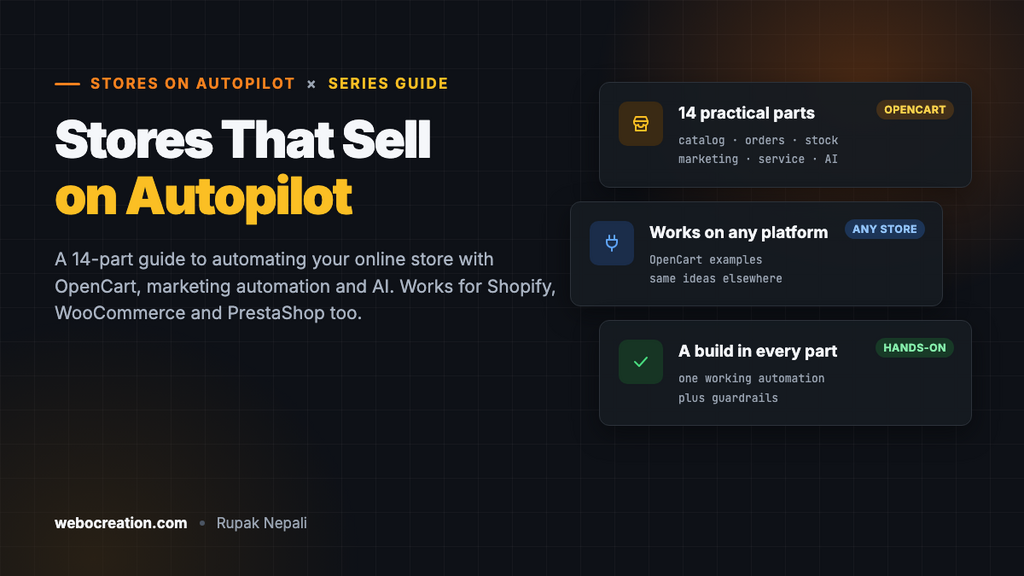
A 14-part guide to automating your online store with OpenCart, marketing automation and AI. Works for Shopify, WooCommerce and PrestaShop too.
 Rupak NepaliPublished Nov 22, 2026
Most store owners did not start a business to copy tracking numbers into emails. They started because they found a product people wanted, or because they loved building things on the web. A few months in, the store becomes a second job. Orders need confirming. Customers ask where their package is. Product descriptions need writing. Reviews need chasing. The ad account needs watching. Then the owner realizes that the store only sells when they are sitting in front of it.
This series is about changing that. It shows you how to build a store that keeps selling, shipping, following up and reporting while you sleep, travel or work on the next product. Not a magic store. A store run by systems, with you in charge of the decisions that actually need you.
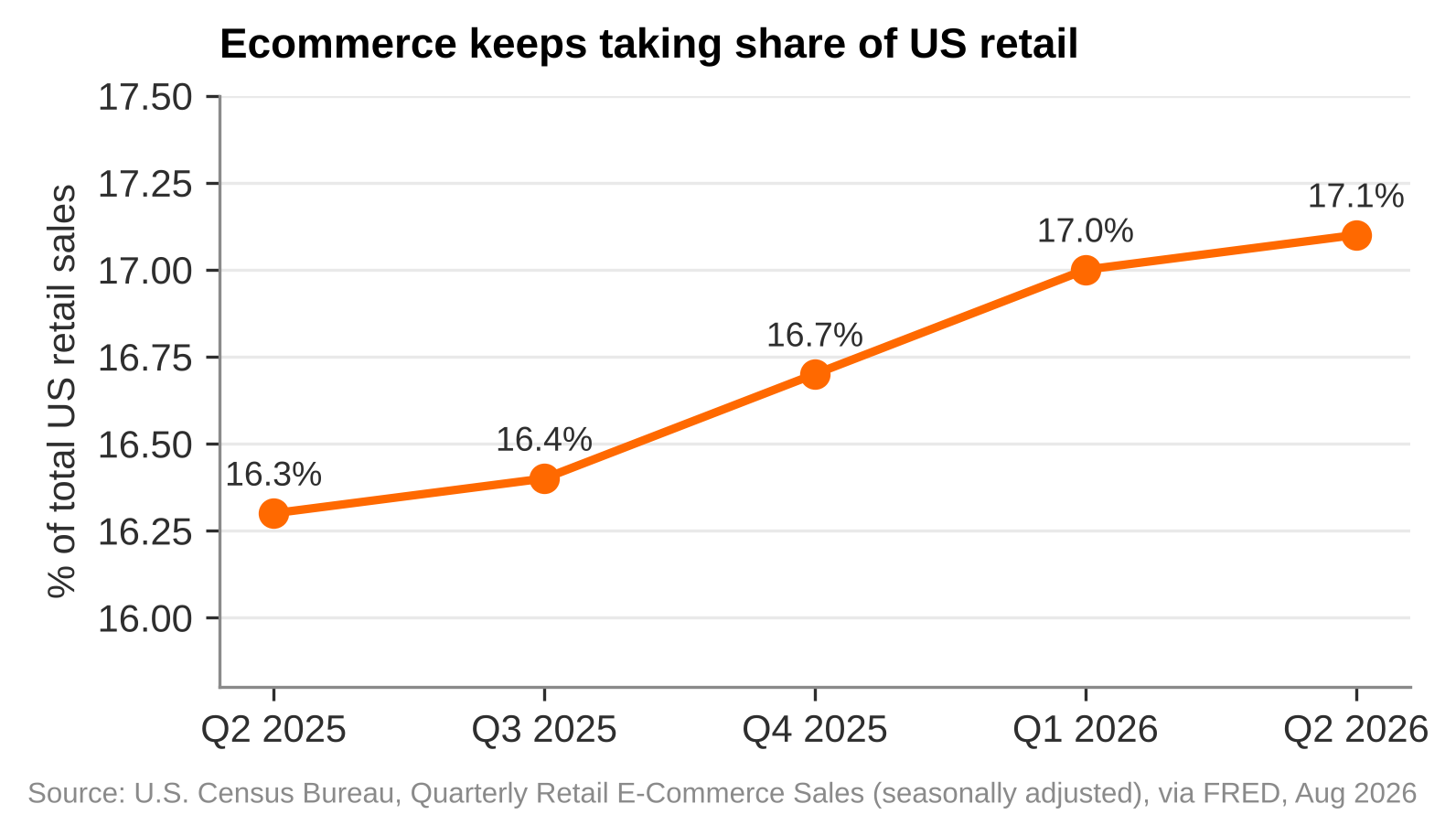
The timing matters. Online shopping keeps taking a bigger slice of all retail. In the second quarter of 2026, ecommerce made up 17.1% of total US retail sales, up from 16.3% a year earlier, according to the U.S. Census Bureau. Online sales that quarter reached $340.2 billion, growing about twice as fast as retail overall. More buyers online means more orders, more questions and more competition. The stores that win will not be the ones whose owners work the longest hours. They will be the ones whose systems do the repeatable work well, every time.
Who this series is for
This series is written for three kinds of readers:
- Store owners who run a small or medium online store and want their evenings back.
- Developers and freelancers who build stores for clients and want to deliver more than a pretty theme.
- Agencies that want to offer “store automation” as a service and need a clear, repeatable method.
You do not need to be a programmer. Most automations in this series use settings, extensions and no-code tools. Where a few lines of code help, the code is short and explained. If you are a developer, you will find enough detail to build the more advanced pieces yourself.
Why OpenCart, and what if you use something else?
The step-by-step examples use OpenCart, a free, open-source ecommerce platform written in PHP. OpenCart is lightweight, you own your data and your code, and it runs on ordinary hosting. Every example has been planned around the demo store at demo.webocreation.com, which always runs the latest OpenCart version, so you can see the result live.
But this is not an OpenCart-only book. The same methods work in Shopify, WooCommerce, PrestaShop, Magento (Adobe Commerce), BigCommerce and most other platforms. The ideas are the same everywhere: clean product data, events that trigger actions, connectors that move data between tools, and a human who approves what matters. Each article ends its build with an “Other platforms” note that tells you where to find the equivalent feature in the most common platforms.
How each article works
Every article follows the same pattern, so you always know where you are:
- The manual way. What this job costs a store owner when it is done by hand.
- Automate or keep human. Which parts are safe to hand to a machine, and which parts need your judgment.
- Build it. A step-by-step build in OpenCart, with an “Other platforms” note.
- Tools. Free and paid options, so you can start at any budget.
- Guardrails. What can go wrong and how to catch it before customers notice.
- Autopilot checklist. A one-page checklist you can tick off. All checklists are also collected in The Complete Ecommerce Automation Checklist and are downloadable from the companion page on webocreation.com/.
A word about statistics
This series uses real numbers wherever they exist: from the U.S. Census Bureau, Baymard Institute, Adobe, Salesforce, Klaviyo, Omnisend, Northwestern University’s Spiegel Research Center, the National Retail Federation and others. Each figure names its source and year, and the full list is in the References at the end of the series. Benchmarks are averages from large groups of stores. Your store will be different. Use the numbers to set expectations and spot problems, not as promises.
Tool prices and features change faster than books do. Prices in this series are approximate at the time of writing. The companion page keeps the tool directory current.
How to read this series
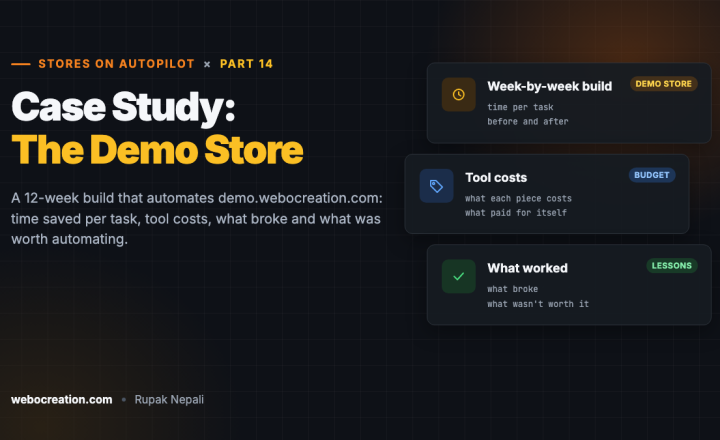
If your store is new, read the series in order. Part 1 builds the foundation, Part 2 automates operations, Part 3 automates growth, and Part 4 adds AI, customer service and the weekly routine that keeps everything honest. our guide Case Study: Automating the Demo Store then walks through the whole system running on the demo store.
If your store is already running, start with our guide What “Autopilot” Really Means to map where your time goes, then jump to the article that fixes your biggest time drain. For most stores, that is customer emails (see Email and SMS Flows That Sell While You Sleep) or order handling (see Orders, Payments and Fulfillment).
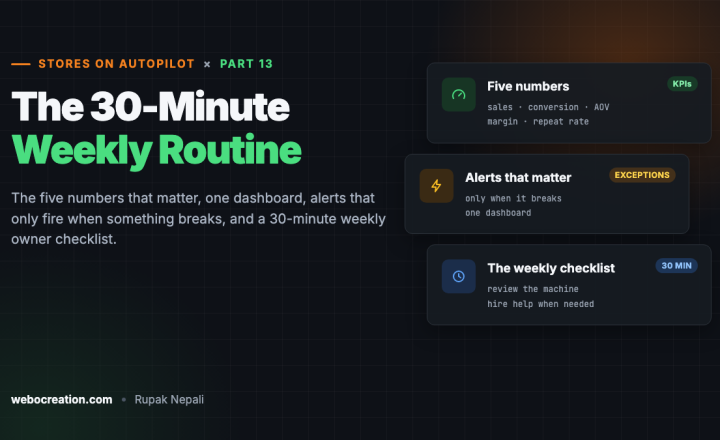
Either way, the goal is the same: a store that sells on autopilot, and an owner who spends about 30 minutes a week reviewing it instead of hours every day running it.
Start with the series
- What “Autopilot” Really Means
- The Autopilot Stack
- Building an Automation-Ready Store
- Catalog on Autopilot
- Orders, Payments and Fulfillment
- Inventory and Suppliers
- Search Traffic That Compounds
- Email and SMS Flows That Sell While You Sleep
- Reviews, Social Proof and Referrals
- Ads and Retargeting with Guardrails
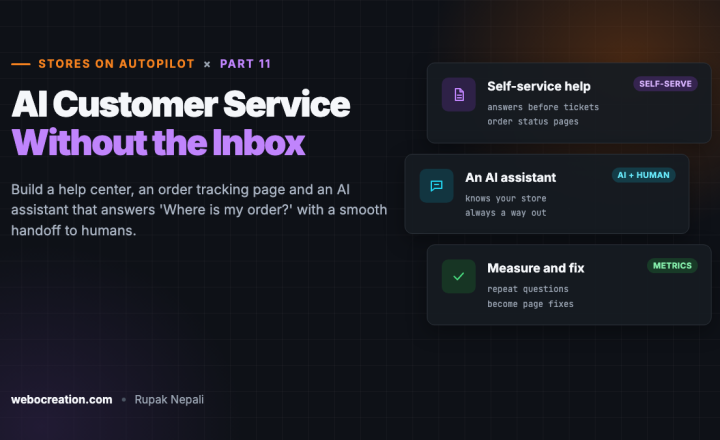
- Customer Service Without the Inbox
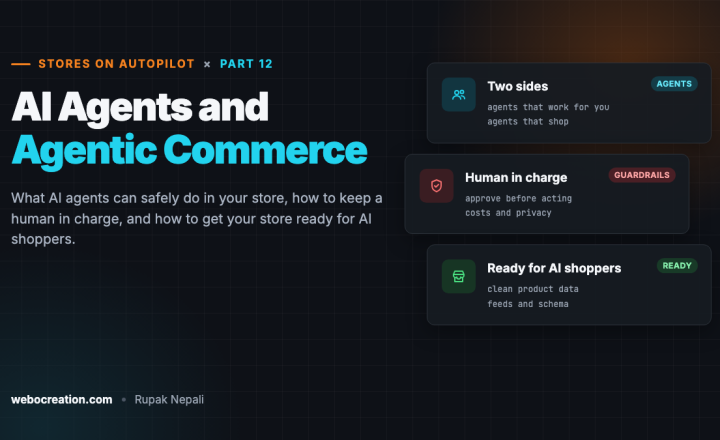
- AI Agents and Agentic Commerce
- The 30-Minute Weekly Owner Routine
- Case Study: Automating the Demo Store
This article is part of the book Stores That Sell on Autopilot by Rupak Nepali.
Get every chapter, the printable checklists and the worksheets in one place. See the automations running live at demo.webocreation.com. Want it done for you? Ask about the Stores That Sell on Autopilot service.
Sources
- Adobe and Adobe Digital Insights: 2025 holiday shopping recap (January 2026), AI traffic reports and holiday mobile forecasts. business.adobe.com / news.adobe.com
- Baymard Institute: Cart abandonment rate statistics (updated September 22, 2025) and checkout usability research. baymard.com
- Klaviyo: Abandoned cart benchmarks (2024 Benchmark Report) and 2026 Omnichannel Benchmark Report. klaviyo.com
- Omnisend: 2026 and 2025 Ecommerce Marketing Reports. omnisend.com
- Salesforce: AI and agents account for $262 billion of 2025 holiday spend (January 2026). salesforce.com
- Spiegel Research Center, Northwestern University: How Online Reviews Influence Sales (2017). spiegel.medill.northwestern.edu
- U.S. Census Bureau: Quarterly Retail E-Commerce Sales, Q2 2026 (August 2026) and Q4 2025 (March 2026). census.gov

Rupak Nepali is a web developer, manage Webocreation website and the author of six books:
Getting Started with OpenCart Module Development (Packt, 2013),
OpenCart Theme and Module Development (Packt, 2015),
OpenCart 4: Dev Guide for Themes & Extensions (2024),
OpenCart 4: User Manual (2025),
Cloudflare for the Enterprise Website (2026) and
The Technical Web Guide for Marketers (2026).
Rupak has built OpenCart stores and extensions since 2010, has published more than 600 tutorials on Webocreation, and shares free OpenCart extensions on GitHub.
Find Rupak on
GitHub | Amazon | LinkedIn | X | YouTube.