The Web Delivery Manager’s Playbook: Running Enterprise Websites from Request to Release (Complete Series)
The complete Web Delivery Manager's Playbook: 25 chapters on running enterprise websites from request to release, with templates, checklists and a 90-day rollout plan.
 Rupak NepaliPublished Nov 26, 2026
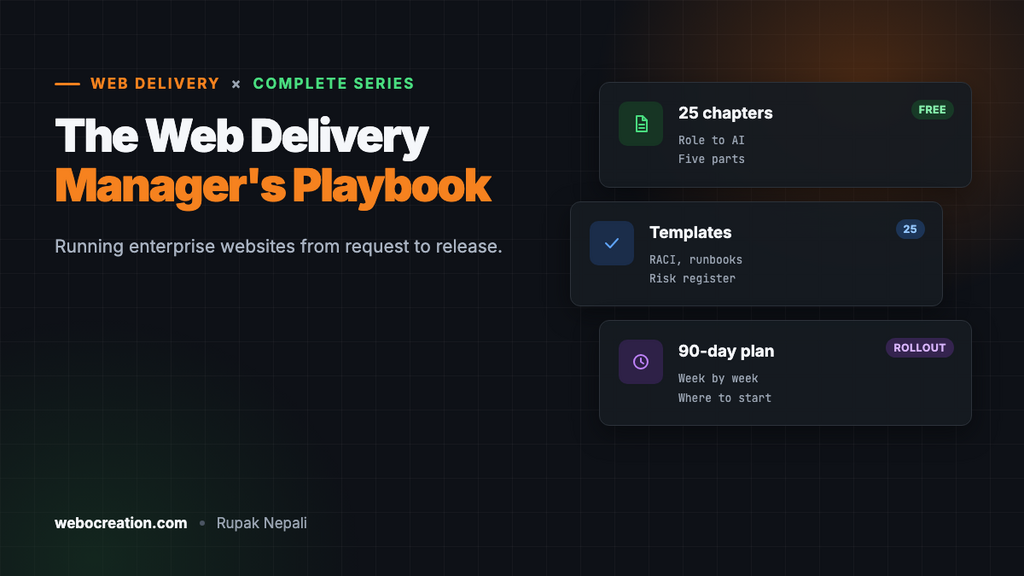
The Web Delivery Manager’s Playbook: Running Enterprise Websites from Request to Release is a practical, free series for the person who gets web work from “someone asked for this” to “it is live, it works, and we can prove it.” It covers the web delivery manager role from intake and prioritization to releases, incidents, vendors, governance, budgets and AI. Each chapter is its own post and ends with a template, a checklist and a list of common traps.
Getting started
Part 1: The Role
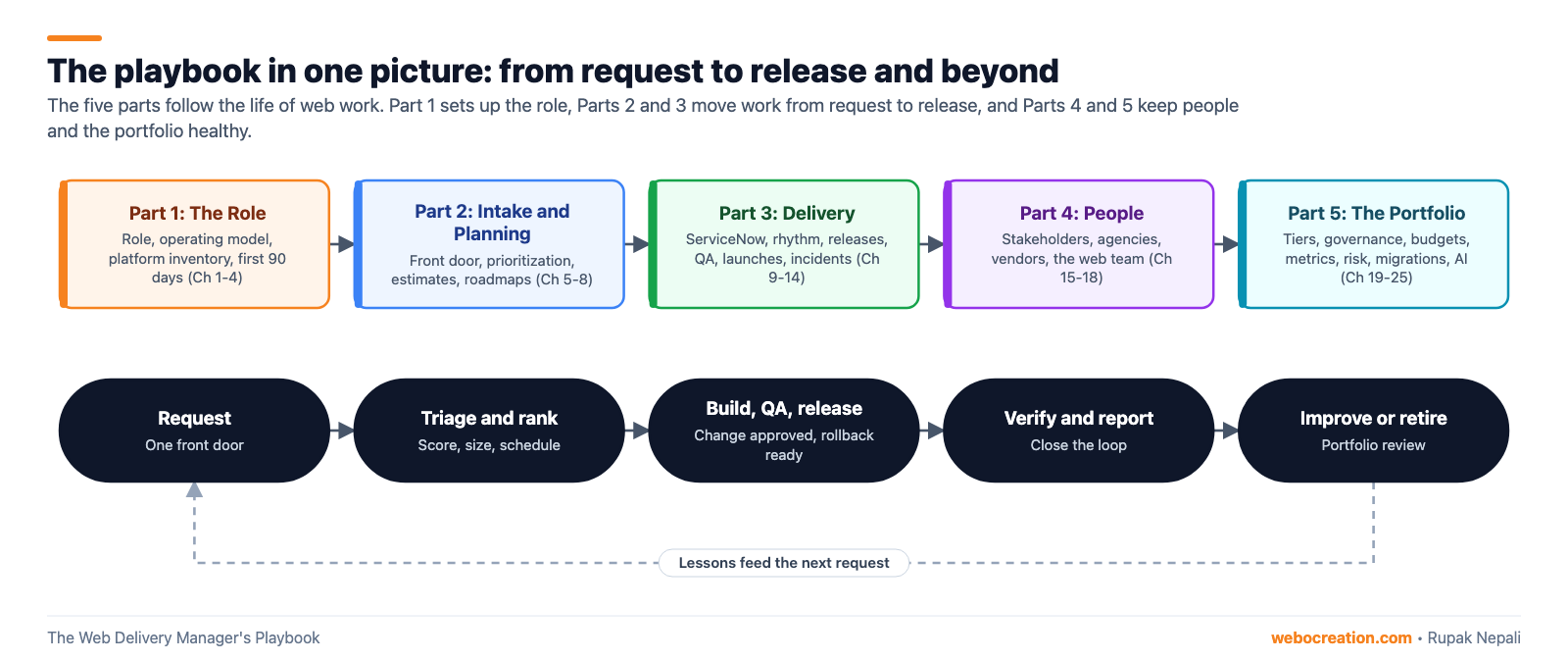
Before you can fix how web work gets done, you need a clear picture of the job, the people around it and the platforms you are responsible for. Part 1 builds that picture. Chapter 1 defines the role. Chapter 2 sets out the operating model that connects every team that touches the website. Chapter 3 shows how to build an inventory of everything you own. Chapter 4 turns all of it into a plan for your first 90 days.
- Chapter 1: What a Web Delivery Manager Actually Does
- Chapter 2: The Web Operating Model
- Chapter 3: Know Your Stack: The Platform Inventory
- Chapter 4: Your First 90 Days
Part 2: Intake and Planning
Part 1 gave you a clear role, an operating model and a full picture of the platforms you look after. Part 2 deals with the work itself: where it comes from, how it is ranked, how long it will take and when it will happen. Chapter 5 builds a single front door for requests. Chapter 6 gives you a way to rank them that survives pressure from senior stakeholders. Chapter 7 covers estimating web work, including the work nobody remembers to estimate. Chapter 8 brings it all together in a quarterly roadmap.
- Chapter 5: Building a Request Intake Process
- Chapter 6: Prioritization That Survives Stakeholders
- Chapter 7: Estimating Web Work
- Chapter 8: Roadmaps and Quarterly Planning
Part 3: Delivery
Parts 1 and 2 built the foundation and the planning engine. Part 3 is about getting work out the door safely, week after week. Chapter 9 shows how to make ServiceNow work for a web team. Chapter 10 helps you choose a delivery rhythm. Chapter 11 covers environments, release management and change approval. Chapter 12 covers quality assurance, accessibility and content review. Chapter 13 is about launch day, and Chapter 14 deals with what happens when things go wrong.
- Chapter 9: Running Web Work Through ServiceNow
- Chapter 10: Choosing a Delivery Rhythm
- Chapter 11: Environments, Branching and Release Management
- Chapter 12: QA, Accessibility and Content Review
- Chapter 13: Launch Day: Go-Live Runbooks
- Chapter 14: Incidents, Outages and Post-Mortems
Part 4: People
Processes and tools only work when people use them. Part 4 deals with the people around the web program. Chapter 15 covers stakeholders and executives. Chapter 16 covers agencies and contractors. Chapter 17 covers vendors and licenses. Chapter 18 is about building and growing your own team.
- Chapter 15: Managing Stakeholders and Executives
- Chapter 16: Working with Agencies and Contractors
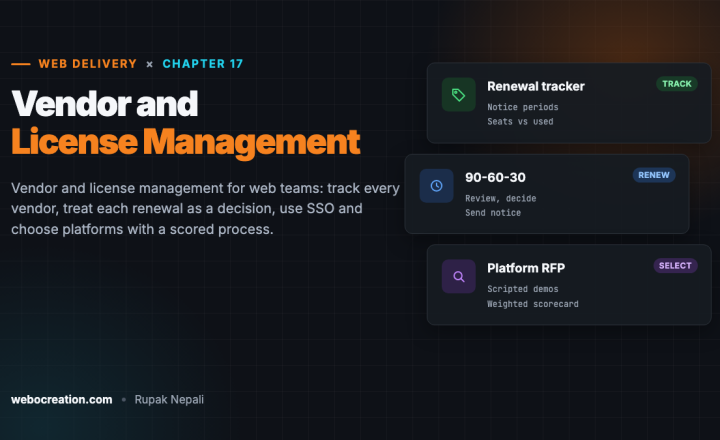
- Chapter 17: Vendor and License Management
- Chapter 18: Building and Growing the Web Team
Part 5: Running the Portfolio
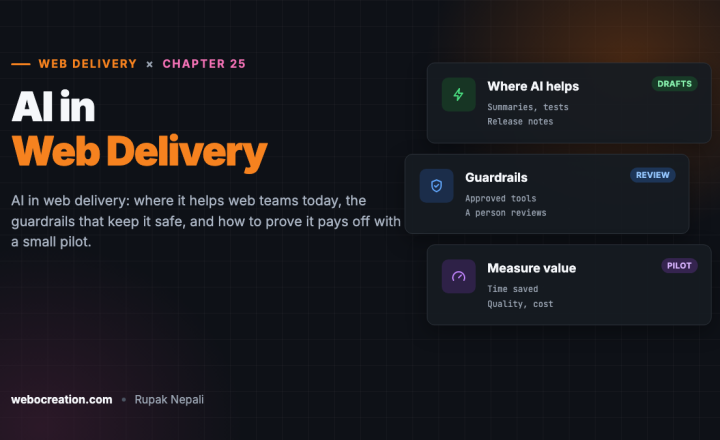
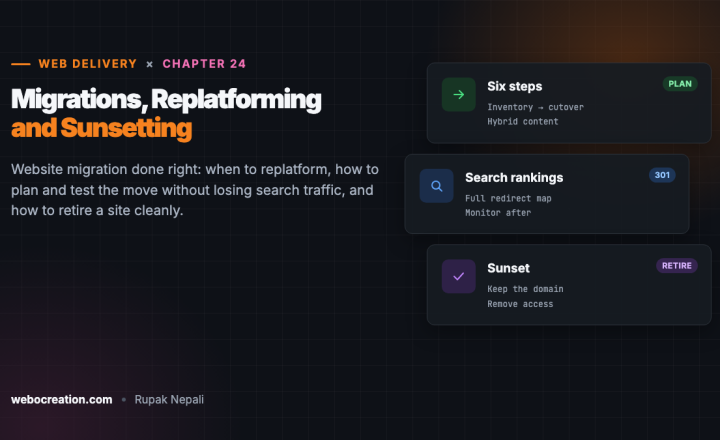
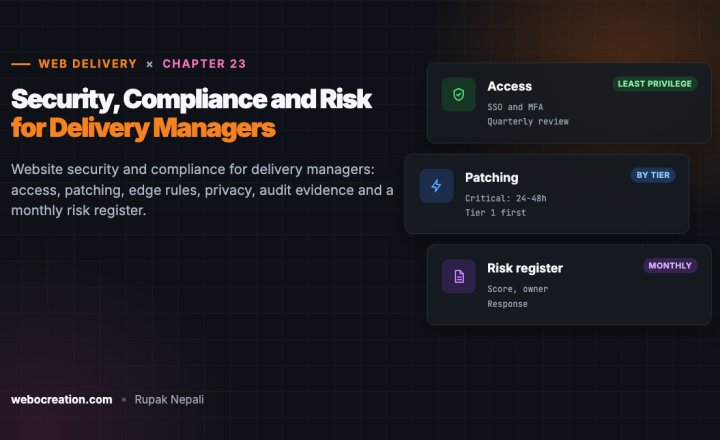
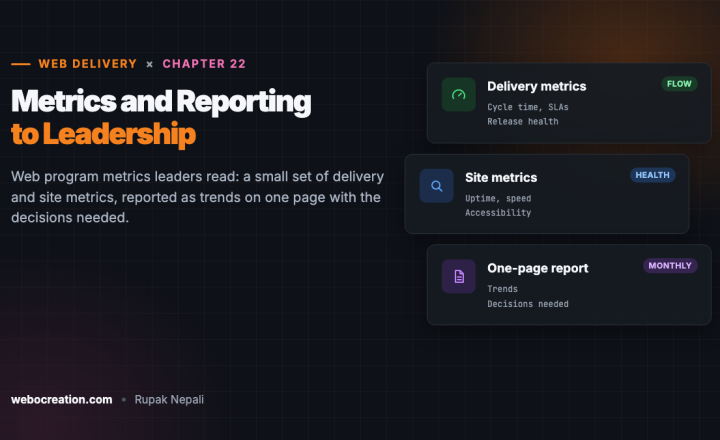
The first four parts focused on how work flows and how people work together. Part 5 zooms out to the whole portfolio of sites. Chapter 19 covers managing many sites at once. Chapter 20 covers governance. Chapter 21 covers budgets and costs. Chapter 22 covers metrics and reporting. Chapter 23 covers security, compliance and risk. Chapter 24 covers migrations and retiring sites. Chapter 25 looks at how AI is changing web delivery.
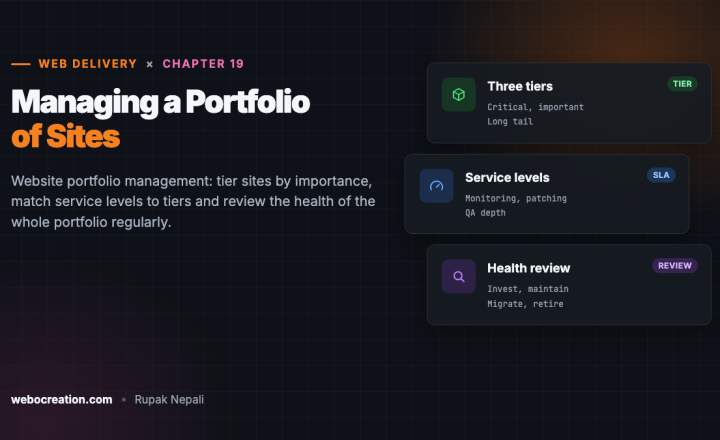
- Chapter 19: Managing a Portfolio of Sites
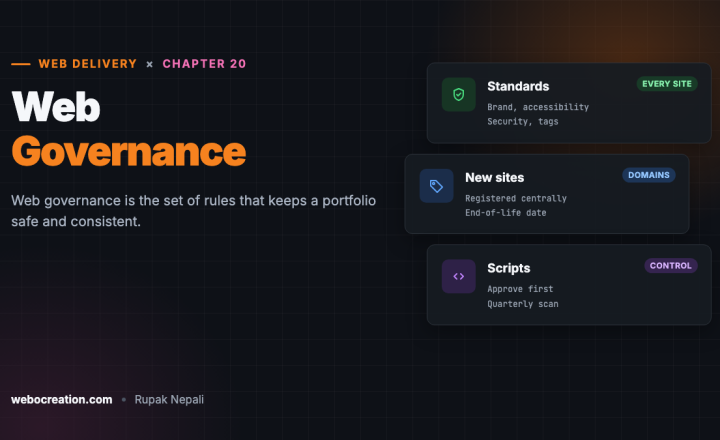
- Chapter 20: Web Governance
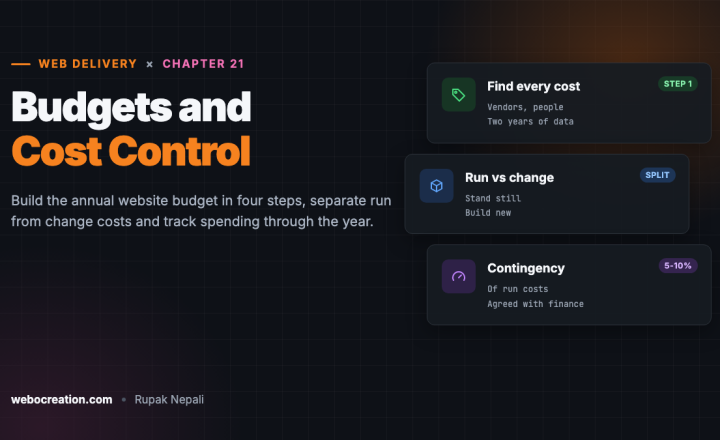
- Chapter 21: Budgets and Cost Control
- Chapter 22: Metrics and Reporting to Leadership
- Chapter 23: Security, Compliance and Risk for Delivery Managers
- Chapter 24: Migrations, Replatforming and Sunsetting
- Chapter 25: AI in Web Delivery
Template library
Every chapter in this book ends with a template. This appendix lists them in one place so you can find the one you need quickly.
| Template | Chapter | Use it to |
|---|---|---|
| Role definition one-pager | 1 | Define what you own, support and do not own |
| Web RACI matrix | 2 | Agree who does, decides, is consulted and is informed for common web activities |
| Platform and site inventory | 3 | Record every site, platform, domain, owner and renewal |
| 30-60-90 day plan | 4 | Plan your first three months in the role |
| Web request intake form | 5 | Design ServiceNow catalog items that collect the right details |
| Prioritization scorecard | 6 | Rank planned work using shared criteria |
| Estimate worksheet | 7 | Estimate effort and waiting time across the full path |
| Quarterly web roadmap | 8 | Show now, next and later work by theme |
| Ticket-type decision tree and field guide | 9 | Help requesters and the team choose and use the right ServiceNow records |
| Delivery rhythm one-pager | 10 | Record your approach, cycles, lanes and definitions |
| Release checklist and change request | 11 | Run safe, repeatable releases with complete change records |
| Pre-launch QA checklist | 12 | Test content, functionality, accessibility, SEO, tracking and security |
| Go-live runbook | 13 | Script a launch step by step, with owners and fallbacks |
| Incident report and post-mortem | 14 | Record what happened and turn lessons into actions |
| Stakeholder map and communication plan | 15 | Decide who needs what information, and how often |
| Agency SOW checklist | 16 | Review statements of work before they are signed |
| Vendor and renewal tracker | 17 | Track costs, seats, notice periods and decisions for every vendor |
| Team skills matrix | 18 | Find single points of failure and plan cross-training |
| Site portfolio scorecard | 19 | Compare sites by tier, health, cost and future |
| Web governance policy | 20 | Set standards and rules for sites, domains, scripts and content |
| Annual web budget | 21 | Plan run and change costs for the year |
| Monthly web program report | 22 | Report outcomes, metrics, risks and decisions to leadership |
| Web risk register | 23 | Track risks, owners, responses and actions |
| Migration plan and sunset checklist | 24 | Plan migrations and retire sites cleanly |
| AI use policy and prompt library | 25 | Use AI tools safely and consistently |
The 90-day rollout plan
This plan turns the book into a week-by-week sequence for a new delivery manager, or for anyone resetting an existing web program. It expands the 30-60-90 day plan from Chapter 4. Adjust the pace to your situation; the order matters more than the exact weeks.
| Week | Focus | Key actions | Chapters |
|---|---|---|---|
| 1 | Orientation | Share your 30-60-90 plan; book listening-tour meetings; start the “things that can expire” list | 1, 4 |
| 2 | Listen | Listening-tour conversations; shadow editors and developers; read the last 50 requests | 4 |
| 3 | Map | Export DNS, CDN and registrar data; search certificate logs; ask finance for vendor payments | 3 |
| 4 | Assess | Complete the first inventory and risk list; summarize listening-tour themes | 3, 4 |
| 5 | Stabilize | Lock down non-production sites; remove stale access; fix expiring certificates and domains | 3, 11, 23 |
| 6 | Front door | Launch a simple web request catalog item; announce it; start daily quick checks | 5, 9 |
| 7 | Predictability | Publish a release calendar; start weekly triage; agree an urgent-lane definition | 5, 6, 11 |
| 8 | Quick wins | Deliver two or three quick wins; send the first monthly web update | 4, 15 |
| 9 | Operating model | Draft the team model, ownership list and RACI; meet the ServiceNow and CMDB owners | 2, 3, 9 |
| 10 | Preview | Share the draft operating model one-on-one with key stakeholders | 2, 15 |
| 11 | Roadmap | Calculate capacity; draft the next-quarter roadmap; list end-of-support dates | 8 |
| 12 | Commit | Present the operating model and roadmap for sign-off; agree the cadence | 2, 4, 8 |
| 13 | Next steps | Plan the next quarter’s process improvements: full catalog, SLAs, standard changes, QA tiers | 5, 9, 11, 12 |
After the first 90 days, work through the remaining chapters in the order that addresses your biggest pains. A common sequence is: delivery rhythm and QA (Chapters 10 and 12), standard changes (Chapter 11), incident process (Chapter 14), vendors and budget (Chapters 17 and 21), tiers and governance (Chapters 19 and 20), then metrics and risk (Chapters 22 and 23).
Glossary
This glossary explains web delivery and IT service management terms used in the book, in plain language for non-technical readers.
| Term | Meaning |
|---|---|
| Acceptance criteria | The conditions a piece of work must meet to be considered complete |
| Assignment group | A team in ServiceNow that can be assigned tickets |
| CAB (change advisory board) | A group that reviews and approves higher-risk changes to production systems |
| Catalog item | A request form in the ServiceNow portal for a specific type of request |
| CDN (content delivery network) | A network of servers that delivers website content quickly and often provides security protection |
| Change request (CHG) | A ServiceNow record used to plan, approve and record a change to a production system |
| CI (configuration item) | Any item recorded in the CMDB, such as a website, application or server |
| CMDB (configuration management database) | ServiceNow’s record of IT services and systems and how they relate to each other |
| CMS (content management system) | Software used to create and manage website content |
| Cycle time | The time from when work starts to when it is finished |
| DAM (digital asset management) | A system for storing and managing images, videos, documents and brand files |
| Definition of Done | A team’s agreed list of what must be true before work counts as finished |
| Definition of Ready | A team’s agreed list of what must be true before work can start |
| Demand | In ServiceNow Strategic Portfolio Management, a proposal for significant work reviewed before approval |
| DNS (domain name system) | The system that translates domain names into the addresses of the servers that host websites |
| Emergency change | An urgent change to fix an incident or prevent serious harm, approved through a fast-track process |
| Incident (INC) | An unplanned interruption or reduction in the quality of a service |
| ITSM (IT service management) | The practices a company uses to deliver and support IT services |
| Kanban | A way of managing work as a continuous flow, with limits on work in progress |
| Knowledge article (KB) | A how-to guide, runbook or FAQ stored in ServiceNow’s knowledge base |
| Major incident | An incident with severe business impact, handled through a special coordination process |
| Normal change | A change that needs risk assessment and approval, and may be reviewed by the CAB |
| Problem (PRB) | The underlying cause of one or more incidents |
| RACI | A matrix showing who is Responsible, Accountable, Consulted and Informed for each activity |
| Redirect (301) | A rule that sends visitors and search engines from an old URL to a new one permanently |
| Request (REQ) and requested item (RITM) | ServiceNow records created when someone submits a catalog item |
| Rollback | Returning a system to its previous working state after a failed change |
| Runbook | A step-by-step guide for carrying out a task or handling a situation |
| Scrum | A way of managing work in fixed-length cycles called sprints |
| SLA (service level agreement) | A target time for responding to or resolving a request or incident, tracked in ServiceNow |
| SSO (single sign-on) | Logging into many systems with one company account |
| Staging | A copy of a website used for final testing and approval before release |
| Standard change | A pre-approved, low-risk, routine change that follows a documented procedure |
| Throughput | The number of work items completed in a period |
| TTL (time to live) | How long a DNS record is cached before being checked again |
| WAF (web application firewall) | A security service that filters harmful traffic before it reaches a website |
| WCAG | The Web Content Accessibility Guidelines, the most widely used web accessibility standard |
Recommended tools
The tools below are commonly used by corporate web teams for the practices in this book. Many have free versions or free alternatives. Products and pricing change often, so check current features and terms, and confirm with your security and procurement teams before adopting any tool.
| Area | Free or low-cost options | Paid or enterprise options |
|---|---|---|
| Request intake and ITSM | Shared forms with email routing for small teams | ServiceNow; Jira Service Management; Freshservice |
| Delivery boards | Trello; GitHub Projects | Jira; Azure DevOps; ServiceNow agile tools |
| Roadmaps | Spreadsheets; slide templates | Productboard; Aha!; Jira Product Discovery |
| Documentation | Wiki tools built into your code repository | Confluence; ServiceNow Knowledge Management |
| Inventory and discovery | crt.sh (certificate logs); DNS zone exports; spreadsheets | ServiceNow CMDB and Discovery; external attack surface tools |
| Browser and device testing | Browser developer tools; real test devices | BrowserStack; LambdaTest |
| Test automation | Playwright; Cypress; Selenium | Hosted versions of these, plus commercial testing platforms |
| Accessibility testing | WAVE; axe DevTools (free version); Lighthouse; NVDA and VoiceOver screen readers | axe DevTools Pro; Siteimprove; external expert audits |
| Link and SEO checks | Google Search Console; Bing Webmaster Tools; Screaming Frog (free version) | Screaming Frog (paid); Semrush; Ahrefs |
| Performance | PageSpeed Insights; Lighthouse; WebPageTest | Real user monitoring in commercial observability tools |
| Uptime and error monitoring | UptimeRobot (free tier); platform logs | Pingdom; Datadog; New Relic; Sentry |
| Tag and script control | Your tag manager’s built-in permissions | Consent management platforms; client-side script monitoring tools |
| Vendor and renewal tracking | Spreadsheet with calendar reminders | ServiceNow Vendor Management and Software Asset Management |
| AI assistance | AI features already included in your approved tools | Enterprise AI assistants under company contracts |
Closing thoughts
When Maya started at Webocreation Group, the web program was a set of busy, talented people and a lot of goodwill, held together by inboxes and memory. Two years later, it was a system: one front door, a fair way to decide, honest plans, safe releases, clear owners and a portfolio everyone could see.
None of the practices in this book is complicated. Most of them are simple habits, applied consistently: write it down, make it visible, decide on purpose, and close the loop. The hard part is not knowing what to do. It is doing it every week, especially when the queue is long and everything feels urgent.
Start with the chapter that addresses your biggest pain. Use its template for a month. Then pick the next one. A web program is built one habit at a time, and the habits you build will outlast any platform, tool or reorganization.
About the author
Rupak Nepali has more than 15 years of experience building, running and leading corporate websites. He has worked as a web portfolio manager, senior web developer and senior application administrator, managing content management systems, CDNs, DNS, digital asset management and cloud platforms for enterprise and financial services websites.
He is the author of several books on OpenCart, including OpenCart 4: User Manual to Create a Full-Fledged eCommerce Store and OpenCart 4: Dev Guide for Themes & Extensions, as well as two earlier titles from Packt Publishing. He holds a master's degree in computer science and writes about web development and operations at webocreation.com/.

Rupak Nepali is a web developer, manage Webocreation website and the author of six books:
Getting Started with OpenCart Module Development (Packt, 2013),
OpenCart Theme and Module Development (Packt, 2015),
OpenCart 4: Dev Guide for Themes & Extensions (2024),
OpenCart 4: User Manual (2025),
Cloudflare for the Enterprise Website (2026) and
The Technical Web Guide for Marketers (2026).
Rupak has built OpenCart stores and extensions since 2010, has published more than 600 tutorials on Webocreation, and shares free OpenCart extensions on GitHub.
Find Rupak on
GitHub | Amazon | LinkedIn | X | YouTube.