EU Withdrawal Button for OpenCart 4: Withdraw From Contract Here, Confirm and Acknowledge (Free Extension)
The EU requires a withdrawal button since 19 June 2026. This free OpenCart 4 extension adds the footer link, a two-step form with Confirm withdrawal, acknowledgement emails, an order note and an admin list.
 Rupak NepaliPublished Nov 26, 2026
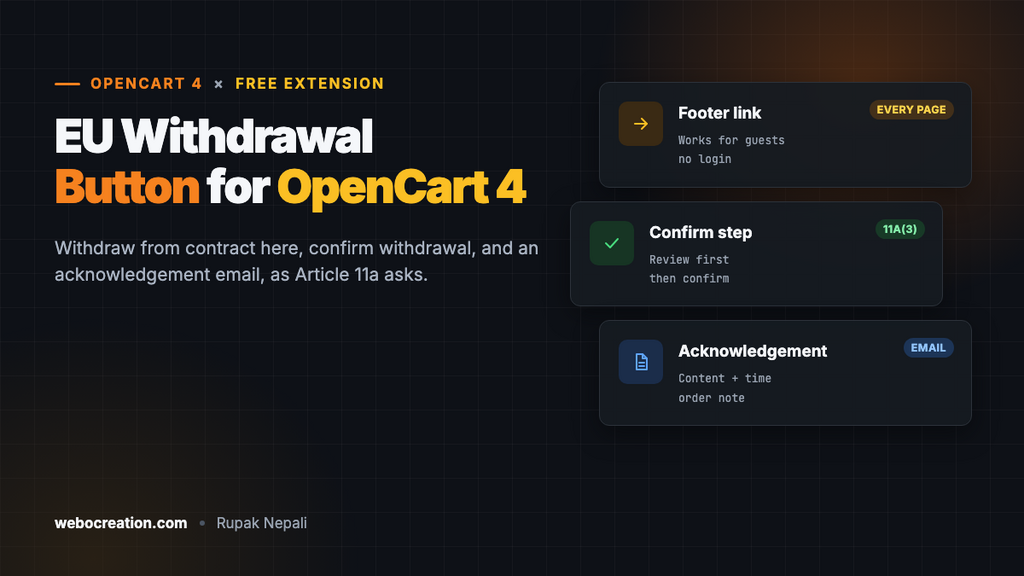
Since 19 June 2026, online shops that sell to consumers in the EU must offer a way to withdraw from a purchase online: a clearly labeled “withdraw from contract here” function, a confirmation step, and an acknowledgement on a durable medium such as email. An email address in your terms is no longer enough. OpenCart 4 has returns, but nothing that matches the new rule.
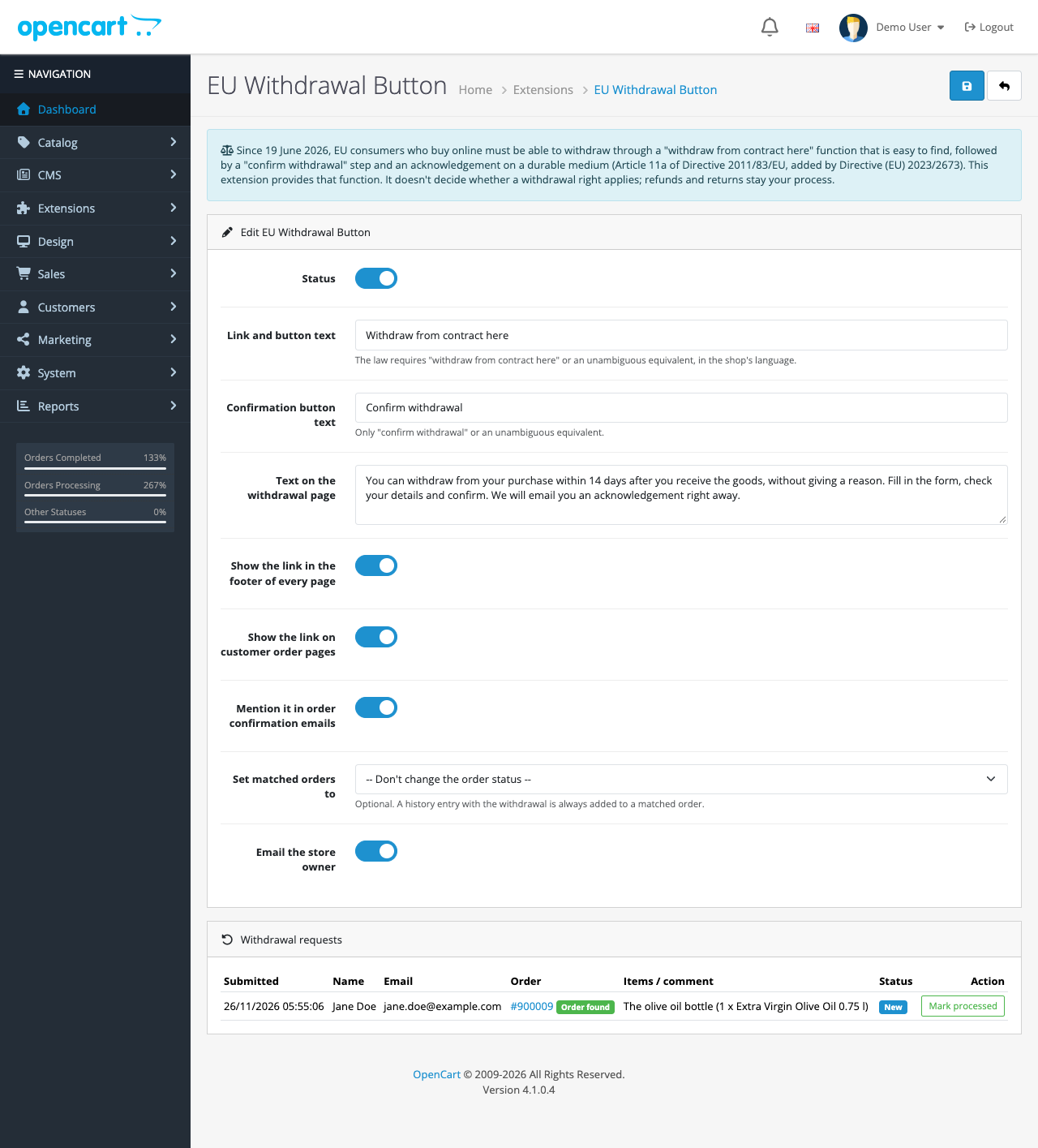
This free extension adds an EU withdrawal button to OpenCart 4: a “Withdraw from contract here” link on every page, a form that works without logging in, a “Confirm withdrawal” step, an acknowledgement email with the content and the date and time of submission, a note in the order history and a list of requests in the admin. Tested on OpenCart 4.1.0.4.
Download: withdrawal.ocmod.zip (OpenCart 4.0.2.x to 4.1.x, free, no core file changes)
This is a tool, not legal advice. It gives you the function the law describes; whether a withdrawal right applies to a product, and how you refund, is still up to your terms and your country’s law. For the legal background and how WooCommerce handles the same rule, read our guide to the EU withdrawal button.
What the law asks of an EU withdrawal button, and what the extension does
The rule is Article 11a of the Consumer Rights Directive (2011/83/EU), added by Directive (EU) 2023/2673. In short:
| Article 11a requires | The extension |
|---|---|
| A function labeled “withdraw from contract here” or an unambiguous equivalent, easily legible | “Withdraw from contract here” link (editable text, so you can use your shop’s language) |
| Prominently displayed, easily accessible, continuously available during the withdrawal period | A link in the footer of every page, plus one on each order in the customer’s account; the form works without login |
| The consumer can give or confirm their name, details identifying the contract, and the electronic means for the confirmation | Name, order number (customers who are logged in pick from their orders), optional items field, email address |
| A confirmation function labeled only “confirm withdrawal” or an unambiguous equivalent | A review page with a “Confirm withdrawal” button |
| An acknowledgement of receipt on a durable medium, with its content and the date and time of submission, without undue delay | An email sent immediately with the full statement and “Submitted: 26 Nov 2026, 05:55 UTC” |
The directive also adds information about “the existence and placement of the withdrawal function” to what you must tell consumers before they buy (Article 6(1)(h)), so the extension can add a line with the link to your order confirmation emails, and you should mention it in your terms.
Install the extension
- Download
withdrawal.ocmod.zip. - Go to Extensions > Installer, click Upload and choose the zip.
- Go to Extensions > Extensions, choose Modules, find EU Withdrawal Button and click Install.
- Click Edit, check the texts, switch Status on and click Save.
- Make sure your store can send email (System > Settings > Mail). The acknowledgement is the part the law cares most about.
The customer’s side, step by step
- The customer clicks Withdraw from contract here in the footer (or on the order in their account).
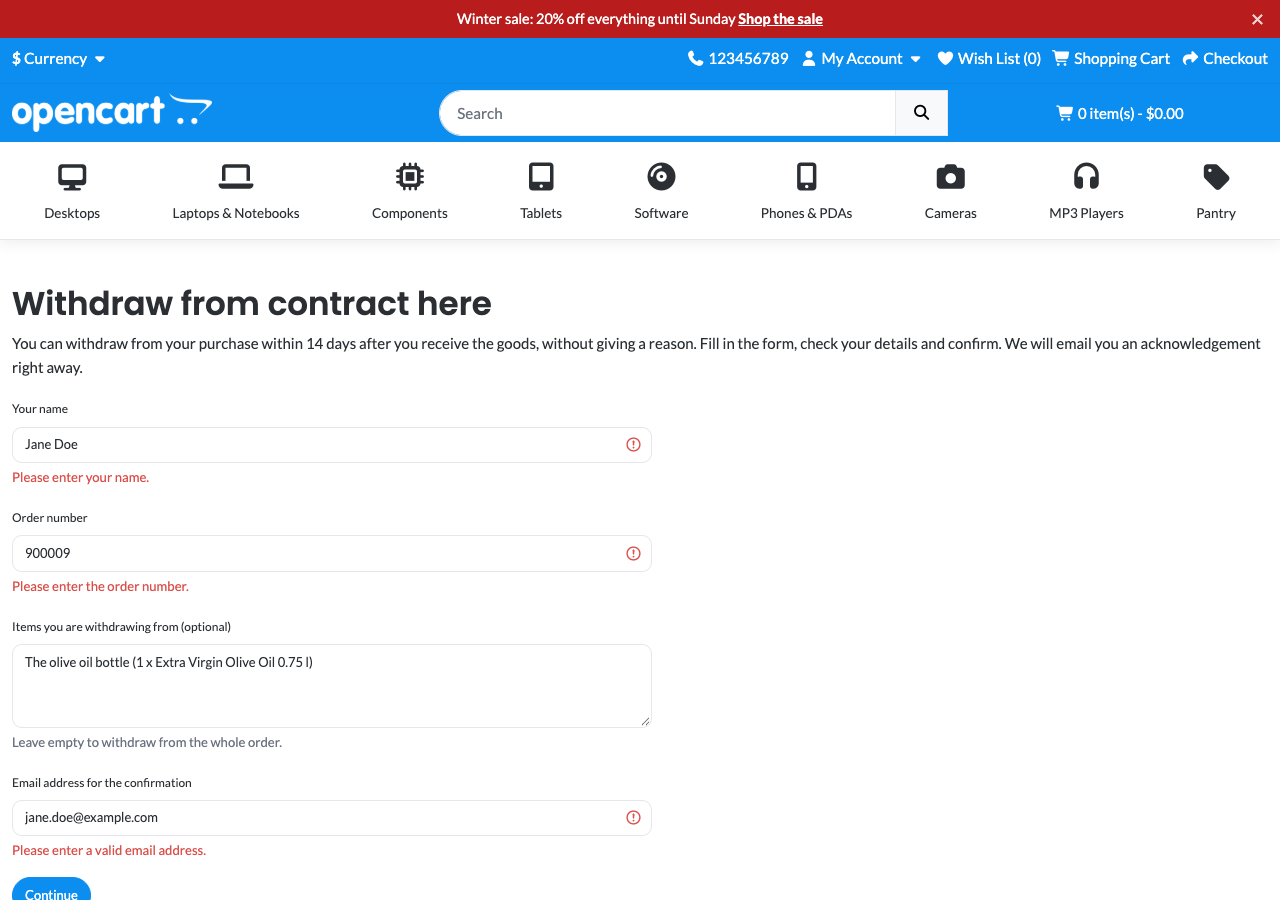
- They fill in their name, order number, email and, optionally, which items they’re withdrawing from. Leaving the items empty means the whole order.
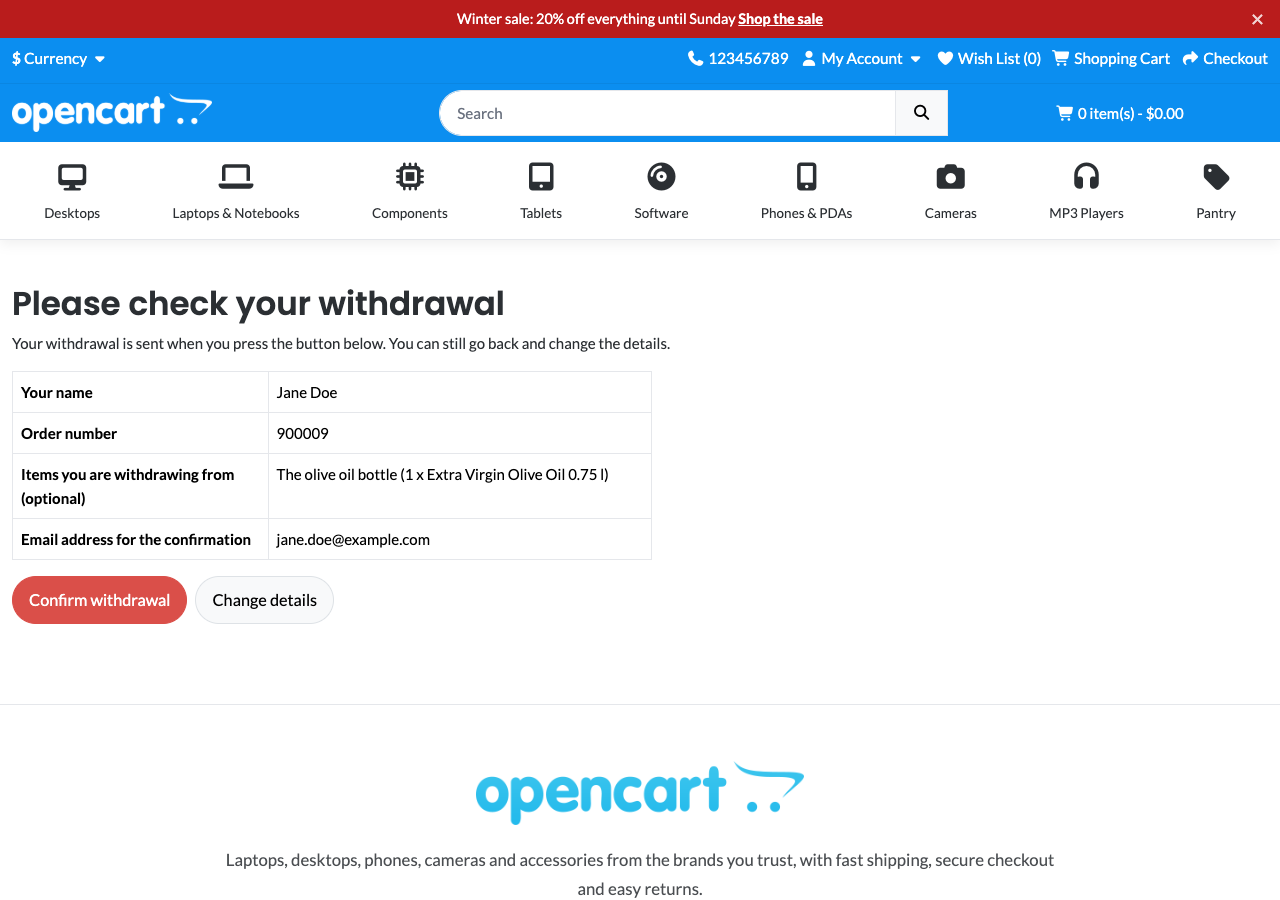
- They press Continue and see the statement with Confirm withdrawal and Change details.
- After confirming, they see “We received your withdrawal on 26 Nov 2026, 05:55 UTC. An acknowledgement with its content has been sent to jane.doe@example.com.”
What happens on your side
- The request is saved and listed in the extension’s admin page, marked Order found when the order number and email (or the logged-in customer) match, or Order not matched otherwise. Unmatched requests are kept, not rejected: a typo in the order number doesn’t cancel the consumer’s right.
- A matched order gets a history entry: “Withdrawal submitted online by the customer on 26 Nov 2026, 05:55 UTC. Items/comment: …”. Optionally the order status changes too.
- The store owner gets a copy of the acknowledgement with the customer as reply-to, so a reply goes straight to them.
- Mark requests as processed once you’ve arranged the return and refund.
How the acknowledgement is sent
The review step stores the statement in the session with a one-time key, so the confirmation can only submit what the customer just reviewed. Confirming saves the request and sends the acknowledgement:
try {
    // The acknowledgement on a durable medium, with the content and the date and time of submission.
    $mail->setTo($draft['email']);
    $mail->setSubject(sprintf($this->language->get('text_mail_subject'), $draft['order']));
    $mail->setHtml($this->load->view('extension/withdrawal/module/withdrawal_mail', $data));
    $mail->send();

    if ($this->config->get('module_withdrawal_alert')) {
        $mail->setTo($this->config->get('config_email'));
        $mail->setReplyTo($draft['email']);
        $mail->setSubject(sprintf($this->language->get('text_alert_subject'), $draft['order']));
        $mail->send();
    }
Matching an order requires both the number and the email (or the customer’s own account), so nobody can attach a withdrawal note to someone else’s order by guessing numbers:
// Match the order when the number and the email (or the logged-in customer) belong together.
$order_id = 0;
$number = (int)preg_replace('/\D/', '', $draft['order']);

if ($number) {
    $order = $this->db->query("SELECT `order_id`, `email`, `customer_id` FROM `" . DB_PREFIX . "order` WHERE `order_id` = '" . $number . "' AND `order_status_id` > '0'")->row;

    if ($order && (oc_strtolower($order['email']) == oc_strtolower($draft['email']) || ($this->customer->isLogged() && (int)$order['customer_id'] == (int)$this->customer->getId()))) {
        $order_id = (int)$order['order_id'];
    }
}
What we found when testing
- Submitting the empty form showed “Please enter your name.”, “Please enter the order number.” and “Please enter a valid email address.”
- Jane Doe withdrew from “The olive oil bottle (1 x Extra Virgin Olive Oil 0.75 l)” on order 900009 as a guest. The request was matched to the order, and a history note was added without changing the order status.
- Jane received “We received your withdrawal (order 900009)” with the full statement and the submission time; the owner received “Withdrawal received for order 900009” with Jane as reply-to (both caught by a local mail sink).
- Our first version showed the confirmation page as the response to the form post, so reloading it asked to resend the form. It now redirects to a separate page; a reload just shows an empty form, and nothing is submitted twice.
- We didn’t place a new order to see the line in the order confirmation email; that part uses the core
mail/order_addview event.
Limitations
- It doesn’t calculate whether an order is still inside the withdrawal period (OpenCart doesn’t know delivery dates). It records the submission time; you judge eligibility, as the law intends.
- Translate the texts for each shop language: the law wants the label in the language of the online interface.
- Refunds and returns stay manual, for example through Sales > Returns and your payment provider.
Related posts
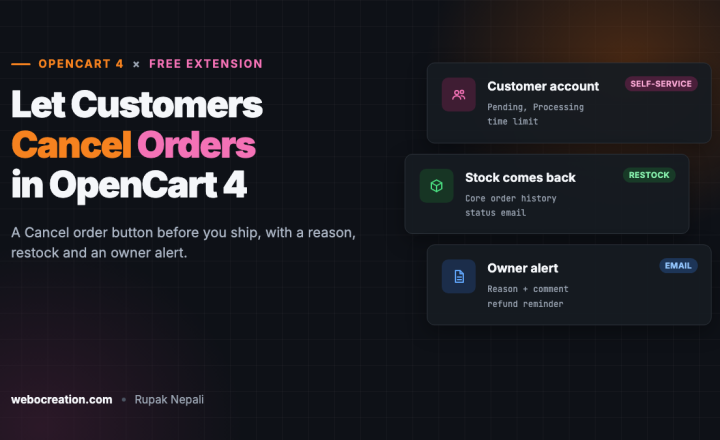
- Customer order cancellation for OpenCart 4
- Tax and VAT setup in OpenCart 4
- The European Accessibility Act for online stores

Rupak Nepali is a web developer, manage Webocreation website and the author of six books:
Getting Started with OpenCart Module Development (Packt, 2013),
OpenCart Theme and Module Development (Packt, 2015),
OpenCart 4: Dev Guide for Themes & Extensions (2024),
OpenCart 4: User Manual (2025),
Cloudflare for the Enterprise Website (2026) and
The Technical Web Guide for Marketers (2026).
Rupak has built OpenCart stores and extensions since 2010, has published more than 600 tutorials on Webocreation, and shares free OpenCart extensions on GitHub.
Find Rupak on
GitHub | Amazon | LinkedIn | X | YouTube.