WooCommerce Brands in Core: Brand Pages, Brand Coupons, Schema and the API (Tested on 11.3.1)
WooCommerce Brands has been part of core since 9.6. We tested brand pages, the brand list shortcode, brand-restricted coupons, the brand in product schema and the REST and Store APIs.
 Rupak NepaliPublished Nov 24, 2026
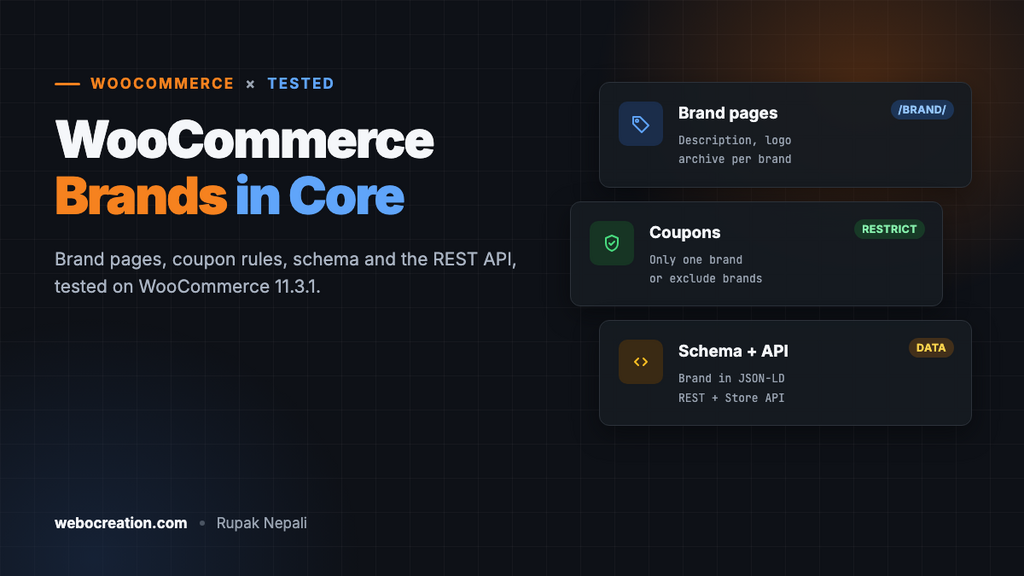
Shoppers search by brand, Google shows the brand in product results, and wholesalers give you brand-specific promotions. Categories and tags can fake a brand, but they don’t add the brand to your product schema, they don’t give you brand logos, and you can’t restrict a coupon to one brand with them. That’s why the paid WooCommerce Brands extension existed. Since WooCommerce 9.6 (January 20, 2025), WooCommerce Brands is part of core and switched on for every store.
We tested it on WooCommerce 11.3.1 with WordPress 7.1.4 and the Twenty Twenty-Five block theme in a throwaway Docker site: brand pages, the product page, the brand list shortcode, a brand-restricted coupon, the structured data, the REST API and the Store API.
Where WooCommerce brands live in the admin
- Products > Brands: add brands with a name, slug, description and a thumbnail (logo). Brands can have parents, like categories.
- Product edit screen: a Product brands box in the sidebar, under tags.
- Products list: a Brands column.
- Settings > Permalinks: a brand base,
brandby default, so brand pages live at/brand/acme-apparel/.
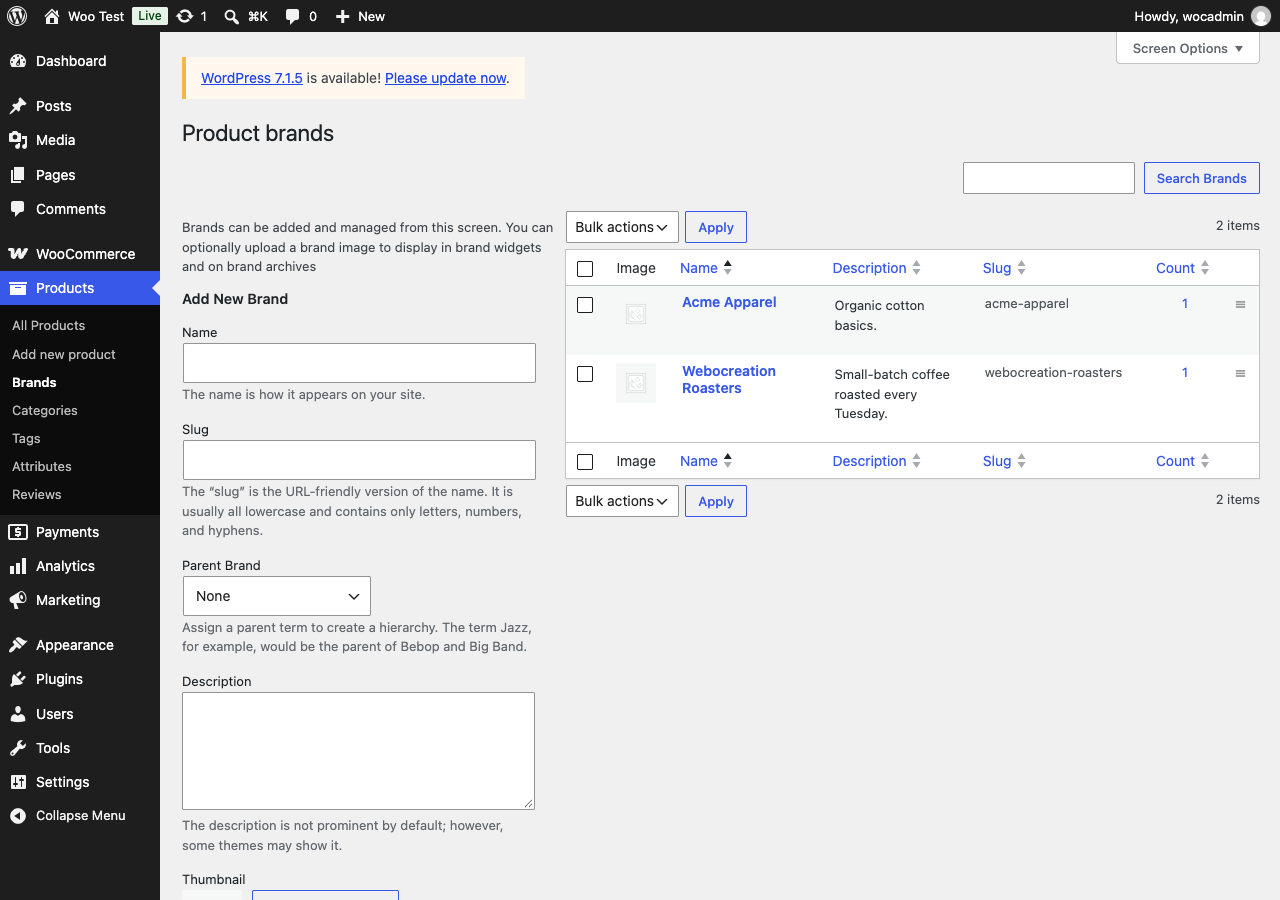
If you used the old Brands extension, WooCommerce 9.6 switched it off automatically and kept your brands, because both use the same product_brand taxonomy. Brands you faked with a custom taxonomy or an attribute are not migrated; you have to move those yourself.
On the storefront
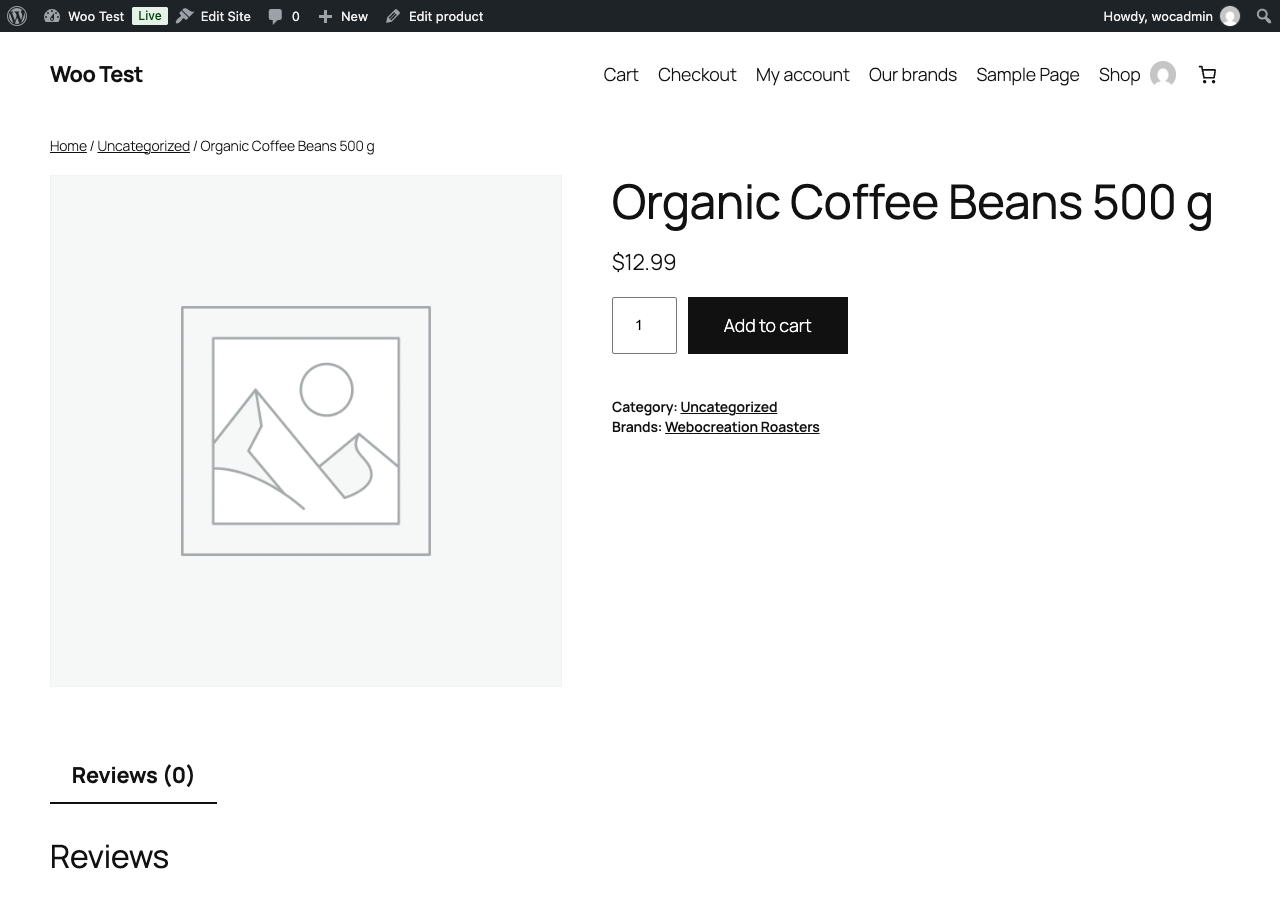
With a block theme, WooCommerce inserts the brand into the single product template automatically, next to the category, as a link to the brand page:
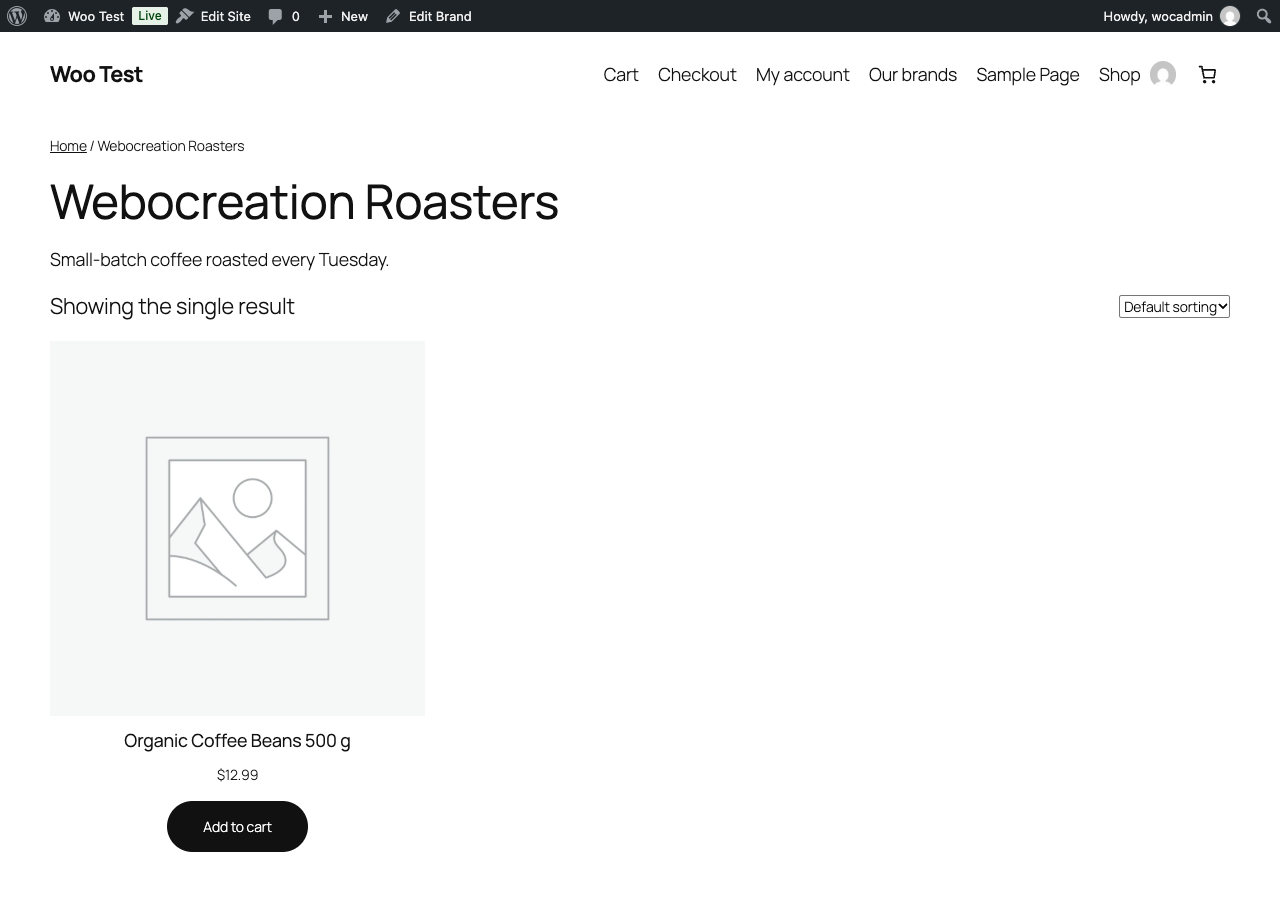
Each brand gets an archive page with its name and description above the products:
Classic themes get the brand through the woocommerce_product_meta_end hook, in the same spot.
Shortcodes
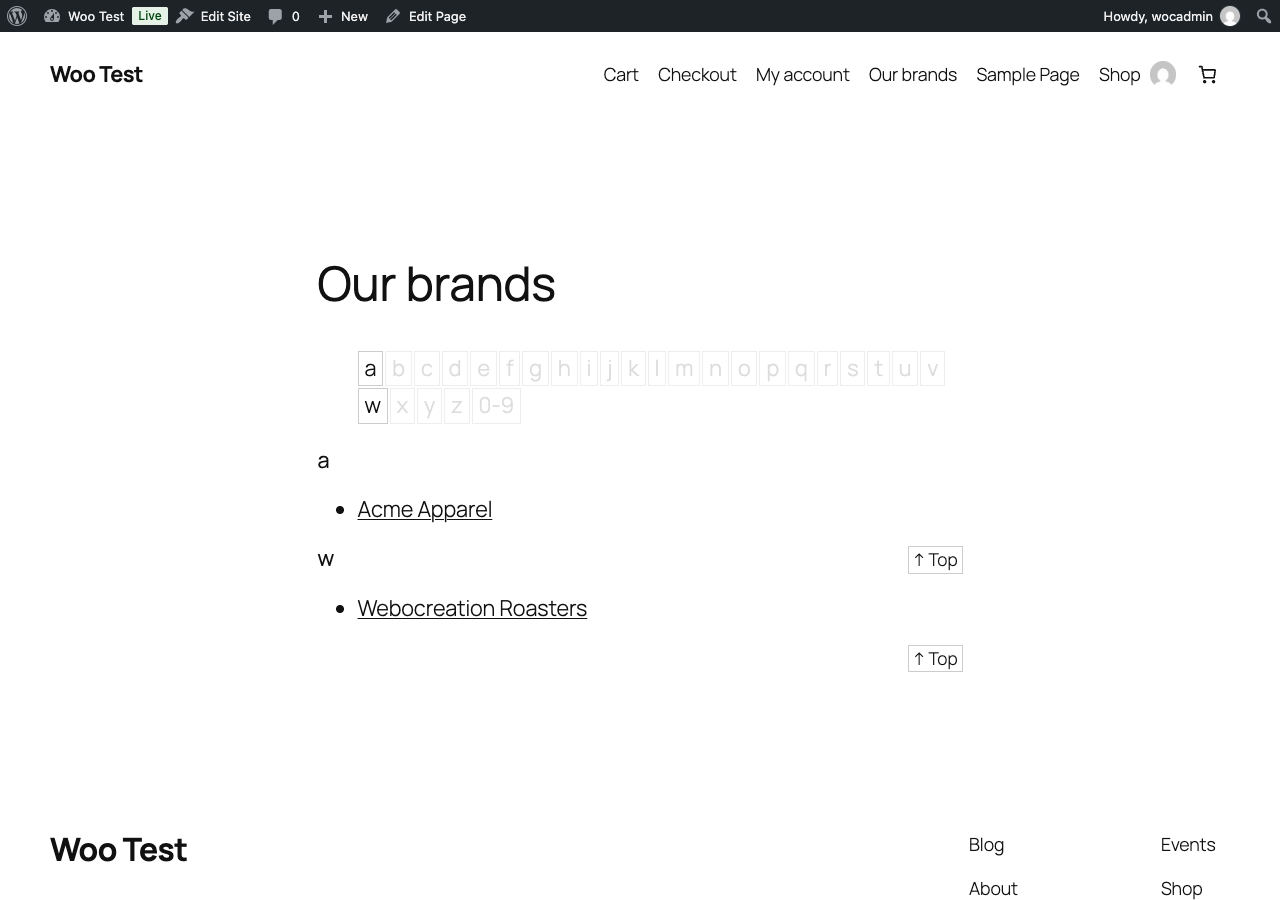
Core registers five brand shortcodes: [product_brand], [product_brand_list], [product_brand_thumbnails], [product_brand_thumbnails_description] and [brand_products]. A page with just [product_brand_list] gives you an A to Z list of brands:
There are also three classic widgets: Brand Description, Brand Layered Nav (filter by brand) and Brand Thumbnails.
Brand-restricted coupons
This is the feature categories can’t copy. On a coupon’s Usage restriction tab there are two new fields: Product brands and Exclude brands.
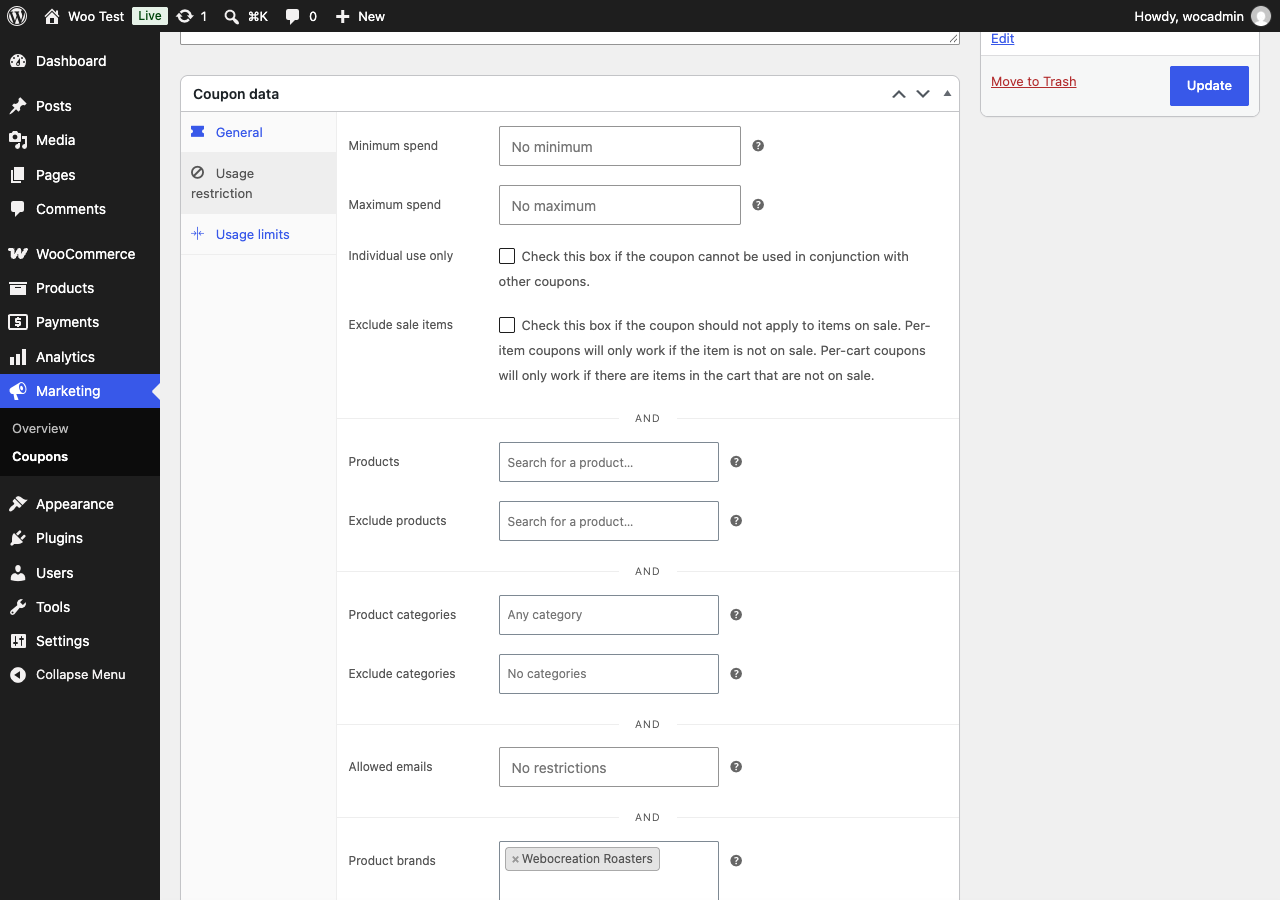
We made a 10% coupon, roasters10, limited to Webocreation Roasters, and applied it to an order with one coffee ($12.99, Webocreation Roasters) and one T-shirt ($21.00, Acme Apparel):
| Line | Subtotal | After coupon |
|---|---|---|
| Organic Coffee Beans 500 g | $12.99 | $11.69 |
| Logo T-shirt – XL | $21.00 | $21.00 |
| Discount | $1.30, order total $32.69 | |
Only the coffee was discounted. That’s how supplier-funded promotions (“10% off all Acme this week”) usually work.
Brand in the product schema
The product page’s JSON-LD now includes the brand, which Google uses in product results and Merchant Center:
"brand":{"@type":"Brand","name":"Webocreation Roasters"}If an SEO plugin already adds a brand to your product schema, check the page source after updating so you don’t end up with two different brands. More on product markup in our structured data guide.
REST API, Store API and CSV
- Admin REST API:
GET /wp-json/wc/v3/products/brandslists brands with their product counts, products include abrandsarray, andGET /wp-json/wc/v3/products?brand=17filters by brand ID. In our test it returned only “Logo T-shirt”. - Store API: the public
/wp-json/wc/store/v1/products/{id}includes brands with their links, so headless storefronts get them without authentication. - CSV: the product importer and exporter get a brands column, so you can assign brands to hundreds of products in a spreadsheet.
For our coffee, the admin REST API returned:
"brands": [{"id":16,"name":"Webocreation Roasters","slug":"webocreation-roasters"}]When not to use brands
- If you sell only your own products, one brand on every product adds little. Leave it empty; the brand box simply doesn’t show.
- If you already have brands as a product attribute used in filters, moving them to the brand taxonomy is worth it for schema and coupons, but plan the change: attribute filter URLs and brand archive URLs differ, so add redirects.
- If you don’t want the feature at all, the WooCommerce developer blog has a snippet to turn it off. Hiding the empty box is usually enough.
Related posts
- Cost of goods sold in WooCommerce, tested
- Speed up WooCommerce in 2026
- Schema markup templates: copy-ready JSON-LD
- AI in WooCommerce 2026: MCP abilities, tested

Rupak Nepali is a web developer, manage Webocreation website and the author of six books:
Getting Started with OpenCart Module Development (Packt, 2013),
OpenCart Theme and Module Development (Packt, 2015),
OpenCart 4: Dev Guide for Themes & Extensions (2024),
OpenCart 4: User Manual (2025),
Cloudflare for the Enterprise Website (2026) and
The Technical Web Guide for Marketers (2026).
Rupak has built OpenCart stores and extensions since 2010, has published more than 600 tutorials on Webocreation, and shares free OpenCart extensions on GitHub.
Find Rupak on
GitHub | Amazon | LinkedIn | X | YouTube.