Website Redesign Without Losing Traffic: The SEO Redirect Checklist for Marketers
Most traffic lost in a website redesign or platform migration comes from missing redirects. A step-by-step checklist for before, during and after launch, written for the marketer who owns the project.
 Rupak NepaliPublished Oct 23, 2026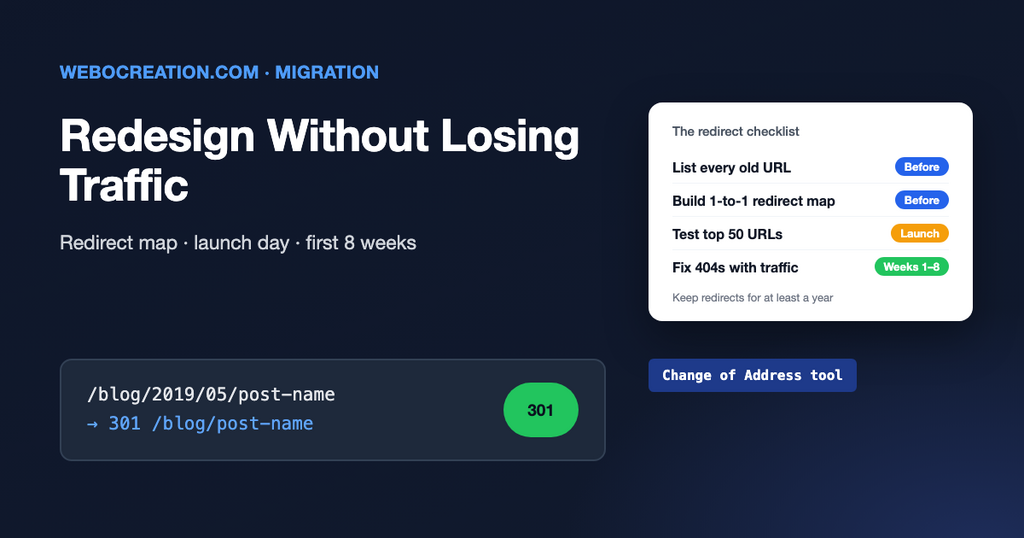
A new website should bring more leads, not fewer. Yet many redesigns and platform moves (WordPress to Webflow, Magento to Shopify, an old CMS to a new one) are followed by a drop in organic traffic that takes months to recover, or never does.
The cause is usually not the design. It’s that page addresses changed, and nobody told Google, so years of rankings and links pointed at pages that no longer exist. This checklist is for the marketer who owns the project, so the right questions get asked before launch day.
Redirects in plain language
A redirect sends anyone who visits an old address to a new one, automatically. Search engines follow it too and move the old page’s rankings to the new page.
| Code | Meaning | Use for |
|---|---|---|
| 301 / 308 | Moved permanently | Redesigns, migrations, merged pages. Almost always the right choice. |
| 302 / 307 | Moved temporarily | Short-term changes, such as a page that will come back. |
| 404 | Not found | Pages that are gone and have no replacement. |
Before launch
1. List every old URL
Combine addresses from several sources, because none of them is complete on its own:
- A crawl of the current website (Screaming Frog is free up to 500 URLs).
- The current XML sitemap.
- Search Console: Performance > Pages, last 16 months, exported.
- GA4: landing pages report for the last year.
- Your backlink tool’s “top pages” (Ahrefs, Semrush, Moz) for pages other websites link to.
- Addresses used in ads, emails, QR codes, and printed material.
2. Record the baseline
Export clicks, impressions, and positions per page from Search Console, organic sessions and conversions per landing page from GA4, and the rankings for your most important keywords. After launch, you need something to compare against.
3. Build the redirect map
A spreadsheet with two columns: old URL, new URL. Rules:
- One-to-one: each old page goes to the most relevant new page, not to the home page. Google treats mass redirects to the home page as “not found”.
- Prioritise: pages with traffic, conversions, or backlinks first. Make sure every one of them is mapped.
- No chains: if an old page already redirected somewhere, point the original straight to the final new page.
- Use patterns where they exist: for example, every
/blog/2019/05/post-nameto/blog/post-name. Your developer can turn a pattern into one rule.
4. Keep what ranks
If a page ranks well, keep its address if you can, and keep its main content, title, and headings. Redesigns often cut long text for a cleaner look, and the rankings go with it.
5. Block the staging site, not the live one
The test version should be password-protected or blocked from Google. Write down how, so it’s removed at launch. A leftover noindex or Disallow: / on the new live site is one of the most common migration disasters.
Launch day
- Upload the redirects and test a sample of old URLs, including the top 50 by traffic. Each should show a single 301 to the right page.
- Check
robots.txtand that pages aren’t set to noindex. - Check analytics, Tag Manager, ad pixels, and the consent banner are on the new site and firing. Place a test conversion.
- Check the forms and that their emails arrive.
- Submit the new XML sitemap in Search Console.
- If the domain itself changed, use Search Console’s Change of Address tool.
- If the DNS host changed, confirm the email records were copied. See DNS records explained for marketers.
The first eight weeks
- Daily for the first week: Search Console’s Pages report for new 404s and server errors; GA4 for conversions.
- Weekly: compare clicks and positions with your baseline, page by page. Some movement in the first weeks is normal while Google processes the changes.
- Fix 404s that have traffic or backlinks by adding redirects.
- Update links you control: ads, email templates, social profiles, directory listings, and partner websites should point to the new addresses directly.
- Keep the redirects for at least a year, and in practice forever. They cost nothing and old links keep working.
Learn the rest of the technical side
A redesign touches every technical part of marketing at once: domains, email, tracking and search. My book, The Technical Web Guide for Marketers, explains each of them so you can run the project with confidence, not hope. (I’m the author; the Amazon link is an affiliate link.)

Author of four Opencart book.
The recent are Opencart 4 developer book and Opencart 4 user manual