How AI Search Reads Your Website: AI Crawlers, robots.txt and What Marketers Can Control
ChatGPT, Gemini, Claude, Perplexity and Google's AI Overviews all read your website. Which crawlers do what, how to allow or block them with robots.txt, what llms.txt is, and how to make content easy for AI to cite.
 Rupak NepaliPublished Oct 23, 2026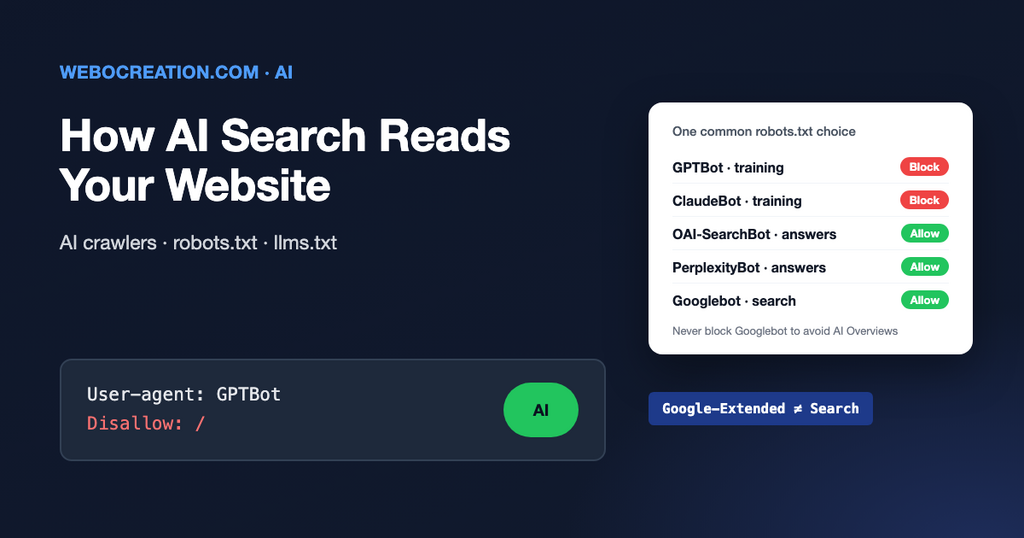
More and more people ask an AI assistant before they search, and Google shows AI-generated answers above many results. For marketers, this raises practical questions: is our content being used? Can we control it? Should we block it or welcome it? And what makes AI tools mention us at all?
The answers are partly technical, and you don’t need to be technical to understand them.
Two jobs: training and answering
AI companies visit websites for two different reasons, and they often use different crawlers for each:
- Training: collecting text to build future AI models. Your content becomes part of what the model learned, usually without a link back to you.
- Search and answers: fetching pages to answer a user’s question right now, usually with a link to the source. This works like a search engine and can send you visitors.
Because they are separate, you can choose differently for each. Many companies block training but allow search crawlers, so they still appear and get cited in AI answers.
The main crawlers
| Company | Crawler (user agent) | Used for |
|---|---|---|
| OpenAI | GPTBot | Training |
| OpenAI | OAI-SearchBot | ChatGPT search results |
| OpenAI | ChatGPT-User | Fetching a page when a user asks ChatGPT to |
| Anthropic | ClaudeBot | Training |
| Anthropic | Claude-SearchBot, Claude-User | Search and user-requested fetches in Claude |
Google-Extended | A robots.txt token that controls use of your content for Gemini models. It doesn’t affect Google Search. | |
Googlebot | Google Search, including AI Overviews and AI Mode | |
| Perplexity | PerplexityBot, Perplexity-User | Perplexity search and user-requested fetches |
| Apple | Applebot-Extended | A token that controls use of your content for Apple’s AI models |
| Common Crawl | CCBot | A public web archive that many AI models are trained on |
Each company publishes and updates its own list, so check their documentation before making changes. We keep a longer list in our AI crawlers guide.
Controlling them with robots.txt
The robots.txt file at the root of your website tells crawlers what they may visit. Major AI companies say they respect it. This example blocks training crawlers and allows the search ones:
# Block AI training
User-agent: GPTBot
User-agent: ClaudeBot
User-agent: Google-Extended
User-agent: Applebot-Extended
User-agent: CCBot
Disallow: /

# Allow AI search and answers
User-agent: OAI-SearchBot
User-agent: Claude-SearchBot
User-agent: PerplexityBot
Allow: /

# Everyone else, including Googlebot
User-agent: *
Allow: /

Sitemap: https://yourcompany.com/sitemap.xml
Things to know before you change it:
- Don’t block Googlebot to keep out of AI Overviews. It removes you from Google Search completely. Google’s AI features use the normal search index. The only controls are snippet settings such as
nosnippet, which also affect your normal search listing. - Blocking is not retroactive. Content already collected for training stays collected.
- Check your CDN and security settings. Cloudflare and other services can block AI crawlers at the network level, sometimes by default. Your robots.txt may say “allow” while the firewall says “block”.
- robots.txt is a request, not a lock. Reputable companies follow it; not every crawler does.
What about llms.txt?
llms.txt is a proposed file that gives AI tools a short, clean summary of your website with links to the most important pages, written in Markdown. It’s easy to create, and some documentation sites and developer tools use it. But no major AI search provider has confirmed that it uses llms.txt to decide what to show or cite. Treat it as a low-cost experiment, not a strategy.
Making content easy for AI to use and cite
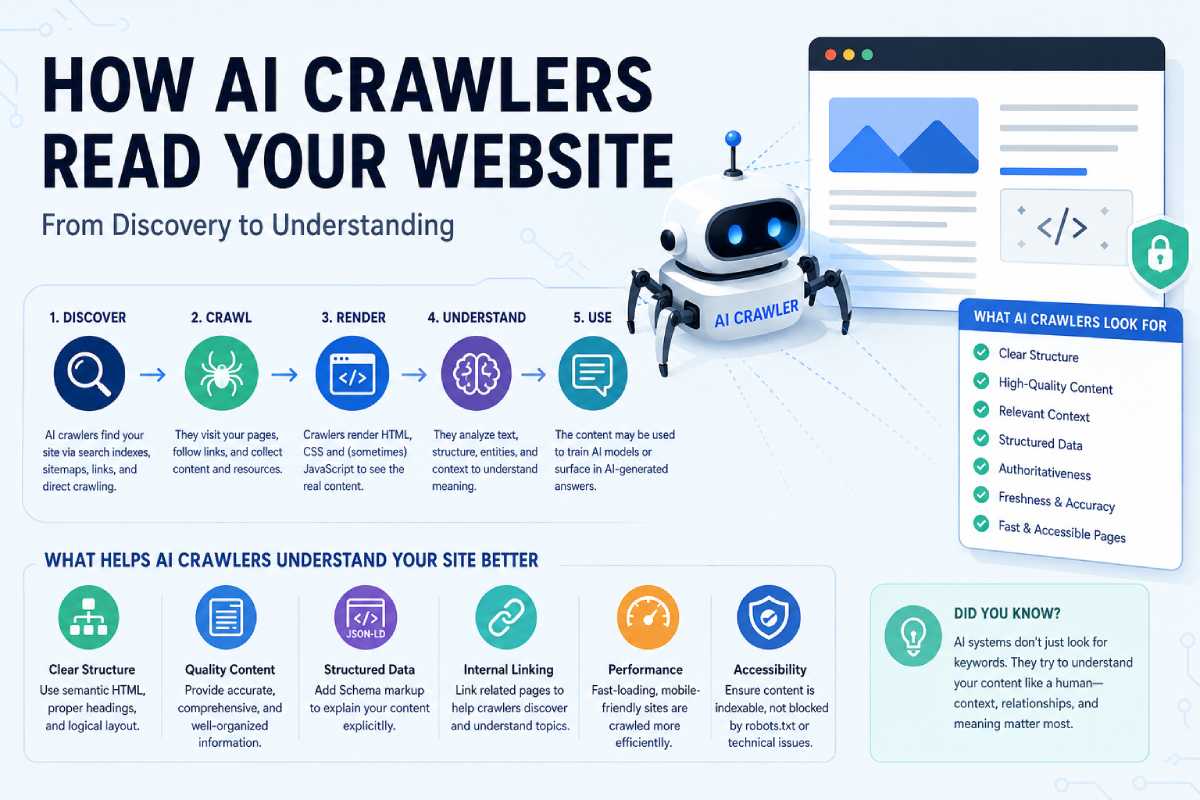
There is no secret trick. What helps AI tools is mostly what helps search engines and readers:
- Put the text in the HTML. Many AI crawlers don’t run JavaScript. If your content only appears after scripts load, they may see an empty page.
- Answer questions directly. A clear heading that asks the question, followed by a one- or two-sentence answer, then the detail.
- Be specific. Prices, specifications, steps, comparisons and your own data are more likely to be quoted than general claims.
- Show who you are. Author names, company details, dates and sources make content easier to trust.
- Use structured data for products, organisations, articles and FAQs, so machines know what each page is about.
- Be mentioned elsewhere. AI answers often draw on reviews, comparisons, forums and news. Your reputation outside your own website matters.
Measuring AI traffic
Visits from AI tools show up in GA4 as referrals from sites like chatgpt.com, perplexity.ai, gemini.google.com, claude.ai and copilot.microsoft.com. Create a custom channel group for “AI assistants” so they don’t get lost among other referrals. Some clicks arrive with no referrer and look like direct traffic, so the real number is usually higher than what you see. Traffic from Google’s AI Overviews is reported as normal Google organic search.
Learn the rest of the technical side
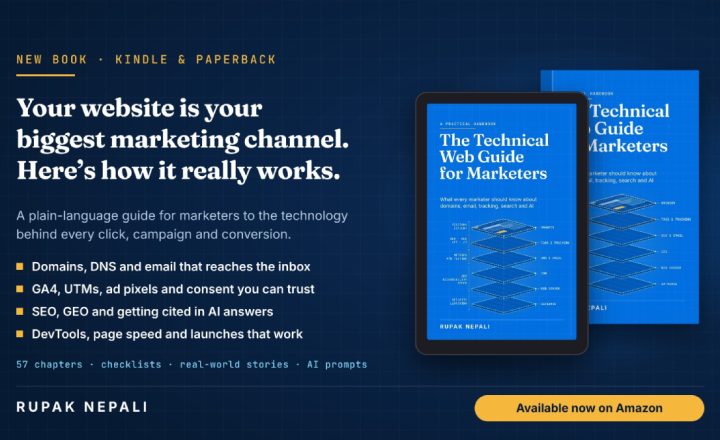
AI search is the newest layer on a website’s technical foundation, and it builds on everything underneath. My book, The Technical Web Guide for Marketers, explains AI alongside domains, email, tracking, and search, so you can make informed decisions instead of following the latest trend. (I’m the author)

Author of four Opencart book.
The recent are Opencart 4 developer book and Opencart 4 user manual