Web Bot Auth: Let Signed AI Shopping Agents Through Without Opening the Door to Scrapers
Web Bot Auth explained for store owners and developers: signed agent requests, the key directory, a tested Node.js signer and verifier, and what to allow.
 Rupak NepaliPublished Nov 23, 2026
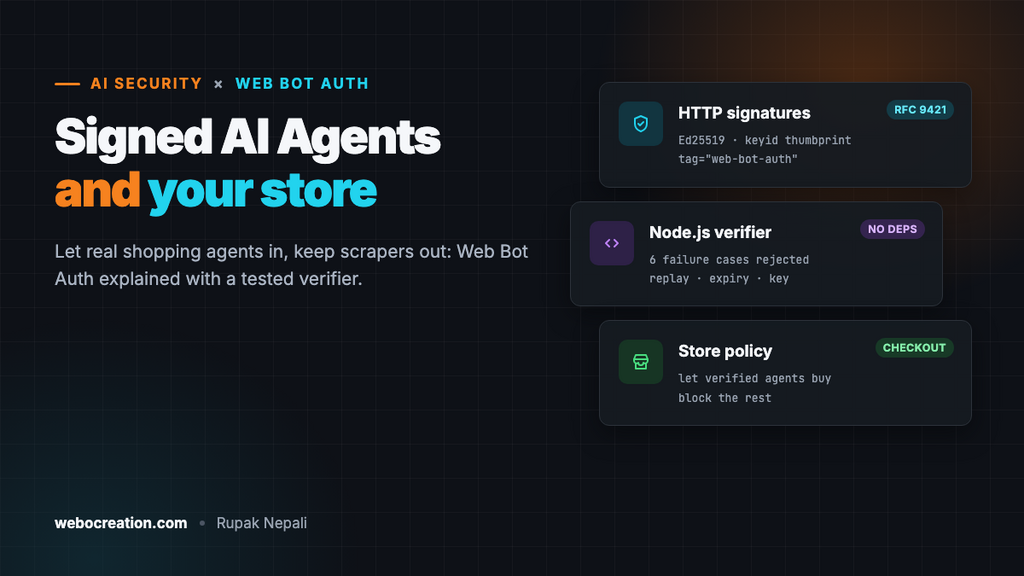
Stores have spent years blocking bots: scrapers, card testers, fake sign-ups. Now some of the bots are customers’ assistants. When someone asks ChatGPT or another AI assistant to compare grinders and buy one, an agent visits your product pages and checkout on their behalf, and a blanket “block all bots” rule turns away a sale.
The answer the industry is settling on is Web Bot Auth: agents sign their requests with a key they publish, and websites check the signature instead of guessing from the user agent or IP address. This guide explains how it works, shows a complete signer and verifier in plain Node.js that we tested, and suggests a policy for a store.
Why user agents and IP lists aren’t enough
- Anyone can send
User-Agent: ChatGPT-User; scrapers already do. - Agents increasingly run on shared cloud infrastructure and in remote browsers, so their IP addresses look like everyone else’s.
- Reverse DNS checks work for big search crawlers but not for the long tail of agents. (Our guide to AI crawlers, robots.txt and llms.txt covers crawlers; this is about agents acting for a person.)
A signature proves the request came from whoever holds the private key behind a published public key, and it can’t be replayed against another site or after it expires.
How Web Bot Auth works
- The agent publishes its public key as a JSON Web Key Set at
/.well-known/http-message-signatures-directoryon its own domain, served over HTTPS with the content typeapplication/http-message-signatures-directory+json. - Each request carries three headers:
Signature-Agent(where the key directory is),Signature-Input(what was signed and when) andSignature(the Ed25519 signature), following RFC 9421, HTTP Message Signatures. - The website verifies: it fetches the directory named in
Signature-Agent, finds the key whose thumbprint matcheskeyid, rebuilds the signed text from the request and checks the signature, the tag and the time window.
A signed request looks like this (from our test; the signature covers the site’s host name and the Signature-Agent header):
Signature-Agent: "https://agent.example"
Signature-Input: sig1=("@authority" "signature-agent");created=1795444350;expires=1795444410;keyid="2IQrkmsVHNY4uSe-jsH2GP60BIE3e2-lF4ZwG0rIY-0";alg="ed25519";nonce="bsOvwyMOGp379XQ2MMDUoI/cIiTLCdXisk7aRbUjZH4=";tag="web-bot-auth"
Signature: sig1=:nHZbSuZtFrx28ga10P5zFKykugAS1K1V1EqQGdsl97lO1A8kFhDIi5jk1hYi4GcYA4z5/hAGS2DysnR4E7owDw==:
And an agent’s key directory (the example key from Cloudflare’s documentation):
{"keys": [{"kty": "OKP", "crv": "Ed25519", "x": "JrQLj5P_89iXES9-vFgrIy29clF9CC_oPPsw3c5D0bs"}]}A signer and verifier in plain Node.js
This module has no dependencies; it uses Node’s built-in Ed25519 support. Download it with its tests.
// Web Bot Auth in plain Node.js (no dependencies): sign a request as an agent, and verify it as a website.
// Profile: RFC 9421 HTTP Message Signatures, Ed25519, keyid = JWK thumbprint, tag="web-bot-auth",
// covered components ("@authority" "signature-agent"), Signature-Agent as a quoted URL (Cloudflare's format).
import { createHash, createPublicKey, generateKeyPairSync, randomBytes, sign, verify } from 'node:crypto';

const b64url = (buf) => Buffer.from(buf).toString('base64url');

// RFC 7638 / RFC 8037 A.3: SHA-256 over the required members in lexicographic order.
export function thumbprint(jwk) {
  return b64url(createHash('sha256').update(JSON.stringify({ crv: jwk.crv, kty: jwk.kty, x: jwk.x })).digest());
}

export function newAgentKey() {
  const { privateKey, publicKey } = generateKeyPairSync('ed25519');
  const jwk = publicKey.export({ format: 'jwk' });            // { kty: 'OKP', crv: 'Ed25519', x: '...' }
  return { privateKey, jwk, keyid: thumbprint(jwk) };
}

function signatureBase(authority, signatureAgent, params) {
  return `"@authority": ${authority}\n"signature-agent": ${signatureAgent}\n"@signature-params": ${params}`;
}

// Agent side: the three headers to send with a request to https://<authority>/...
export function signRequest({ authority, agentUrl, key, ttl = 60, label = 'sig1' }) {
  const created = Math.floor(Date.now() / 1000);
  const signatureAgent = `"${agentUrl}"`;
  const params = `("@authority" "signature-agent");created=${created};expires=${created + ttl};keyid="${key.keyid}";alg="ed25519";nonce="${randomBytes(32).toString('base64')}";tag="web-bot-auth"`;
  const signature = sign(null, Buffer.from(signatureBase(authority, signatureAgent, params)), key.privateKey).toString('base64');

  return {
    'Signature-Agent': signatureAgent,
    'Signature-Input': `${label}=${params}`,
    'Signature': `${label}=:${signature}:`
  };
}

// Website side. fetchDirectory(url) must return the JWKS from <agent>/.well-known/http-message-signatures-directory.
export async function verifyRequest({ authority, headers, fetchDirectory, now = Math.floor(Date.now() / 1000) }) {
  const h = Object.fromEntries(Object.entries(headers).map(([k, v]) => [k.toLowerCase(), String(v)]));
  const input = /^([a-z0-9_-]+)=(\("@authority" "signature-agent"\)(;[a-z]+=(?:"[^"]*"|\d+))+)$/.exec(h['signature-input'] || '');

  if (!input) return { ok: false, reason: 'missing or unsupported Signature-Input' };

  const [, label, params] = input;
  const p = Object.fromEntries([...params.matchAll(/;([a-z]+)=(?:"([^"]*)"|(\d+))/g)].map((m) => [m[1], m[2] ?? Number(m[3])]));
  const sig = new RegExp(`(?:^|,\\s*)${label}=:([A-Za-z0-9+/=]+):`).exec(h['signature'] || '');
  const agent = /^"(https:\/\/[^"]+)"$/.exec(h['signature-agent'] || '');

  if (p.tag !== 'web-bot-auth') return { ok: false, reason: 'wrong tag' };
  if (p.alg && p.alg !== 'ed25519') return { ok: false, reason: 'unsupported alg' };
  if (!sig) return { ok: false, reason: 'no Signature for ' + label };
  if (!agent) return { ok: false, reason: 'Signature-Agent must be a quoted https URL' };
  if (!(p.created <= now + 5 && now < p.expires)) return { ok: false, reason: 'expired or not yet valid' };

  const directory = await fetchDirectory(new URL('/.well-known/http-message-signatures-directory', agent[1]).href);
  const jwk = (directory.keys || []).find((k) => k.kty === 'OKP' && k.crv === 'Ed25519' && thumbprint(k) === p.keyid);

  if (!jwk) return { ok: false, reason: 'keyid not in the agent\'s key directory' };

  const key = createPublicKey({ key: { kty: 'OKP', crv: 'Ed25519', x: jwk.x }, format: 'jwk' });
  const ok = verify(null, Buffer.from(signatureBase(authority, h['signature-agent'], params)), key, Buffer.from(sig[1], 'base64'));

  return ok ? { ok: true, agent: agent[1], keyid: p.keyid } : { ok: false, reason: 'bad signature' };
}
What the tests check
We signed a request as an agent and ran it through the verifier, then broke it in six ways. Each case behaved as it should:
| Case | Result |
|---|---|
| Valid request | Verified, with the agent URL and key id |
| Same headers sent to another site | Rejected: bad signature (the host name is signed) |
| Checked 2 minutes later (60-second validity) | Rejected: expired |
| Signed with a key that isn’t in the directory | Rejected: key not found |
Signature-Agent swapped for another domain | Rejected: key not found in that domain’s directory |
Signature-Agent without quotes | Rejected: must be a quoted https URL |
Tag changed from web-bot-auth | Rejected: wrong tag |
Details that trip people up
- The key id is a JWK thumbprint (RFC 7638 / RFC 8037): SHA-256 over
{"crv","kty","x"}in that order, base64url-encoded. Signature-Agentis a quoted URL. Cloudflare’s documentation (October 2026) implements the format fromdraft-meunier-http-message-signatures-directory-03and rejects unquoted URLs, non-https URLs and the dictionary formsig1="https://…"from later drafts. The header must also be one of the signed components.- Keep the window short. Cloudflare requires
createdandexpiresand suggests a minute is often enough; we used 60 seconds. It recommends a nonce but doesn’t check nonces yet, so the time window is your replay protection. - The directory itself must be signed when you register an agent with Cloudflare: one signature per key, with the tag
http-message-signatures-directory.
What a store should do
Most stores won’t verify signatures in PHP themselves; their CDN or bot protection does it. What you decide is the policy:
- Let verified agents browse and buy. If you use Cloudflare, agents it has verified (by Web Bot Auth or other means) are identified as verified bots; make sure your WAF and rate-limiting rules skip them instead of challenging them, especially on product, cart and checkout pages. Since 1 July 2026 Cloudflare’s bot directory also records whether a verified bot reaches sites directly or as an intermediary acting for a user (“Direct” versus “Intermediary”).
- Keep blocking the rest. Unsigned traffic claiming to be an AI agent is just traffic; keep your bot rules, rate limits and checkout protections for it.
- Don’t trust the user agent alone for anything that matters, such as letting a request skip a CAPTCHA.
- Watch your logs. Server log analysis shows which agents actually visit and where they get stuck.
For the bigger picture of agents shopping on behalf of people, see agentic commerce and how AI agents are changing product discovery.
Running your own agent?
If you build an agent that shops or monitors sites, sign its requests: generate an Ed25519 key, publish the directory on your domain (signed), send the three headers on every request, and register the agent with the bot directories of the big CDNs. Cloudflare provides a test endpoint, https://crawltest.com/cdn-cgi/web-bot-auth, which answers 200 for a verified request and 401 for an unknown key.
How we tested
Node.js with the module above and a test script that signs requests with fresh Ed25519 keys and verifies them against an in-memory key directory, including the six failure cases. Header formats follow Cloudflare’s Web Bot Auth documentation as of October 2026.
Related
- Controlling AI access: crawlers, robots.txt and llms.txt
- How to secure AI agents
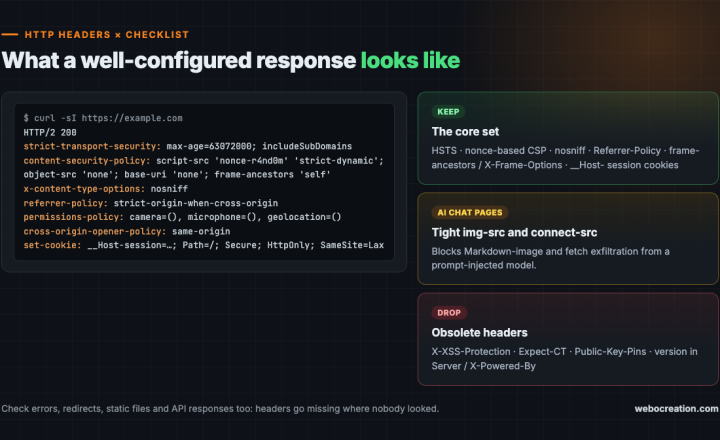
- HTTP security headers checklist

Rupak Nepali is a web developer, manage Webocreation website and the author of six books:
Getting Started with OpenCart Module Development (Packt, 2013),
OpenCart Theme and Module Development (Packt, 2015),
OpenCart 4: Dev Guide for Themes & Extensions (2024),
OpenCart 4: User Manual (2025),
Cloudflare for the Enterprise Website (2026) and
The Technical Web Guide for Marketers (2026).
Rupak has built OpenCart stores and extensions since 2010, has published more than 600 tutorials on Webocreation, and shares free OpenCart extensions on GitHub.
Find Rupak on
GitHub | Amazon | LinkedIn | X | YouTube.