How to Measure Traffic and Sales From ChatGPT, Perplexity, Gemini and Other AI Assistants in GA4
GA4 now has an AI Assistant channel, but it misses part of the picture. How AI traffic shows up in Analytics, a custom channel group with a referrer regex, the October 2026 ChatGPT referrer change, revenue by AI source, and AI crawlers in your server logs.
 Rupak NepaliPublished Oct 26, 2026
“Are we getting customers from ChatGPT?” is a question every store owner asks now, and Google Analytics has only partly been able to answer it. AI assistants send visitors in several different ways, and each one lands in a different part of your reports, or in none.
This guide explains where AI traffic appears in GA4, how to group it properly, what changed with ChatGPT’s links in October 2026, and how to connect AI visits to actual sales in an OpenCart (or any) store.
The four ways AI traffic arrives
| How the visitor came | What GA4 sees | Where it’s counted |
|---|---|---|
| Clicked a link in ChatGPT, Perplexity, Gemini, Copilot, Claude and similar | A referrer such as chatgpt.com or perplexity.ai, sometimes a utm_source | AI Assistant channel (or Referral) |
| Clicked a link in Google’s AI Overviews or AI Mode | Google as the referrer | Organic Search, mixed with normal Google results |
| Copied a product name from an AI answer and searched for it, or typed your URL | Google search or nothing | Organic Search or Direct |
| Clicked a link from an assistant that sends no referrer | Nothing | Direct |
Only the first row can be measured directly. Keep that in mind: AI’s real influence is larger than the AI channel shows.
GA4’s AI Assistant channel
In 2026 Google added an AI channel to GA4’s default channel group. Its definition in the GA4 help center:
AI Assistant is the channel by which users arrive at your site from sources like ChatGPT, Gemini, Deepseek, Copilot, or Grok. It excludes Google’s AI Overviews and AI Mode.
Google Analytics Help, Traffic-source dimensions
The rule behind it: GA4 sets the medium to ai-assistant when the referrer is on its list of AI assistants, and the channel matches that medium. You’ll find it in Reports > Acquisition > Traffic acquisition, with Session default channel group as the dimension.
Two limits to know:
- Google hasn’t published the full list of referrers it recognizes. Smaller or newer assistants may still show as Referral.
- It’s a default channel group: it applies going forward and to reports, but if you built a custom channel group before, that one doesn’t change.
Build your own AI channel group
To see exactly which sources count, and to include the ones Google doesn’t, create a custom channel group:
- Admin > Data display > Channel groups > Create new channel group.
- Name it, for example “Channels incl. AI”.
- Add new channel called “AI assistants”, with the condition Session source matches regex:
.*(chatgpt\.com|chat\.openai\.com|openai\.com|perplexity\.ai|gemini\.google\.com|bard\.google\.com|copilot\.microsoft\.com|claude\.ai|chat\.deepseek\.com|deepseek\.com|grok\.com|x\.ai|meta\.ai|chat\.mistral\.ai|you\.com|phind\.com).*- Add a second condition with OR: Session medium exactly matches
ai-assistant, so anything GA4 classifies itself is included. - Drag the channel above Referral (channels are evaluated in order; the first match wins), and save.
Custom channel groups apply to past data too, so you can compare months immediately. Use them in Traffic acquisition by switching the dimension to your channel group.
Review the regex every few months: new assistants appear, and existing ones change domains.
The October 2026 ChatGPT change
ChatGPT’s links have been the easiest AI traffic to measure. Through most of 2026, ChatGPT usually added utm_source=chatgpt.com to the links it cited, so visits were labeled even when the browser didn’t send a referrer. Several analysts noted it was never guaranteed: cited sources usually carried the tag, other links often didn’t.
In October 2026, multiple reports (including Search Engine Roundtable on October 14) said ChatGPT appeared to stop adding the parameter and passing a referrer for many clicks, shortly after a model update, so those visits started appearing as Direct. OpenAI hadn’t confirmed it at the time of writing.
What that means for you:
- A drop in ChatGPT sessions since early October may be a tracking change, not lost visibility. Before concluding anything, check Direct traffic to the landing pages that used to get ChatGPT visits. If Direct rose as ChatGPT fell, the visitors are still coming.
- Annotate the date in your reports (GA4 Annotations on the reporting timeline), so nobody compares September to November without knowing.
Connect AI visits to sales
Visits are interesting; revenue decides whether to invest. With ecommerce events set up (for OpenCart, our free GA4 ecommerce extension), build an Exploration:
- Explore > Free form.
- Dimensions: your custom channel group (or Session source), Landing page + query string.
- Metrics: Sessions, Engaged sessions, Ecommerce purchases, Purchase revenue, Session key event rate.
- Filter to the AI channel, and break down by source and landing page.
Patterns worth checking in your own data:
- AI visitors often land directly on a product page, not the home page or a category, because the assistant recommended a specific product. Make sure those pages work as landing pages: clear price, stock, shipping information, reviews. See product page optimization.
- Volumes are usually small next to Google Search. Compare the engagement and conversion rate: a visitor who already got an answer pointing to you may convert better, or may just be checking a price.
- First-click attribution matters: someone may discover you in ChatGPT and buy a week later through a branded Google search. Our posts on first-touch and last-touch UTMs and why analytics and ad numbers don’t match cover this.
What about Google’s AI Overviews and AI Mode?
Clicks from AI Overviews and AI Mode count as Google Organic Search in GA4, and Google doesn’t separate them there. Google Search Console’s Performance report includes them in the web search totals. In practice, you can’t isolate them; watch the trend of organic clicks per landing page, and the queries in Search Console that start to show long, question-style phrases.
The other side: AI crawlers in your server logs
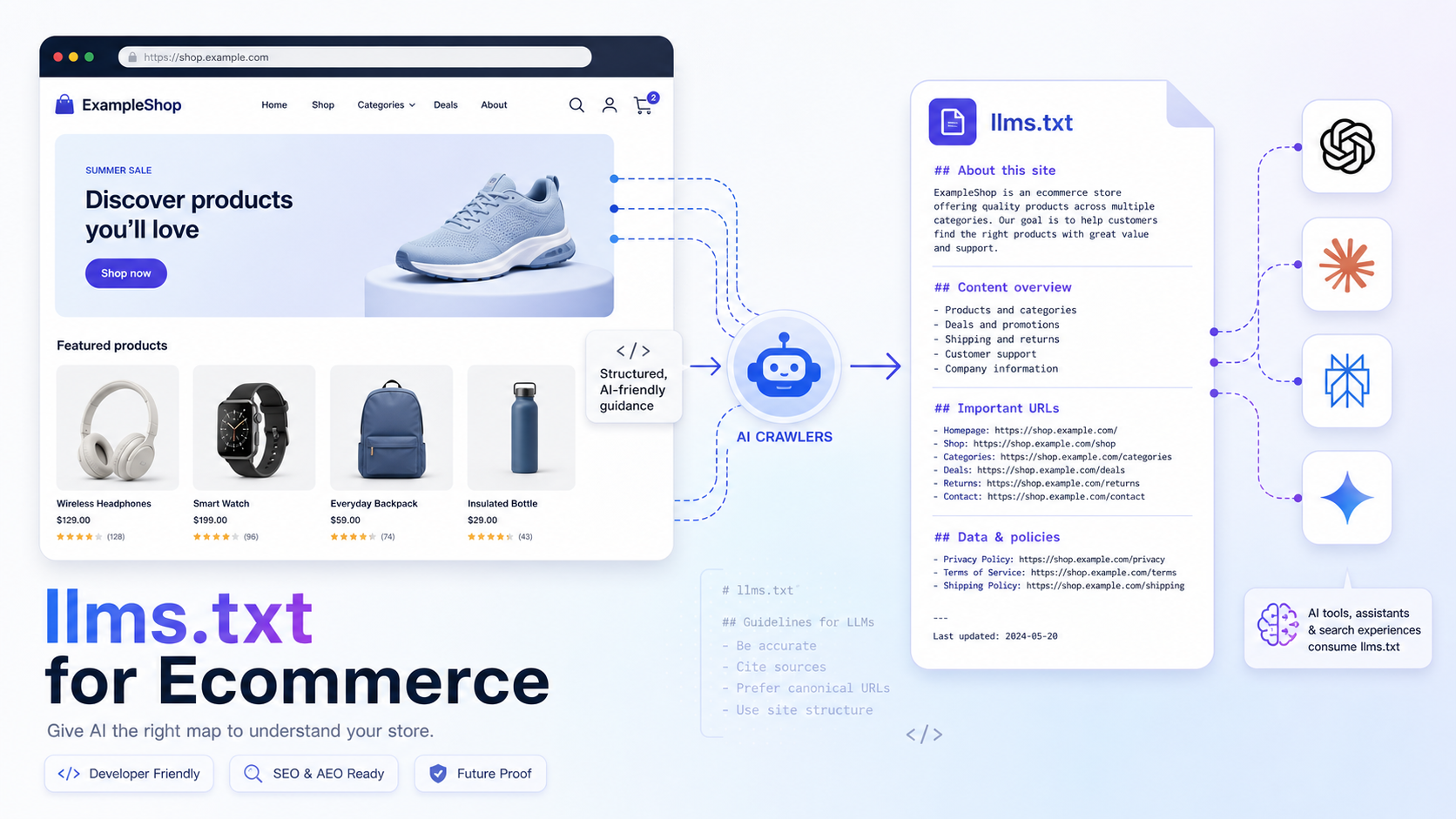
GA4 only sees visitors who run JavaScript in a browser. AI companies also fetch your pages with bots, either to train models, to build a search index, or live, when a user asks the assistant to read a page. Those requests appear only in your server’s access logs. A few user-agent tokens to search for:
| User agent contains | Company | Purpose |
|---|---|---|
GPTBot | OpenAI | Training data |
OAI-SearchBot | OpenAI | ChatGPT search index |
ChatGPT-User | OpenAI | Fetching a page because a user asked |
PerplexityBot, Perplexity-User | Perplexity | Index, and user-requested fetches |
ClaudeBot, Claude-User, Claude-SearchBot | Anthropic | Training, user requests, search |
Google-Extended | A robots.txt token for Gemini training, not a separate crawler |
A quick count from an Nginx or Apache log:
grep -oE "GPTBot|OAI-SearchBot|ChatGPT-User|PerplexityBot|Perplexity-User|ClaudeBot|Claude-User|Claude-SearchBot" /var/log/nginx/access.log | sort | uniq -c | sort -rnRising ChatGPT-User or Perplexity-User counts on your product pages mean assistants are reading them for shoppers right now, which is a leading indicator for the clicks you see in GA4 later. If you see none at all, check that your robots.txt or firewall doesn’t block them; see how AI crawlers read your website and AI search and AI crawlers for marketers. User agents can be faked, so treat the counts as an indication, and use each company’s published IP ranges if you need certainty.
A monthly AI visibility report
Once set up, a short monthly check is enough:
- Sessions, purchases and revenue from the AI channel, by source.
- Top 10 AI landing pages, and whether they convert.
- Direct traffic to those same pages (the hidden AI share).
- AI crawler requests to product pages, from the logs.
- Changes you made (feeds, product data, new pages) and what moved afterwards.
To increase the numbers rather than just measure them, see AI shopping product feeds for OpenCart and making an OpenCart store agent-ready.

Author of four Opencart book.
The recent are Opencart 4 developer book and Opencart 4 user manual