Making an OpenCart Store Agent‑Ready: Product Data, Schema, and APIs for AI Shoppers
 Rupak NepaliPublished Jun 10, 2026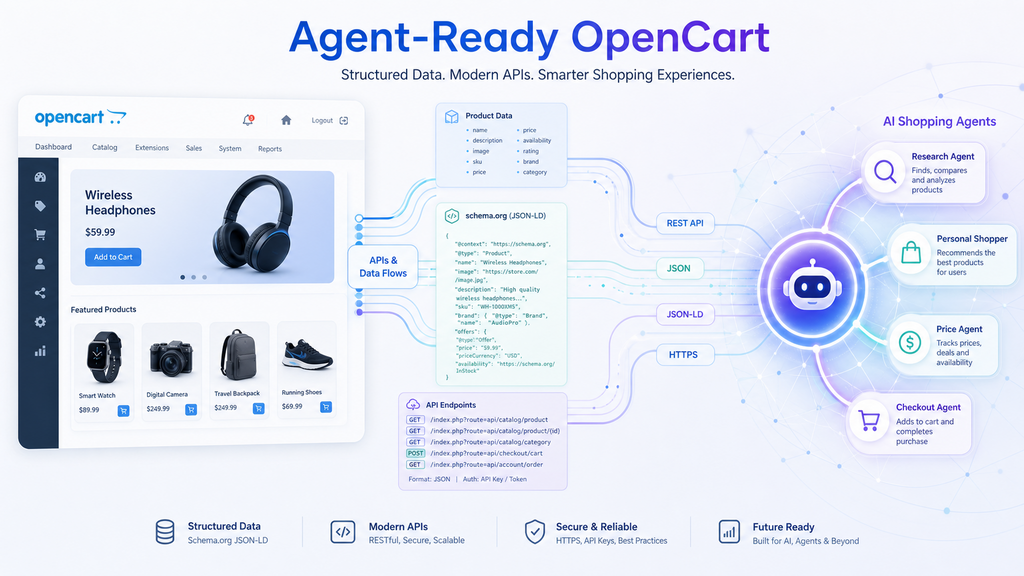
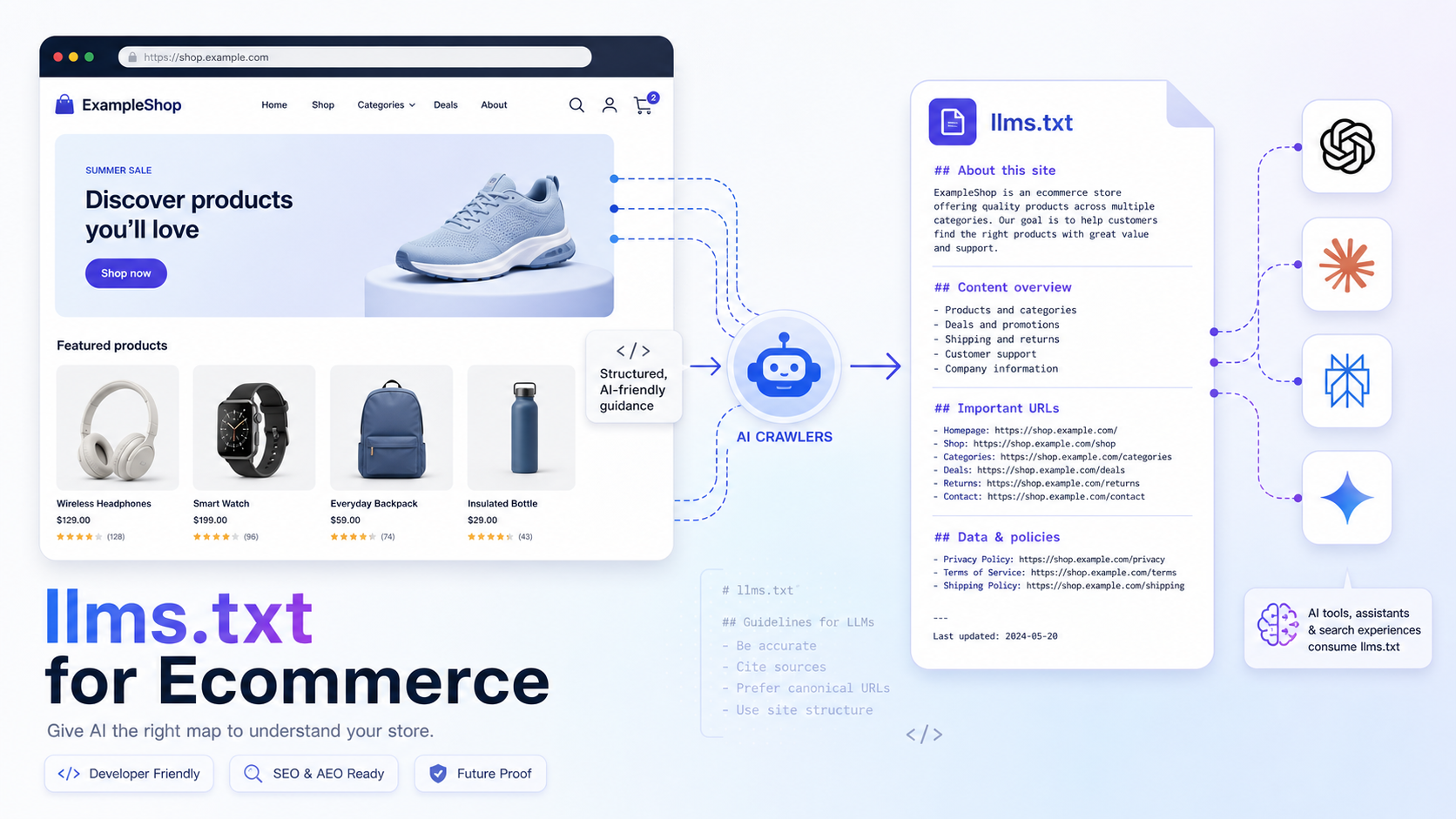
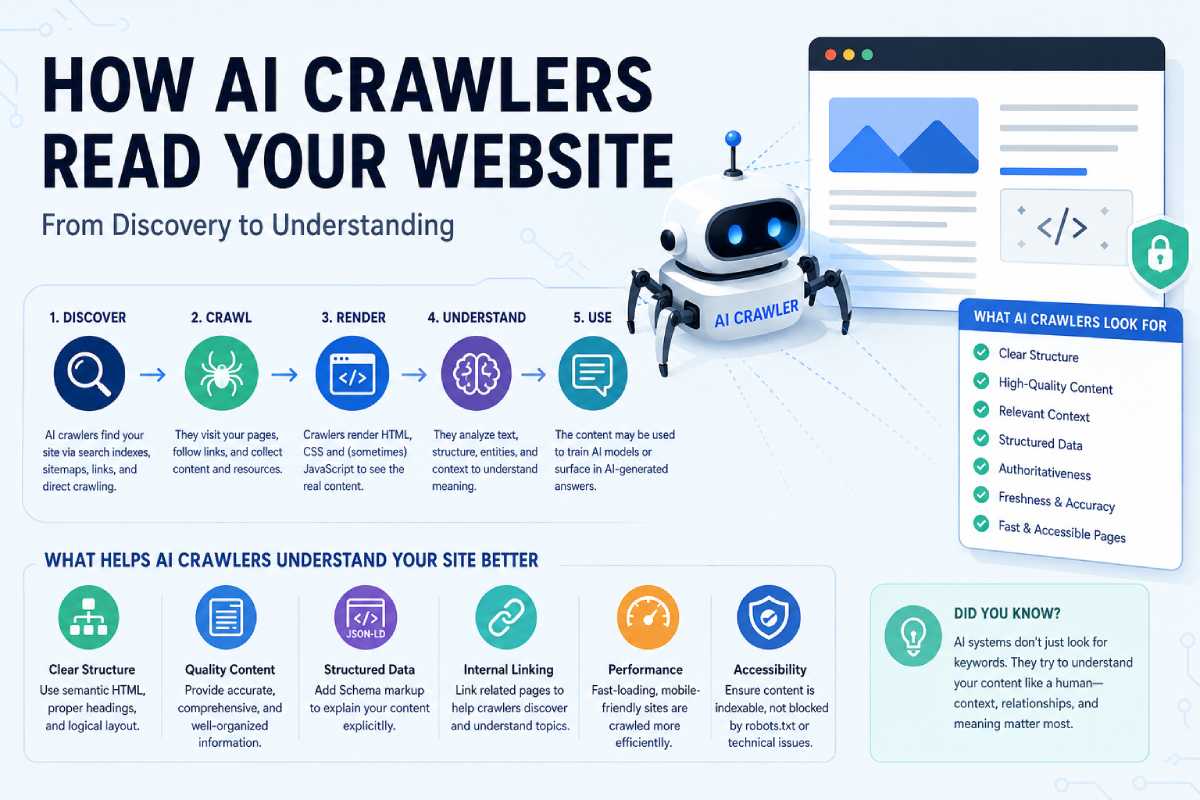
Agent‑ready OpenCart means building your store for two audiences at once: humans and AI shopping agents. AI agents need clean product data, rich schema, and reliable APIs before they can confidently recommend or buy from you. This post walks through how to get there with OpenCart.
What “agent‑ready” actually means
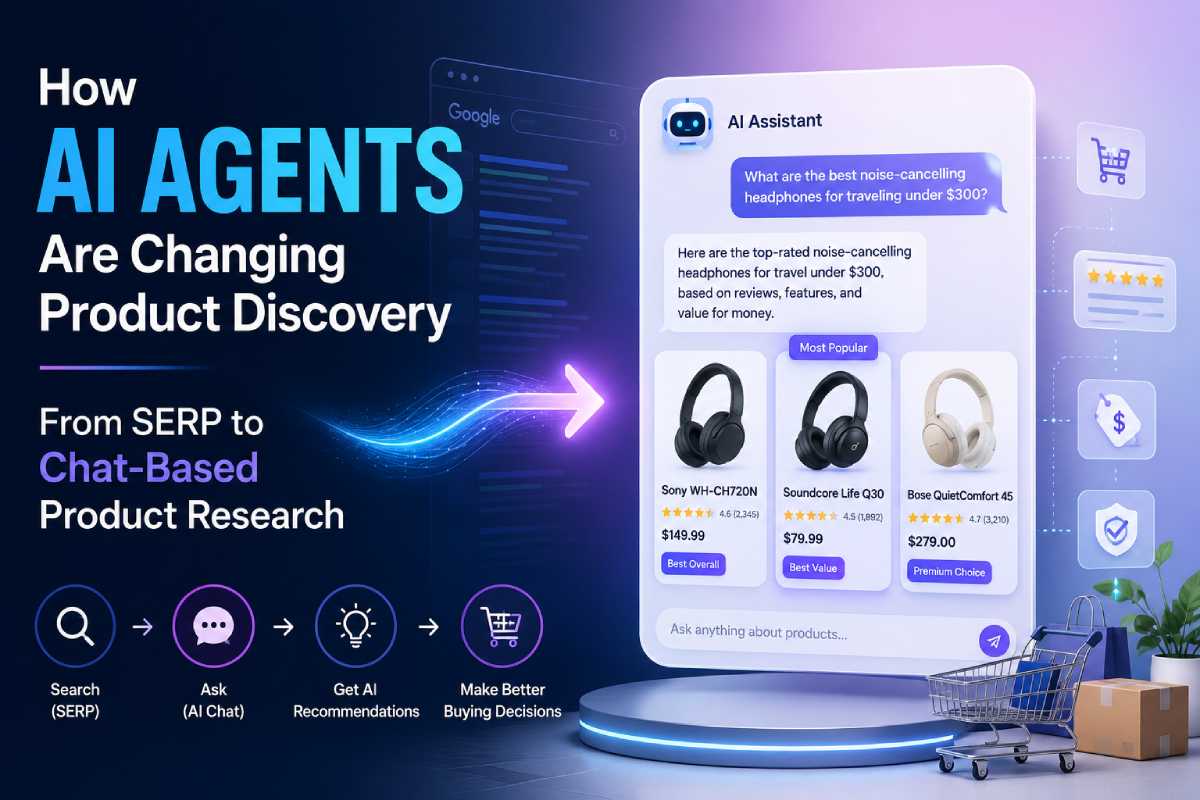
In agentic commerce, AI assistants find, compare, and sometimes purchase products on behalf of shoppers. They care about:
- Structured product facts, not just pretty descriptions.
- Machine‑readable policies like shipping, returns, and availability.
- Stable APIs to query your catalog and create carts or orders.
If your OpenCart store only looks good to humans but is opaque to machines, AI agents will often skip you—even if your products are excellent.
Step 1: Clean, structured product data inside OpenCart
Before schema or APIs, fix the source of truth: your catalog.
Key areas to tighten:
- Attributes and options
- Use attributes for real product properties (material, fit, wattage, compatibility), not just “SEO filler.”
- Normalize values (e.g., “100% cotton” vs random variations) so agents can filter and compare cleanly.
- Categories and taxonomy
- Availability and stock
- Keep stock and availability fields accurate; many agents treat “in stock” vs “out of stock” as hard filters.
- Use real lead times where possible (e.g., “Ships in 2–3 days”) rather than vague text.
- Policy data in the admin
You’re basically making your OpenCart admin a high‑quality dataset that schema and APIs can expose.
Step 2: Add rich schema.org JSON‑LD to product pages
Agentic commerce readiness starts with schema.org markup that goes beyond a bare Product + Offer.
Core schemas to implement
A practical agent‑ready product page should expose at least:
- Product – name, description, images, brand, GTIN/MPN, category.
- Offer – price, priceCurrency, availability, itemCondition, url.
- AggregateRating – average rating and review count if you have enough volume.
- Review – recent reviews with rating and author where available.
- MerchantReturnPolicy – return window, method (by mail, in store), restocking fees, etc.
Deloitte and other agentic commerce guides specifically call out Product, Offer, MerchantReturnPolicy, and AggregateRating as baseline context AI agents will use for decisioning.
How to wire it in OpenCart
You have two main options:
- Hand‑coded JSON‑LD in product.twig
- Add a
<script type="application/ld+json">block incatalog/view/theme/yourtheme/template/product/product.twig. - Populate fields using Twig variables like
{{ heading_title }},{{ price }},{{ special }},{{ stock }}, and review data. - FeedArmy’s guide shows a working JSON‑LD Product + Offer snippet tailored to OpenCart 3 that you can adapt to OpenCart 4.
- Add a
- Schema modules for OpenCart
- Extensions like “Structured Data Schema.org” and “Schema Markup Pro” inject JSON‑LD for store, product, category, and rich snippets without core edits.
- They typically cover Product and Offer out of the box and can be extended to include return policy and ratings.
Whichever route you pick, validate your JSON‑LD with Google’s Rich Results Test and Schema.org validators, then run test queries in AI assistants to see what they “see.”
Step 3: Express store‑level trust signals in schema
Agents aren’t just picking products; they’re also evaluating where to buy from.
For that, expose:
- Organization / LocalBusiness
- Use a store‑wide JSON‑LD block with your business name, logo, URL, contact info, and social profiles.
- Include opening hours and location if relevant.
- MerchantReturnPolicy (store‑wide)
- BreadcrumbList
- Proper breadcrumb schema helps both classic SEO and AI agents understand your site structure and relationships between categories.
Modules like Schema Markup Pro already handle BreadcrumbList and basic Organization markup; you can extend their JSON‑LD arrays to include return policies or additional properties.
Step 4: Make your OpenCart APIs friendly to agents
Schema gets you discovered; APIs let agents actually use your store.
Leverage and harden the OpenCart 4 API
OpenCart’s core API provides JSON responses for common operations like login, cart, and orders.
- Your own API doc on webocreation shows the account login endpoint (
/index.php?route=api/account/login) and how to call it with cURL to obtain an API session. - Once authenticated, you can perform CRUD operations—add products to cart, manage addresses, place orders—via routes exposed by the core API.
To make this agent‑ready:
- Prefer token‑based auth over brittle sessions where possible
- If you stick with the default session‑based approach, make sure timeouts and IP restrictions are configured for realistic agent use.
- Return consistent, versioned JSON
Consider REST extensions with Swagger/OpenAPI
If you want a more discoverable surface for agents and integrators:
- Modules like “OpenCart Dynamic API & Swagger Documentation” auto‑discover models/controllers and expose them as REST endpoints with generated OpenAPI specs.
- REST packages like OCRESTAPI offer a mobile‑friendly and third‑party‑integration‑friendly API layer, with endpoints for product lists, details, reviews, and more.
Having an OpenAPI/Swagger spec is particularly useful as agent platforms increasingly ingest machine‑readable API definitions to learn how to interact with services.
Step 5: Design APIs for agentic use cases, not just back office
AI shoppers will rarely need your entire admin API surface. Focus on the flows agents actually perform:
- Discovery
- Public product search, category listing, filtering by attributes and availability.
- Lightweight endpoints that return just enough data for comparisons (price, stock, attributes, policy refs).
- Evaluation
- Detailed product endpoints with the same data you expose in schema: attributes, images, ratings, rich descriptions, and policy links.
- Promotion and discount info in structured form where possible.
- Transaction
- Cart endpoints (create, update, list) that support specifying quantities, variations/options, and coupon codes.
- Checkout/order creation endpoints that respect user’s stored preferences for shipping and payment (potentially mediated via external payment APIs).
- Post‑purchase
- Endpoints to retrieve orders, initiate returns (or at least request forms), and track shipments.
The Deloitte and Stripe guides on agentic commerce both emphasize that well‑scoped, interoperable APIs are central to enabling agent‑to‑brand and agent‑to‑agent commerce.
Step 6: Guardrails — security, rate limits, and abuse prevention
Agent‑ready must not mean “wide open.”
- Authentication & authorization
- Treat agent integrations like any other third‑party app: scoped credentials, IP whitelists, and strict permissions.
- If you deploy REST extensions, review their permission model and lock down admin‑side methods.
- Rate limiting and abuse protection
- Monitoring and logging
- Log user agents, API keys, and key operations (cart creation, checkout, price checks) to identify emergent agent traffic patterns.
- Use these logs to tune limits and detect anomalous behavior.
Agentic commerce frameworks warn that poorly guarded APIs can become magnets for fraud and data exfiltration if they are opened up without proper governance.
A practical “agent‑ready” checklist for OpenCart
To recap, here’s a concrete checklist you can use on your next OpenCart project:
- Catalog
- Attributes normalized and meaningful, not just SEO padding.
- Categories reflect real product groupings and use cases.
- Stock and availability always accurate.
- Schema
- JSON‑LD Product + Offer + AggregateRating on all PDPs.
- MerchantReturnPolicy defined at store and product level.
- Organization/LocalBusiness + BreadcrumbList configured.
- APIs
- OpenCart 4 API endpoints tested and documented; consistent JSON.
- Optional REST extension with Swagger/OpenAPI spec for external integrators and agents.
- Clear flows for search, product details, cart, checkout, and orders.
- Security & ops
- Scoped API credentials, IP controls, and reasonable timeouts.
- Layered rate limiting and bot/agent management at your edge.
- Logs and dashboards to observe agent traffic and troubleshoot.
If you get these pieces right, your OpenCart store stops being just another website and becomes a well‑described, well‑behaved commerce service that both humans and AI agents can trust and transact with.

Author of four Opencart book.
The recent are Opencart 4 developer book and Opencart 4 user manual