Multi-Language SEO for OpenCart 4: hreflang, x-default, Canonical Tags and Duplicate Content (Free Extension)
OpenCart 4 serves every language at its own URL but tells Google nothing about how they relate. Add hreflang and x-default, fill in missing canonical tags, noindex search and checkout pages, and fix duplicate content from sorting and filters. Free extension.
 Rupak NepaliPublished Oct 26, 2026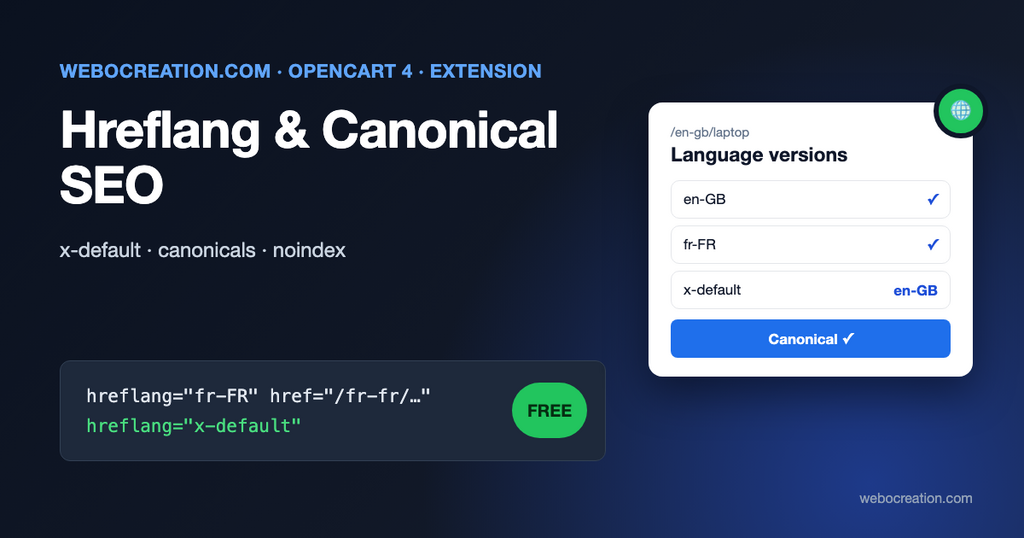
Add a second language to an OpenCart 4 store and every page gets a twin: /en-gb/laptop and /fr-fr/ordinateurs-portables. That’s good for French shoppers, as long as Google understands that the two pages are translations of each other. OpenCart doesn’t tell it. There’s no hreflang tag anywhere in the default theme, so Google has to guess which version to show to whom, and it often shows English results to French searchers or treats the versions as competing duplicates.
The same store has a second, quieter duplicate content problem in one language: sorting, filtering and paging create many URLs for the same list of products, and several page types have no canonical tag at all.
This post explains both problems and introduces a free extension that fixes them.
hreflang in two minutes
hreflang is a link in the page head that says “this page also exists in these languages, at these URLs”:
<link rel="alternate" hreflang="en-GB" href="https://example.com/en-gb/laptop"/>
<link rel="alternate" hreflang="fr-FR" href="https://example.com/fr-fr/ordinateurs-portables"/>
<link rel="alternate" hreflang="x-default" href="https://example.com/en-gb/laptop"/>
Google’s documentation has a few rules that trip up most hand-made implementations. The most important one:
Each language version must list itself as well as all other language versions.
Google Search Central, Tell Google about localized versions of your page
If the French page links to the English one but not the other way round, Google ignores the pair. And about the special value at the end:
The reserved x-default value is used when no other language/region matches the user’s browser setting.
Google Search Central, same page
Other rules from the same page: the value is a language code (ISO 639-1), optionally followed by a region (ISO 3166-1 alpha-2), so fr and fr-CA are valid; “You can’t specify the country code by itself”, so uk for the United Kingdom is wrong (uk is Ukrainian; use en-GB); and HTML tags, HTTP headers and sitemaps are equivalent ways to declare them.
Why OpenCart can’t do this with a simple template edit
You might think one line in header.twig would do: loop over the languages and print a link. Two things make it harder:
- SEO URL keywords are per language. The French category isn’t
/fr-fr/laptop, it’s/fr-fr/ordinateurs-portables, from Design > SEO URL. The URL has to be built while French is the active language, so OpenCart looks up the French keywords. - Translations can be missing. A product added only in English has an empty French name. Pointing Google at an empty French page is worse than not mentioning it.
The extension handles both. For each enabled language it switches OpenCart’s language context, builds the URL through OpenCart’s own URL and SEO URL code, and skips any language in which the product, category, information page or blog article has no name.
The canonical gaps in OpenCart 4
A canonical tag tells Google which URL is the “real” one when several show the same content. OpenCart 4.1 adds one on product, category, brand, specials and blog list pages. It doesn’t add one on:
- the home page (
/,/en-gb,/index.php?route=common/homeare all the home page), - information pages (About us, Delivery, Terms),
- the contact page,
- blog articles.
The extension adds a canonical on those pages, and leaves pages that already have one alone.
Sorting, filtering and paging
Category pages produce many URLs with the same products:
/en-gb/laptop
/en-gb/laptop?sort=p.price&order=ASC
/en-gb/laptop?limit=100
/en-gb/laptop?filter=12
OpenCart’s canonical on category pages already points sorted and limited versions to the plain category URL (and paginated pages to themselves, which is correct). The extension makes sure those variants don’t get hreflang tags of their own, so Google only sees language alternates of the canonical pages.
Noindex for pages that shouldn’t be in search
Search results, compare, cart, checkout, account, affiliate and the HTML sitemap page have no business in Google’s index. Internal search results in particular can create thousands of thin pages. The extension adds:
<meta name="robots" content="noindex, follow"/>to those routes, so crawlers still follow their links but don’t index them. Don’t also block these pages in robots.txt: a blocked page can’t be crawled, so Google never sees the noindex. Our technical SEO checks for marketers explains the difference.
Installation
- Download hreflang_seo.ocmod.zip with the button above.
- Extensions > Installer, upload, and click the green Install button in the list.
- Extensions > Extensions > Modules, find Hreflang & Canonical SEO, click +, then the pencil.
- Review the settings below, switch Status on, save.
It uses one event (catalog/view/common/header/after) and adds its tags just before </head>. No theme files are changed, so it works with most themes.
Settings
| Setting | What it does |
|---|---|
| Add missing canonicals | Canonical tag on home, information, contact and blog article pages |
| Noindex utility pages | noindex, follow on search, compare, cart, checkout, account, affiliate and sitemap pages |
| x-default language | Which version visitors with an unmatched browser language should get. Usually your main language. |
| hreflang codes | One per language. Empty means the OpenCart code with the region in capitals (en-gb becomes en-GB). |
The hreflang codes table is where you match codes to your market:
- One English version for the whole world? Use
en, noten-GB. Otherwise Google may think it’s only for UK searchers. - A Spanish version written for Mexico?
es-MX. - Chinese in traditional script for Taiwan?
zh-Hant-TW.
Check the result
- Open a product page in your browser, view the source, and search for
hreflang. You should see one line per language plusx-default. - Open each
hrefand check that it shows the same product in that language. - View the source of the French page: it must list the same set of links. If it doesn’t, an SEO keyword or translation is missing.
- In Google Search Console, use URL Inspection on a French URL. After the next crawl, the user-declared and Google-selected canonical should both be the French URL itself, not the English one.
Give it a few weeks; Google picks up hreflang as it recrawls.
Common multi-language mistakes in OpenCart
| Mistake | Result | Fix |
|---|---|---|
| SEO keywords entered only in the default language | Other languages fall back to index.php?route=...&product_id= URLs | Fill in every language in Design > SEO URL or on each product’s SEO tab |
| Machine-translated names, untranslated descriptions | Thin duplicate pages in the second language | Translate at least name, meta title, meta description and the first paragraph |
| Removing the language from URLs for the default language | Fine, but test hreflang afterwards | See how to remove en-gb from OpenCart 4 URLs |
| Auto-redirecting visitors by browser language | Googlebot (which mostly crawls from the US without language headers) never sees other versions | Suggest the language with a banner instead of redirecting |
uk used for the United Kingdom | Tags ignored or treated as Ukrainian | en-GB |
Limitations
- One store at a time: alternates point to URLs in the same store. If you run separate stores per country (example.de, example.fr), you need hreflang across domains, which this extension doesn’t do.
- Languages, not currencies: a store with one language and several currencies has no hreflang to add.
- Pages from other extensions (custom landing pages, other blog modules) aren’t included unless they use the core routes listed above.
- Built for OpenCart 4.1.0.x.
For the bigger SEO picture, see 25 SEO best practices for OpenCart and adding a new language to OpenCart 4. The code is on GitHub with our other free OpenCart extensions.

Author of four Opencart book.
The recent are Opencart 4 developer book and Opencart 4 user manual