2 Free Pardot Landing Page Templates: Webinar Registration and Content Download
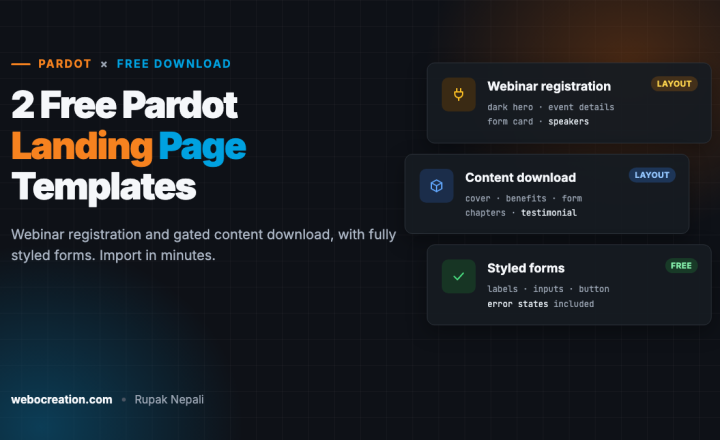
Two free, responsive Pardot layout templates, a webinar registration page and a gated content download page, with editable regions and fully styled forms, including error states.
 Rupak NepaliPublished Nov 12, 2026
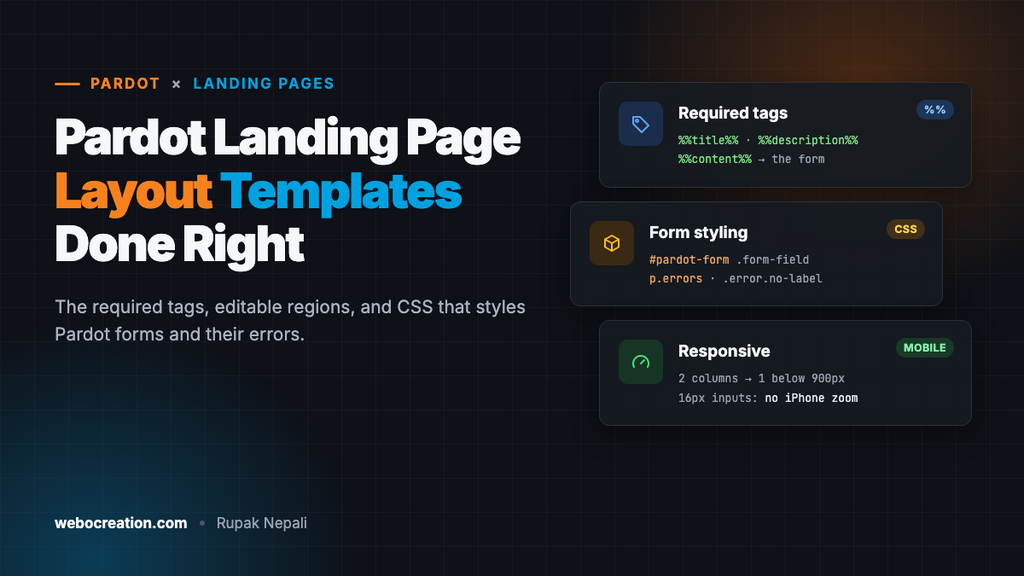
Here are two free landing page templates for Pardot (Marketing Cloud Account Engagement): a webinar registration page and a gated content download page for ebooks, reports and guides. Both are responsive, have editable regions marked, and include CSS that styles Pardot’s generated form, including the error messages most templates forget.
Download both templates (ZIP, 7 KB). They’re free to use and change, with no attribution needed.
Template 1: Webinar registration
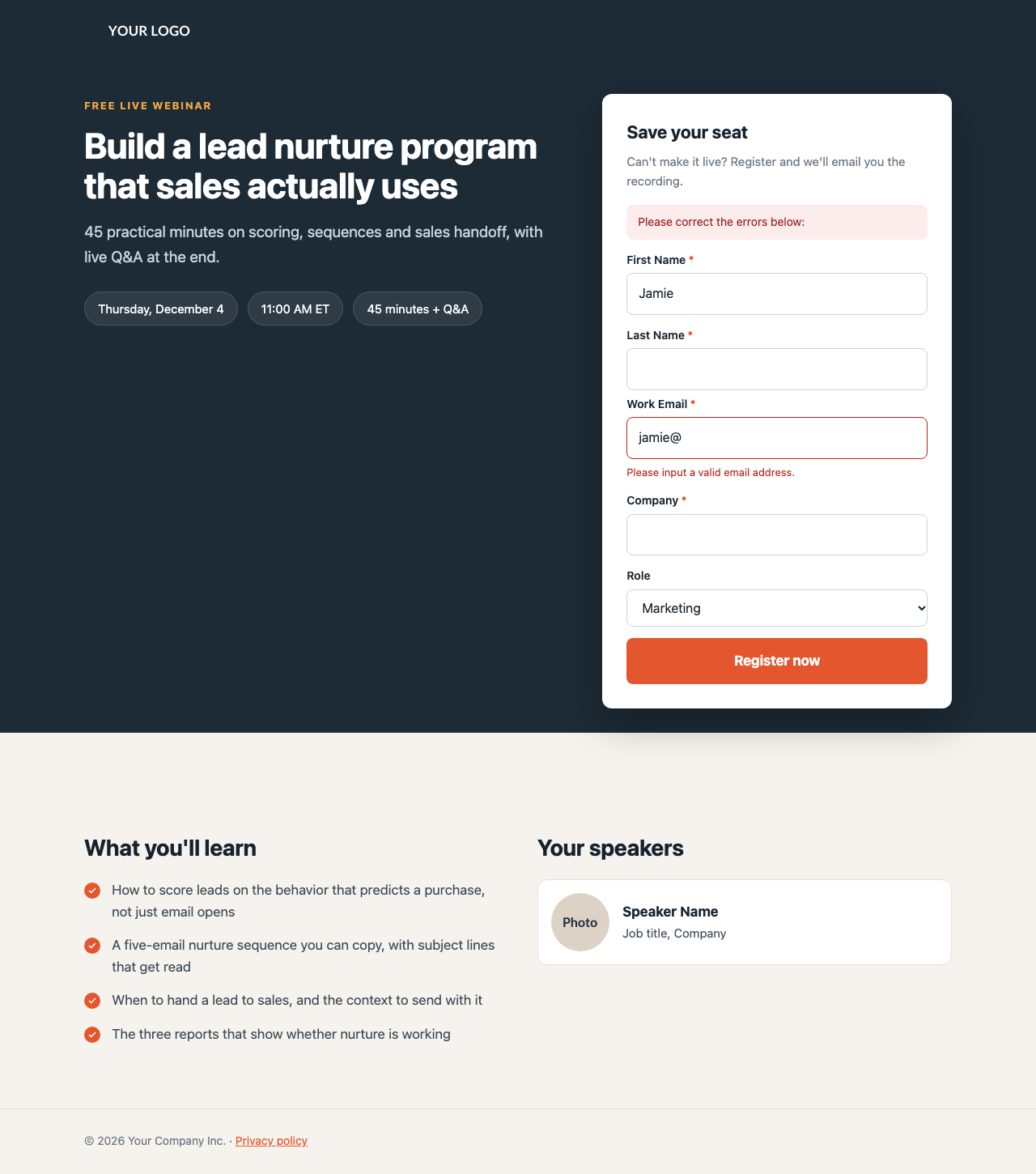
Made for webinars, live events and product demos:
- Dark hero with a label, headline and short description.
- Event details as pills: date, time and length.
- Form card that overlaps the hero, with its own heading and note (“Can’t make it live? Register and we’ll email you the recording.”).
- “What you’ll learn” with check-mark bullets.
- Repeatable speaker cards.
It pairs with the free webinar invitation email template, which uses the same colors.
Template 2: Content download
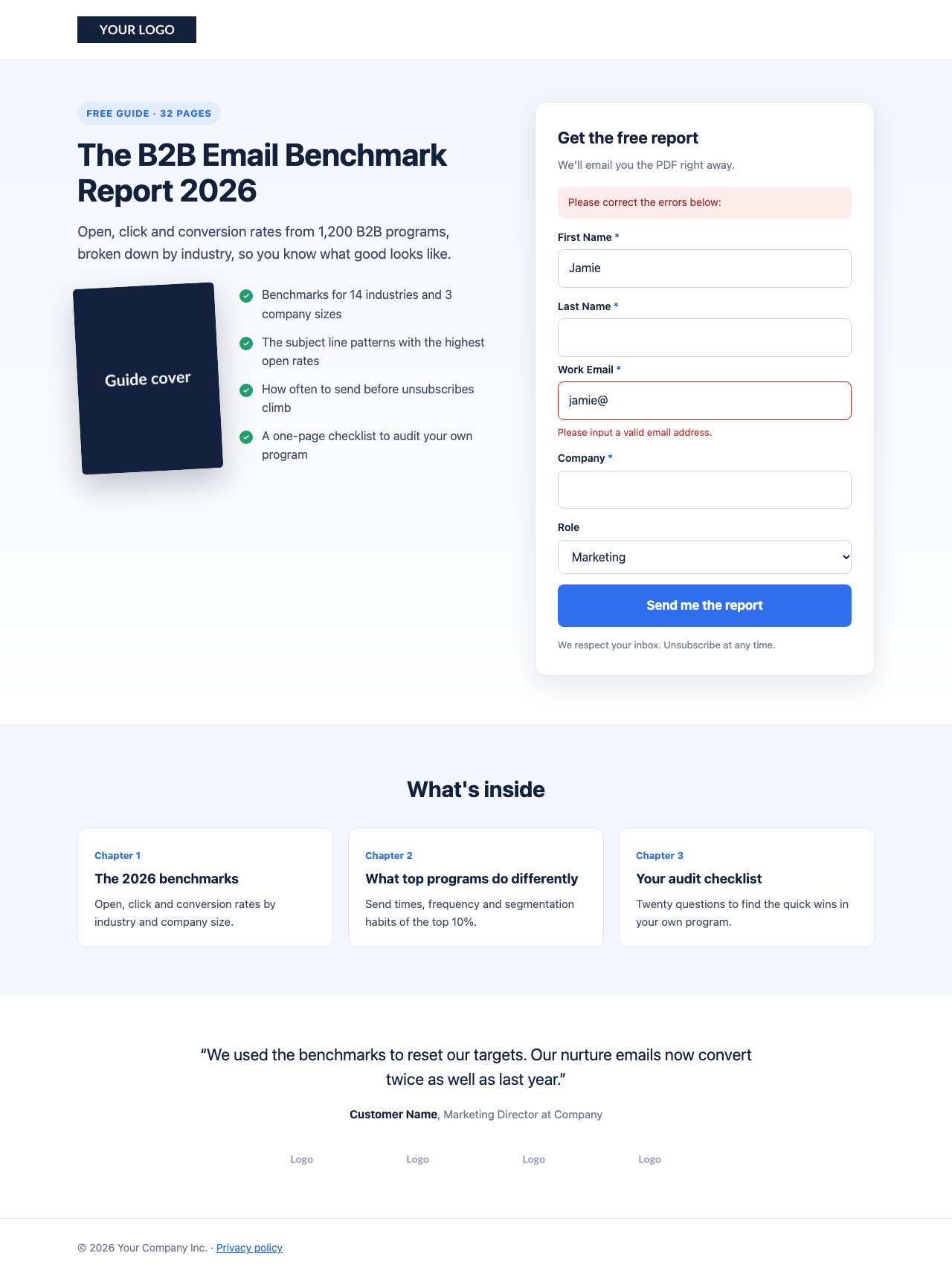
Made for gated content: ebooks, reports, whitepapers, checklists and templates:
- Badge and headline (“Free guide · 32 pages”).
- Tilted cover image next to a list of what’s inside.
- Form card with a privacy line under the button.
- “What’s inside”: three repeatable chapter cards.
- Removable social proof: a testimonial and a row of customer logos.
What’s built in
| Feature | Details |
|---|---|
| Required tags | %%title%%, %%description%% and %%content%% already in place |
| Editable regions | Headline, text, images, details, speakers, chapters, testimonial, footer. Headlines are simple regions, so editors can’t change their fonts or colors. |
| Form styling | Labels, inputs, selects, checkboxes, radio buttons, help text, the submit button, the error summary and per-field errors |
| Accessibility | Visible focus styles, required-field markers from CSS, readable contrast, 16-pixel inputs so iPhones don’t zoom |
| Responsive | Two columns on desktop. Below 900 pixels, one column with the form directly under the headline. |
| Performance | One HTML file with the CSS inline, system fonts and no JavaScript. The page loads fast on any connection. |
| Easy colors | CSS variables at the top of the stylesheet |
To learn how these pieces work, or to convert your own design, see How to Build a Pardot Landing Page Layout Template.
How to import a template
- Upload your images. Go to Content → Files and upload your logo, cover image, speaker photos and customer logos. Copy each file’s URL.
- Create the layout template. Go to Content → Layout Templates and add a new one. Paste the whole HTML file into the Layout tab. Leave the Form tab as it is, and save.
- Replace the placeholder images in the HTML with your Files URLs. Or do it per page by clicking each image region.
- Create a landing page. Go to Content → Landing Pages, add one, pick the campaign and form, and choose this layout template.
- Edit the regions: headline, text, details, images. Fill in the page title and description, which search engines and social networks show.
- Set up the form’s completion actions, such as adding the prospect to a list, notifying the assigned user, or sending an autoresponder.
- Test it. Submit the form empty to check the error styling, then for real to check the thank-you content and completion actions. Check it on a phone.
Change the colors
Unlike email, landing pages support CSS variables, so each template’s colors are defined once at the top of its stylesheet:
/* Webinar registration */
:root{--ink:#16232e;--text:#3d4a56;--muted:#6c7884;--accent:#e4572e;--accent-dark:#c9461f;--soft:#f6f3ee;--line:#e5e0d8;--card:#ffffff;--dark:#1d2b36;--gold:#f2a541}

/* Content download */
:root{--ink:#14213d;--text:#3b4660;--muted:#6b7590;--accent:#2f6fed;--accent-dark:#1f57c9;--soft:#f3f6fc;--line:#e1e6f0;--card:#ffffff;--green:#1f9d6b}
Change --accent to your brand color and --accent-dark to a slightly darker shade for the button’s hover state. One more: the focus ring around a selected input uses the accent as an rgba() value. Search for rgba(228,87,46 (webinar) or rgba(47,111,237 (download) and change it to match.
Deliver the content after a download
For the content download page, you have three ways to give people the file once they submit:
| Method | How | Best for |
|---|---|---|
| Link in the thank-you content | Put a download button in the form’s thank-you content. It appears in the form card. | Instant access |
| Autoresponder email | Add a completion action that sends an email with the link | Confirming the email address is real, and keeping the link in their inbox |
| Redirect | Set a thank-you redirect to a page with the content | Longer content you host as a web page |
Many teams use the first two together: an instant link on the page, plus an email with the same link. Host the file in Content → Files so downloads are tracked against the prospect.
Frequently asked questions
Can I use these templates for forms embedded on my website? Yes. Choose the layout template in the form’s settings. The form then uses the template’s form CSS inside its iframe. The hero and other sections aren’t shown for embedded forms, only the form.
Do these work in the Lightning app? Layout templates and landing pages built from them work in the Account Engagement Lightning app. The newer drag-and-drop Lightning landing page builder is a different tool that doesn’t use layout templates.
Can I add more sections? Yes. Copy an existing section in the HTML, give each region in it a new unique name, and save the template.
More in this series: how to build an editable Pardot email template and the Pardot HML personalization cheat sheet.

Author of four Opencart book.
The recent are Opencart 4 developer book and Opencart 4 user manual