Gmail, Yahoo and Microsoft Bulk Sender Requirements: What Marketers Must Have in Place
Gmail, Yahoo and Microsoft Outlook now require authentication, one-click unsubscribe and low spam rates from bulk senders. A plain-language checklist for email marketers, and how to check each item.
 Rupak NepaliPublished Oct 23, 2026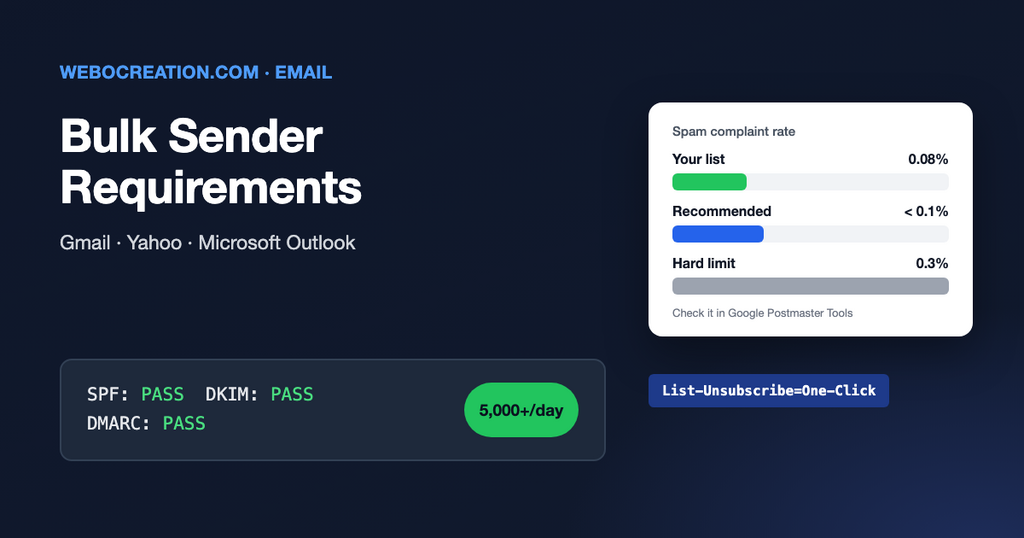
In February 2024 Gmail and Yahoo started enforcing new rules for anyone sending email in volume. Microsoft followed for Outlook.com, Hotmail and Live addresses in May 2025. Since then, enforcement has only become stricter: messages that don’t meet the rules are increasingly sent to junk or rejected outright.
Together these three providers handle a large share of most consumer email lists. If your newsletters, promotions or nurture emails aren’t compliant, a big part of your list may never see them. Here is what is required, in plain language, and how to check each item.
Are you a “bulk sender”?
Google and Microsoft define a bulk sender as a domain that sends roughly 5,000 or more messages a day to their users. Yahoo doesn’t publish a fixed number. Two details catch people out:
- The count is per domain, across all your tools. Newsletters from Mailchimp, order emails from your store and sales sequences from HubSpot all add up if they use the same domain.
- Once Google classes you as a bulk sender, you stay one, even if your volume drops later.
Even if you send less, follow the same rules. They are simply what good email looks like now, and smaller senders are held to most of them too.
The requirements
| Requirement | Plain-language meaning | Who sets it up |
|---|---|---|
| SPF | Your domain lists which services may send email for it. | DNS record, from your email platform’s instructions |
| DKIM | Each email carries a digital signature that proves it came from you and wasn’t changed. | DNS records, from your email platform |
| DMARC | A policy on your domain that tells inboxes what to do with mail that fails the checks. At least p=none is required. | One DNS record on _dmarc.yourdomain.com |
| Alignment | The domain in your visible “From” address matches the domain that passed SPF or DKIM. | Custom sending domain in your email platform |
| One-click unsubscribe | Marketing emails carry a hidden header that lets Gmail and Yahoo show their own “Unsubscribe” button, which works with one click. | Your email platform (most add it automatically) |
| Honour unsubscribes quickly | Within two days. | Your email platform and any synced CRM |
| Low spam complaint rate | Keep reported spam below 0.3%, and ideally below 0.1%. | You: list quality and content |
Technical basics such as TLS encryption and valid server DNS are also required, but reputable email platforms handle those for you.
The trap: sending “from” your domain through someone else’s
If you’ve never set up domain authentication in your email platform, your emails probably say From: news@yourcompany.com but are signed with the platform’s own domain. They pass SPF and DKIM, but for the platform’s domain, not yours. That fails alignment, so it fails DMARC.
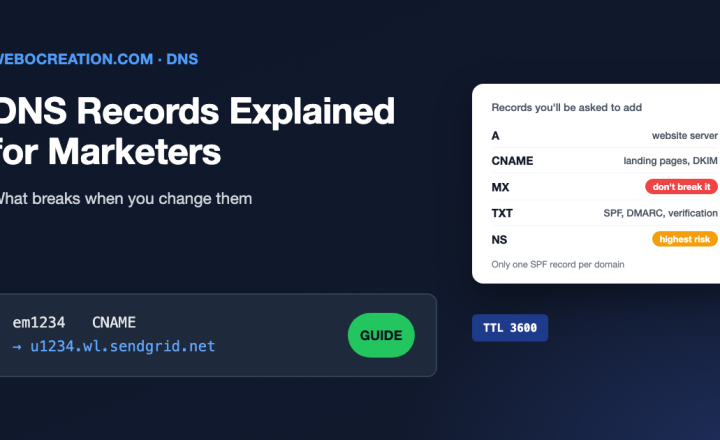
The fix is in every major platform’s settings, usually called “domain authentication”, “sender authentication” or “branded sending domain”. It gives you a few DNS records (usually CNAMEs) to add. After that, your emails are signed with your own domain. See our SPF, DKIM and DMARC setup guide for record examples.
How to check you are compliant
- Send a real campaign to a Gmail address. Open it, click the three dots and choose Show original. You should see
SPF: PASS,DKIM: PASSandDMARC: PASS. Under DKIM, the domain afterd=should be yours. - Look for the unsubscribe headers. In the same original message, search for
List-UnsubscribeandList-Unsubscribe-Post: List-Unsubscribe=One-Click. If they are missing, ask your platform’s support. - Check your DMARC record with MXToolbox DMARC Lookup.
- Set up Google Postmaster Tools. Verify your domain (it’s a TXT record) and you can see your spam rate and a compliance status for the bulk sender rules. Microsoft has a similar program called SNDS, and Yahoo has a sender hub.
- Repeat for every tool that sends with your domain: your store, CRM, help desk, webinar platform and invoicing software.
Keeping the spam rate low
Authentication is a one-time setup. The spam rate is ongoing, and it’s a marketing problem, not a technical one:
- Only email people who opted in, and send what they signed up for.
- Make your own unsubscribe link easy to find. People who can’t find it press “Report spam” instead.
- Stop sending to people who haven’t opened or clicked in six to twelve months, or send them a re-engagement email first.
- Never upload bought or scraped lists. One bad import can hurt your domain’s reputation for weeks.
- Increase volume gradually when you start using a new domain or platform.
Learn the rest of the technical side
Email is where technical setup and marketing results meet most directly. My book, The Technical Web Guide for Marketers, covers email authentication along with domains, tracking, search and AI, written for marketers rather than engineers. (I’m the author; the Amazon link is an affiliate link.)

Author of four Opencart book.
The recent are Opencart 4 developer book and Opencart 4 user manual