BIMI Setup Guide: Show Your Logo in Gmail, Yahoo and Apple Mail (SVG Tiny PS, DNS Record, VMC vs CMC)
How to get your logo next to your emails in Gmail, Yahoo and Apple Mail with BIMI: the DMARC policy it needs, converting the logo to SVG Tiny PS, publishing the record, choosing a VMC or CMC, and what we found checking 40 large retailers' records.
 Rupak NepaliPublished Nov 15, 2026
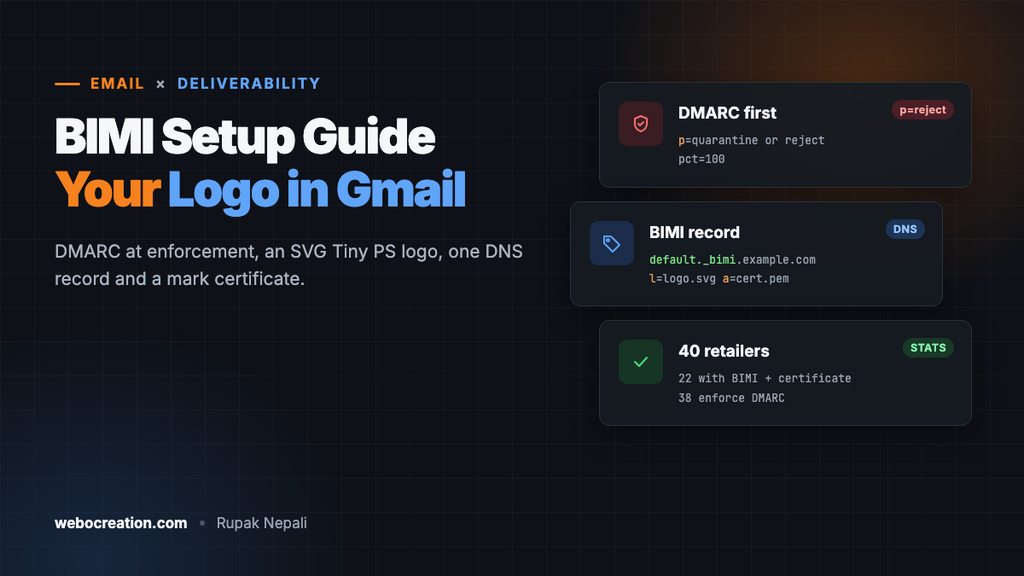
BIMI (Brand Indicators for Message Identification) puts your logo next to your emails in the inbox, in place of the grey initial. It doesn’t change whether mail is delivered; it changes whether people recognise it. For a store, that means order confirmations and newsletters that look like they come from you, and phishing that doesn’t.
Most of the work isn’t BIMI at all. It’s getting DMARC to enforcement first, which is also the part that protects your domain. This guide covers the requirements, the logo format, the DNS record and the certificate, and ends with what we found when we checked the records of 40 large retailers in November 2026.
What BIMI needs
| Requirement | Detail |
|---|---|
| DMARC at enforcement | p=quarantine or p=reject, applying to all mail (pct=100, or no pct at all). p=none doesn’t qualify |
| A logo in SVG Tiny PS | A restricted SVG profile: square, solid background, no scripts or external links |
| A DNS TXT record | At default._bimi.yourdomain.com, pointing at the logo |
| A mark certificate (for Gmail and Apple) | A Verified Mark Certificate (VMC) for a registered trademark, or a Common Mark Certificate (CMC) |
Google’s own BIMI help is explicit on DMARC: BIMI “doesn’t support DMARC policies that have the p option set to none”, and the pct option “must be set to 100”.
Step 1: DMARC at quarantine or reject
Check your record:
dig +short TXT _dmarc.example.com
"v=DMARC1; p=reject; rua=mailto:dmarc@example.com"
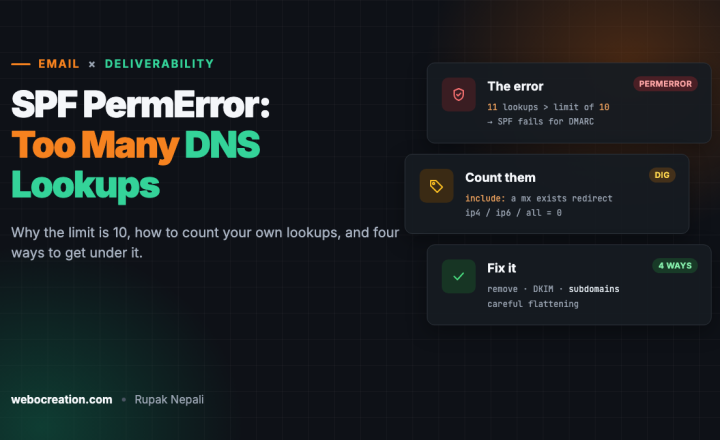
If it says p=none, you’re not ready, and switching to p=reject without checking your reports will block your own mail. Work through it with our guide to moving DMARC from p=none to p=reject, and fix any SPF lookup errors on the way. Every service that sends as your domain (store, newsletter, helpdesk) has to pass SPF or DKIM in alignment before you enforce.
Step 2: Make the logo SVG Tiny PS
A normal SVG won’t work. BIMI uses SVG Tiny Portable/Secure, a cut-down profile with no scripts, animation or external references. Here’s the start of PayPal’s live BIMI logo:
<?xml version="1.0" encoding="UTF-8"?>
<svg xmlns="http://www.w3.org/2000/svg" baseProfile="tiny-ps" version="1.2" viewBox="0 0 700 700">
<title>PayPal</title>
  <g>
    <rect width="700" height="700" fill="#fff"/>
    ...
What the file needs:
baseProfile="tiny-ps"andversion="1.2"on the root element.- A
<title>element with your brand name. - A square
viewBox, with the logo centred. Inboxes show it in a circle, so keep important parts away from the corners. - A solid background, not transparent: on a dark-mode inbox a transparent logo can disappear.
- No
xoryon the root element, no scripts, no embedded raster images, no external links. - Small: Google recommends 32 KB or less.
Design tools don’t export Tiny PS directly. Export a plain SVG from Illustrator or Figma, then edit the root element as above, or use one of the free SVG-to-Tiny-PS converters. Check the result with the validator on bimigroup.org or your certificate provider’s checker before publishing.
Host it over HTTPS at a stable address on your own domain, for example https://www.example.com/bimi/logo.svg.
Step 3: Choose a certificate
Gmail and Apple Mail only show BIMI logos backed by a mark certificate, which proves the logo is yours. Two types exist:
| VMC (Verified Mark Certificate) | CMC (Common Mark Certificate) | |
|---|---|---|
| For | Logos registered as trademarks | Logos without a registered trademark, with a history of use |
| Gmail | Logo plus the blue verified checkmark | Logo, no checkmark |
| Issuers | DigiCert, Sectigo, GlobalSign, Entrust and others | Fewer issuers so far |
| Typical price | About $1,000 to $1,750 a year, less on multi-year terms | Usually a little cheaper than a VMC |
Google’s help says “In Gmail, you’ll see a checkmark next to senders verified with a VMC.” Expect identity checks either way: the issuer verifies your organisation, and for a VMC the trademark registration. Allow a few weeks. Prices vary a lot between resellers, so compare before buying.
The certificate comes as a .pem file. Host it next to the logo, for example https://www.example.com/bimi/logo.pem.
Step 4: Publish the BIMI record
Add a TXT record at default._bimi:
default._bimi.example.com. TXT "v=BIMI1; l=https://www.example.com/bimi/logo.svg; a=https://www.example.com/bimi/logo.pem"| Tag | Meaning |
|---|---|
v=BIMI1 | Version, always first |
l= | HTTPS URL of the SVG logo |
a= | HTTPS URL of the certificate (PEM). Leave it out for a self-asserted record without a certificate |
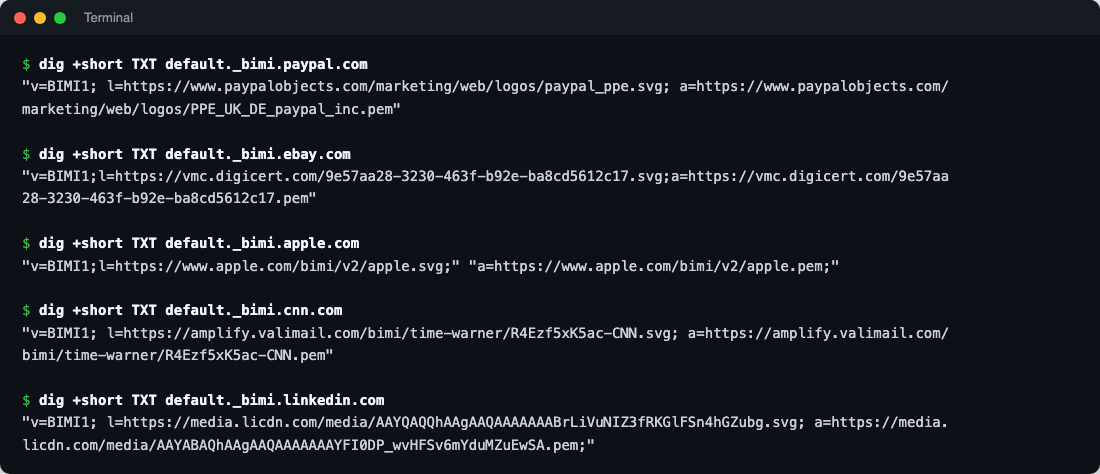
Real records from senders whose logos you’ve seen in your inbox:
$ dig +short TXT default._bimi.paypal.com
"v=BIMI1; l=https://www.paypalobjects.com/marketing/web/logos/paypal_ppe.svg; a=https://www.paypalobjects.com/marketing/web/logos/PPE_UK_DE_paypal_inc.pem"

$ dig +short TXT default._bimi.ebay.com
"v=BIMI1;l=https://vmc.digicert.com/9e57aa28-3230-463f-b92e-ba8cd5612c17.svg;a=https://vmc.digicert.com/9e57aa28-3230-463f-b92e-ba8cd5612c17.pem"

$ dig +short TXT default._bimi.apple.com
"v=BIMI1;l=https://www.apple.com/bimi/v2/apple.svg;" "a=https://www.apple.com/bimi/v2/apple.pem;"
eBay’s files are hosted by its certificate issuer, which is common: some issuers host the logo and certificate for you. Apple’s record is split into two quoted strings, which DNS joins back together; that’s fine.
Where logos show
| Mailbox | Shows BIMI logos | Certificate needed |
|---|---|---|
| Gmail (web and apps) | Yes | VMC or CMC; checkmark with VMC only |
| Apple Mail (iOS 16, macOS Ventura and later) | Yes | VMC |
| Yahoo Mail and AOL | Yes | Yahoo has shown logos without a certificate for senders with good reputation and volume |
| Outlook / Microsoft 365 | No BIMI support; Microsoft uses its own brand programmes | n/a |
Logos usually appear within a few days of the record going live, once the mailbox provider has fetched and validated everything. Each provider also applies its own reputation checks, so a new or low-volume sender can wait longer.
How 40 large retailers do it
We looked up the DMARC and BIMI records of 40 large retailers in the US and Europe (Amazon, Walmart, Target, eBay, IKEA, Zara, ASOS, Tesco, Zalando and others) on 15 November 2026:
| Record | Retailers | Share |
|---|---|---|
DMARC p=reject | 33 | 82.5% |
DMARC p=quarantine | 5 | 12.5% |
DMARC p=none | 2 | 5% |
BIMI record with a certificate (a= tag) | 22 | 55% |
| BIMI record without a certificate | 0 | 0% |
| No BIMI record | 18 | 45% |
Two domains looked at first as if they had a BIMI record without a certificate, but the answer was a wildcard TXT record (an SPF record) that answers for any name, so check what a lookup actually returns before trusting a checker’s summary. The pattern is clear: enforced DMARC is now the norm for big retail (38 of 40 enforce it), and more than half have gone on to BIMI with a certificate. The two retailers still at p=none couldn’t publish a working BIMI record even if they wanted to. Several well-known names with strict DMARC have no BIMI record at all, which suggests the certificate cost and trademark paperwork, not the DNS, are what hold companies back.
Is BIMI worth it for a small store?
- The DMARC part is worth it for everyone. It stops others sending as your domain and is required anyway by Gmail and Yahoo for bulk senders.
- The certificate is a business decision. At around $1,000 to $1,750 a year, it makes sense when email drives a meaningful share of revenue, or when your brand is impersonated in phishing.
- Without a trademark, a CMC is the route for Gmail, and Yahoo may show your logo without any certificate once your volume and reputation qualify.
Troubleshooting
| Problem | Check |
|---|---|
| No logo anywhere | DMARC at quarantine or reject with pct=100; the record at default._bimi; both URLs load over HTTPS with no redirects to other hosts |
| Validator says “not SVG Tiny PS” | baseProfile="tiny-ps", version="1.2", a <title>, no scripts or x/y on the root |
| Logo in Yahoo but not Gmail | Gmail needs a VMC or CMC in the a= tag |
| Logo shows for newsletters but not order emails | Order emails come from a different service or subdomain whose DKIM or SPF doesn’t align with DMARC. See our SPF, DKIM and DMARC guide |
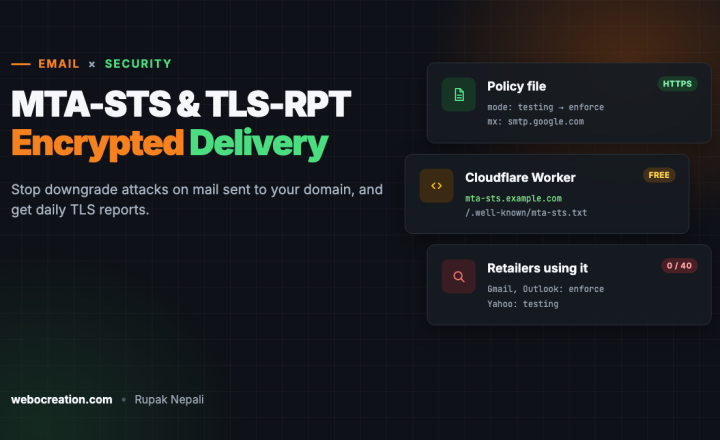
BIMI is one of four steps in our email deliverability series. The others: MTA-STS and TLS-RPT, one-click unsubscribe and Google Postmaster Tools.

Rupak Nepali is a web developer, manage Webocreation website and the author of six books:
Getting Started with OpenCart Module Development (Packt, 2013),
OpenCart Theme and Module Development (Packt, 2015),
OpenCart 4: Dev Guide for Themes & Extensions (2024),
OpenCart 4: User Manual (2025),
Cloudflare for the Enterprise Website (2026) and
The Technical Web Guide for Marketers (2026).
Rupak has built OpenCart stores and extensions since 2010, has published more than 600 tutorials on Webocreation, and shares free OpenCart extensions on GitHub.
Find Rupak on
GitHub | Amazon | LinkedIn | X | YouTube.