Modules Link in the OpenCart 4 Admin Menu: One Click to Extensions > Modules (Free Extension)
A free OpenCart 4 extension that adds Extensions > Modules to the admin menu, so the module list is one click away, built with an event instead of OCMOD so it survives updates.
 Rupak NepaliPublished Nov 19, 2026
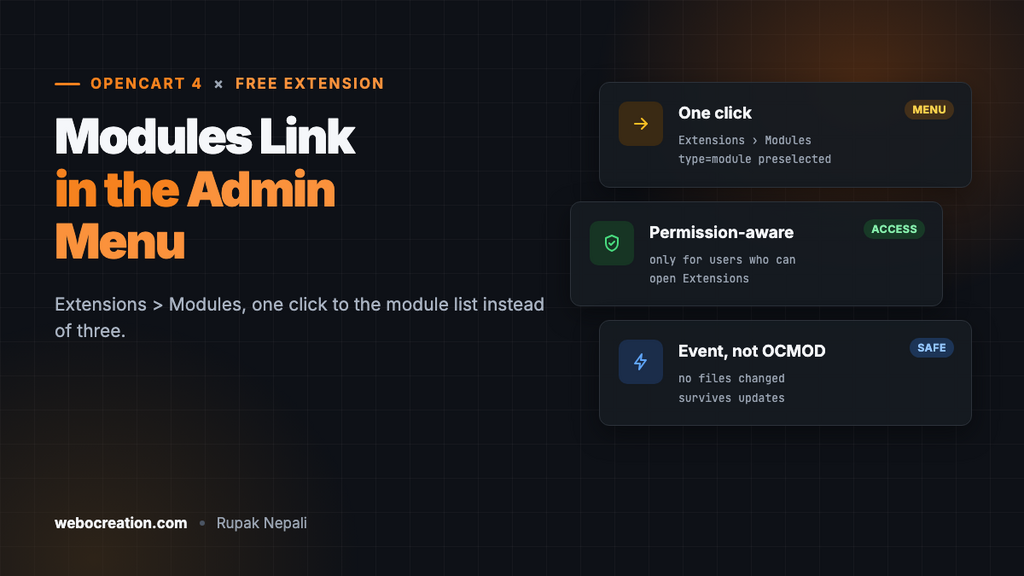
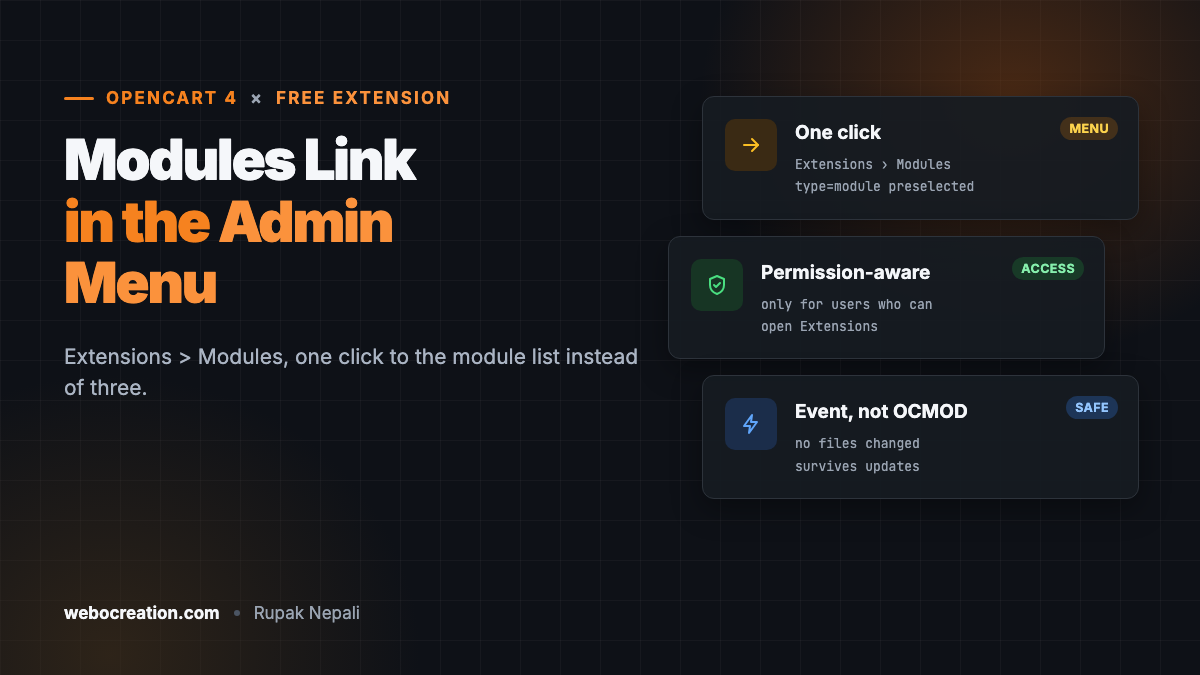
If you work in the OpenCart admin every day, you open the module list a lot: to edit the slideshow, change the Featured products, turn a module on or off. In OpenCart 4 that’s three steps every time: Extensions, then Extensions again, then choose Modules from the dropdown and wait for the list to reload.
This free extension puts a Modules link straight into the admin menu, under Extensions. One click. It’s the OpenCart 4 version of our module link OCMOD for OpenCart 3, built with events so it survives OpenCart updates.
Download Module Link in Admin Menu for OpenCart 4 (free, tested on OpenCart 4.1.0.4)
Install it
- Download
modulelink.ocmod.zip. - Go to Extensions → Installer, upload it, and click the green +.
- Go to Extensions → Extensions → Modules and install Module Link in Admin Menu. (The last time you’ll need three steps.)
- Click Edit, turn Status on and save.
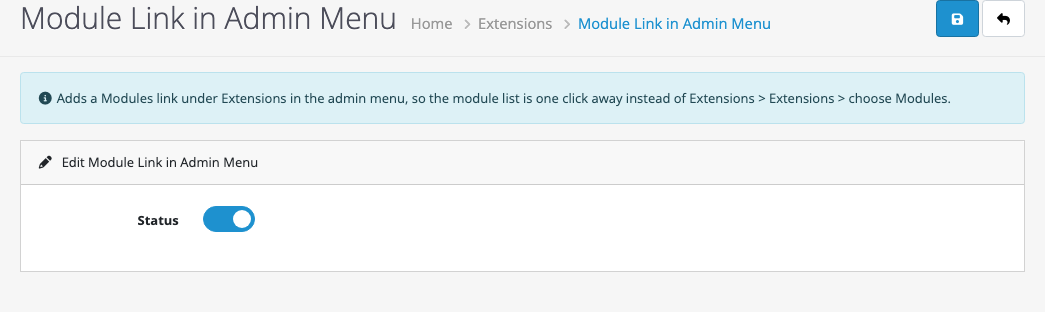
Open the Extensions menu and you’ll see Modules under Extensions. It opens marketplace/extension&type=module, the module list with Modules already selected. Admin users only see the link if their user group has access to marketplace/extension, the same permission the Extensions page itself needs.
How it’s built
The OpenCart 3 version searched for a line in admin/controller/common/column_left.php and inserted the link before it. That kind of OCMOD breaks whenever the searched line changes between versions, and it did between OpenCart 3, 4.0 and 4.1.
The OpenCart 4 version uses an event on admin/view/common/column_left/before. Before the menu template renders, the event receives the menu as an array and adds an item to the Extensions branch:
foreach ($args['menus'] as &$menu) {
    if (($menu['id'] ?? '') != 'menu-extension') {
        continue;
    }

    // Right after Extensions > Extensions, or at the end if a theme changed the menu.
    array_splice($menu['children'], $position, 0, [$link]);

    break;
}
No file is modified, so there’s nothing to refresh in Extensions → Modifications and nothing to break on the next update. The same technique adds any link you like to the admin menu: Catalog → Testimonials in our Testimonials extension works the same way. For more on events, see OpenCart 4 events by example.
Testing
| Test | Result |
|---|---|
| Extensions menu | Marketplace, Installer, Extensions, Modules, Modification, Startup, Events, Cron Jobs |
| Click Modules | Opens the extension list with “Modules (40)” selected |
| Status off | The link disappears |

Rupak Nepali is a web developer, manage Webocreation website and the author of six books:
Getting Started with OpenCart Module Development (Packt, 2013),
OpenCart Theme and Module Development (Packt, 2015),
OpenCart 4: Dev Guide for Themes & Extensions (2024),
OpenCart 4: User Manual (2025),
Cloudflare for the Enterprise Website (2026) and
The Technical Web Guide for Marketers (2026).
Rupak has built OpenCart stores and extensions since 2010, has published more than 600 tutorials on Webocreation, and shares free OpenCart extensions on GitHub.
Find Rupak on
GitHub | Amazon | LinkedIn | X | YouTube.