Passwords, MFA, and Passkeys: Authentication Done Right
Most breaches still start with a login. Here is how to store passwords properly, which MFA methods actually stop phishing, why passkeys change the game, and the session and reset mistakes that undo it all.
 Rupak NepaliPublished Nov 21, 2026
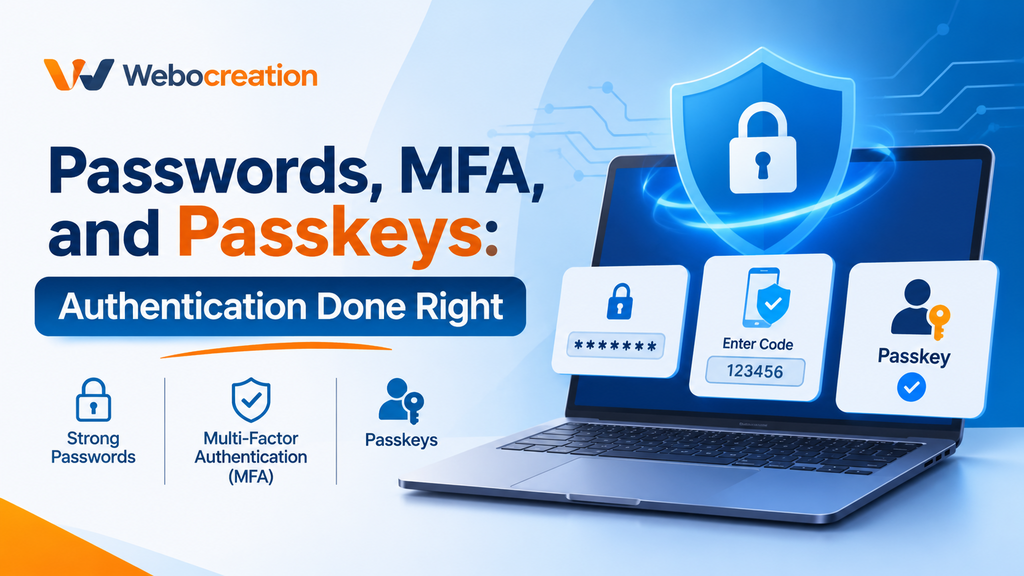
Authentication answers a simple question: who are you? Getting the answer wrong is one of the most common ways real organizations get breached. Stolen and reused passwords, phishable one-time codes, sloppy sessions, and weak password resets keep showing up in incident reports year after year.
The good news is that the right answers are well known. Here is what authentication done right looks like today.
Store passwords so a breach doesn’t hand them over
Never store passwords in plaintext or with reversible encryption. Fast hashes like MD5, SHA-1, or even SHA-256 aren’t good enough either. Modern hardware computes billions of them per second, so a leaked database of common passwords cracks almost instantly.
Use a hashing function built to be slow and memory-hard, with a unique random salt per password:
| Algorithm | Notes |
|---|---|
| Argon2id | Winner of the Password Hashing Competition, memory-hard, the recommended first choice |
| scrypt | Memory-hard, a good choice where Argon2 isn’t available |
| bcrypt | Widely available and battle-tested, but limits input to 72 bytes |
| PBKDF2 | Acceptable when FIPS compliance is required, with high iteration counts |
Let a library handle the salt and parameters:
from argon2 import PasswordHasher
ph = PasswordHasher()          # sensible defaults; tune for your hardware
stored = ph.hash(password)     # at registration
ph.verify(stored, candidate)   # at login (raises on mismatch)
Stuck with old MD5 hashes? You don’t need anyone’s plaintext to migrate. Wrap the old hash in the new function (argon2id(md5_hash)) today, then upgrade each record to a direct Argon2id hash the next time that user logs in.
Password rules that actually help
Modern guidance, notably NIST SP 800-63B, dropped complexity rules and forced rotation, because they produced predictable passwords like Summer2025!. Instead:
- Require at least 8 characters, preferably 12 or more, and allow passphrases of 64 characters or longer.
- Allow all printable characters, including spaces and Unicode.
- Check new passwords against breached password lists. Have I Been Pwned’s Pwned Passwords API uses k-anonymity, so you never reveal the password itself.
- Don’t force periodic changes unless there’s evidence of compromise.
- Support password managers. Don’t block paste, and use correct
autocompleteattributes.
Stopping credential stuffing and spraying
Credential stuffing replays username and password pairs leaked from other sites, spread across botnets and residential proxies so per-IP limits barely notice. Password spraying tries a few common passwords against many accounts, staying under lockout thresholds.
No single control stops both, so combine them:
- MFA, ideally phishing-resistant, is the strongest single defense.
- Breached password checks at login and registration.
- Rate limits by account, IP, and device, with progressive delays.
- Risk-based bot detection and challenges.
- Monitoring for spikes in failures and many accounts hit from the same infrastructure.
Be careful with hard lockouts. They let attackers lock real users out on purpose. Progressive throttling plus risk-based challenges usually works better.
Don’t tell attackers which accounts exist
“Unknown user” versus “wrong password” tells an attacker which accounts to target. So do different status codes or response times. Return the same message for every failure, and still run a password hash check when the user doesn’t exist so timing gives nothing away. On registration, a common pattern is to always say “check your email to continue” and send either a welcome email or a “you already have an account” note.
Logic flaws beat cryptography
Many authentication bypasses have nothing to do with crypto:
- Skipping MFA. The session is already marked as logged in after the password step, so the attacker just browses to
/dashboard. - Response manipulation. The client decides whether MFA is needed from a field like
"mfa_required": true, which anyone can edit in a proxy. - Parameter tampering. The MFA request carries a
user_idthe server trusts, so completing MFA for one account yields a session for another. - Default credentials left on admin interfaces.
- Normalization bugs, such as
Adminversusadminor Unicode lookalikes.
Every authentication decision must be made and enforced on the server.
Not all MFA is equal
| Method | Strength | Main weakness |
|---|---|---|
| SMS codes | Weak | SIM swapping, interception, real-time phishing |
| Email codes or links | Weak to moderate | Only as strong as the email account, phishable |
| TOTP authenticator apps | Moderate | Phishable in real time |
| Push notifications | Moderate | MFA fatigue unless number matching is used |
| Security keys and passkeys | Strong | Needs device support and recovery planning |
The reason only the last row is “strong”: adversary-in-the-middle phishing kits sit between the victim and the real site, relaying the password and the one-time code as the victim types them, then stealing the session cookie. They defeat SMS, email, TOTP, and push. Only origin-bound authenticators resist them.
If you use push, require number matching and limit prompt frequency to stop MFA fatigue attacks. If you use TOTP, rate-limit attempts (six digits is only a million possibilities) and block code reuse.
Passkeys: phishing resistance by design
WebAuthn, part of the FIDO2 standards, replaces shared secrets with public-key cryptography. At registration, the authenticator (a security key, a phone, or the device’s built-in authenticator) creates a key pair bound to your domain, and the server stores only the public key. At login, the server sends a challenge, the authenticator signs it after a PIN or biometric check, and the server verifies the signature.
Passkeys are WebAuthn credentials that sync across a user’s devices, which makes them a practical full password replacement. Their security properties are excellent:
- Phishing resistance. The browser includes the real origin in the signed data, so a passkey for
bank.exampleis useless onbank-example.evil. - No shared secrets. A server breach leaks only public keys.
- No reuse. Every site gets its own key pair.
Use a maintained library such as SimpleWebAuthn, py_webauthn, or webauthn4j rather than parsing the protocol yourself. And watch the edges: passkey deployments are usually weakest around passkeys, in fallback to weaker methods and in recovery flows that let an attacker register their own passkey.
Sessions: don’t undo good authentication
After login, the session is the user. Get it right:
- Session IDs need at least 128 bits of randomness from a secure generator. Let your framework create them.
- Regenerate the session ID at login and on privilege changes, to prevent session fixation.
- Use
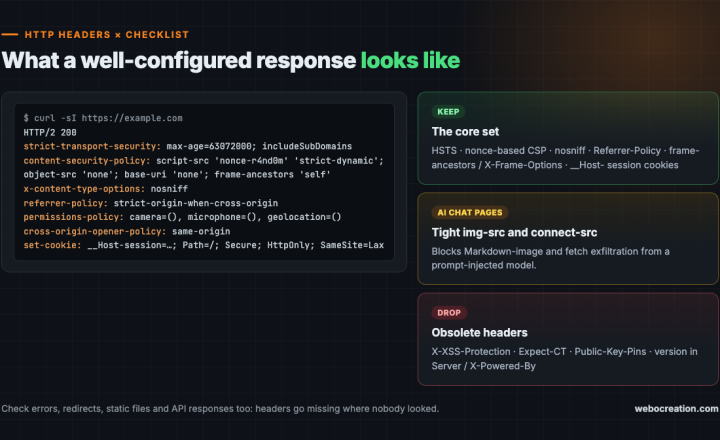
Secure,HttpOnly, andSameSitecookies, ideally with the__Host-prefix. - Expire sessions after inactivity and after an absolute maximum lifetime.
- Invalidate sessions server-side on logout, password change, and MFA changes, and let users see and revoke active sessions.
- Never put session IDs in URLs.
JWTs scale nicely but are hard to revoke. A sound pattern is short-lived access tokens with rotated, revocable refresh tokens. For browser apps, a backend-for-frontend keeps OAuth tokens on the server and gives the browser only an HttpOnly cookie, out of reach of XSS.
Account recovery: where strong auth goes to die
If an attacker can reset a password or add an authenticator through a weak recovery process, nothing else matters. A safe password reset:
- Responds identically whether or not the account exists.
- Generates a random token of at least 128 bits, stores only its hash, and expires it in 30 to 60 minutes.
- Builds the reset link from a configured base URL, never the request’s Host header. Otherwise an attacker can poison the link so the victim’s token is sent to their server.
- On use, invalidates the token and all existing sessions, and notifies the user.
- Rate-limits requests per account and per IP.
Test login and recovery flows only on applications you own or are authorized to assess, using accounts you control.
Key takeaways
- Hash passwords with Argon2id, scrypt, or bcrypt, never fast hashes.
- Check passwords against breach lists instead of enforcing complexity rules.
- Layer MFA, breached password checks, rate limits, and bot detection against credential stuffing.
- Only phishing-resistant methods like passkeys stop real-time phishing proxies.
- Regenerate sessions at login, revoke them server-side, and build reset links from configured URLs.
Go deeper with the book
This article is adapted from Web Security in the Age of AI: Attacks, Defenses, Tools, and Bug Hunting for Modern Web Applications and LLM Systems by Rupak (see Chapter 9, “Authentication and Session Management”).
The book pairs every attack with its fix across 27 chapters, from core vulnerabilities and professional tools to bug bounty hunting, attacking and defending LLM applications, and lessons from real breaches. It includes hands-on labs, review questions, a full testing checklist, a security headers reference, and an LLM red teaming playbook.
Related reading
- Broken Access Control and IDOR: The #1 Web Security Risk
- API Security: JWT, OAuth, and GraphQL Mistakes to Avoid

Rupak Nepali is a web developer, manage Webocreation website and the author of six books:
Getting Started with OpenCart Module Development (Packt, 2013),
OpenCart Theme and Module Development (Packt, 2015),
OpenCart 4: Dev Guide for Themes & Extensions (2024),
OpenCart 4: User Manual (2025),
Cloudflare for the Enterprise Website (2026) and
The Technical Web Guide for Marketers (2026).
Rupak has built OpenCart stores and extensions since 2010, has published more than 600 tutorials on Webocreation, and shares free OpenCart extensions on GitHub.
Find Rupak on
GitHub | Amazon | LinkedIn | X | YouTube.