XSS Prevention: A Practical Guide for Modern Frameworks
Modern frameworks escape output by default, yet cross-site scripting keeps showing up. The bugs have moved to escape hatches, DOM sinks, and now AI-generated output. Here is how to shut them down.
 Rupak NepaliPublished Nov 19, 2026
Cross-site scripting (XSS) lets an attacker run their JavaScript in a victim’s browser, inside your site’s origin. From there the script can do anything the user can: read their data, change their settings, send messages as them, or take over the account.
React, Vue, Angular, and most template engines now escape output by default. So you might expect XSS to be extinct. It is not. It has simply moved.
The three classic types (and a few cousins)
- Reflected XSS: input from the request is echoed straight into the response, often through a crafted link.
- Stored XSS: the payload is saved, say in a comment or profile field, and runs for everyone who views it.
- DOM-based XSS: client-side JavaScript takes data from somewhere attacker-controlled, like
location.hash, and writes it into a dangerous sink likeinnerHTML. The server never sees the payload, which is why server-side filters miss it.
You will also hear about blind XSS (it fires later, often in an admin panel), mutation XSS (the browser’s HTML parser rewrites “safe” markup into something dangerous), and self-XSS (only works if the victim pastes it themselves).
Context is everything
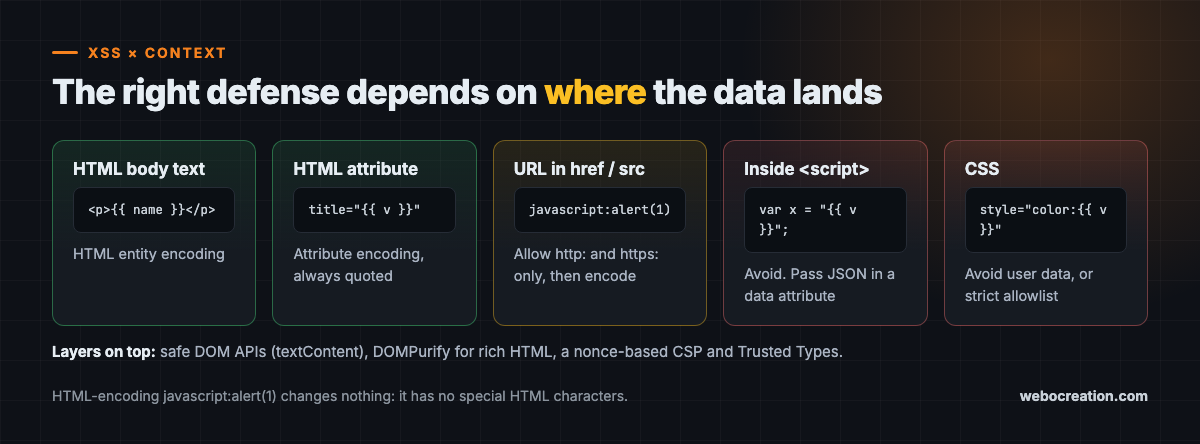
The most common mistake is believing that “HTML-encoding” makes any value safe. It does not, because the right encoding depends on where the data lands:
| Output context | What it needs |
|---|---|
| HTML body text | HTML entity encoding |
| HTML attribute (quoted) | Attribute encoding, always quote attributes |
URL in href or src | Validate the scheme (allow https:), then encode |
Inside a <script> block | Avoid it. Pass data via JSON in a data attribute |
| CSS | Avoid user data in styles, or strictly allowlist values |
The classic trap is a user-supplied link. HTML-encoding javascript:alert(document.cookie) changes nothing, because it contains no special HTML characters. The browser happily runs it when clicked. The fix is to parse the URL and allow only http: and https: schemes.
Where XSS hides in modern apps
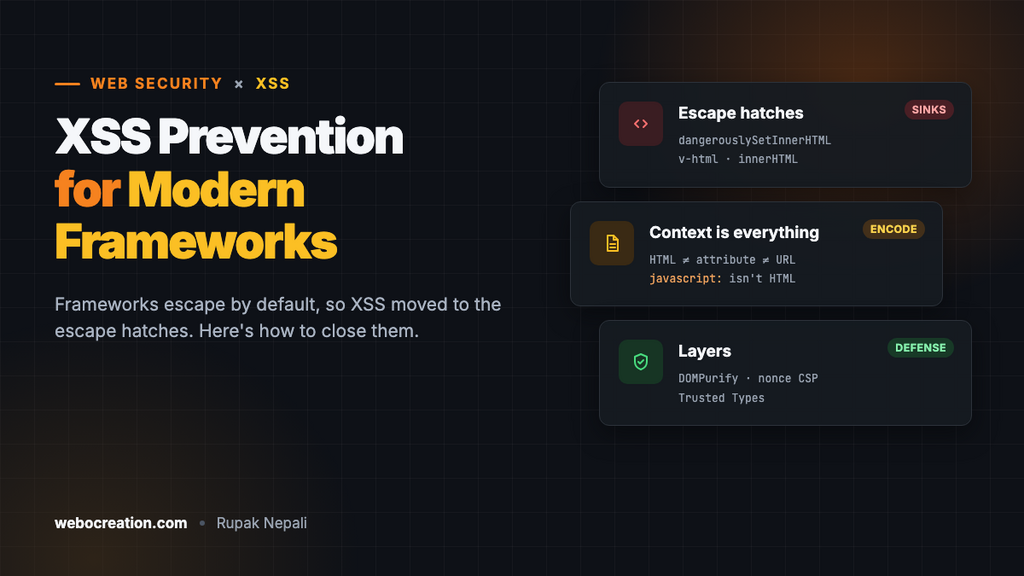
Because frameworks escape by default, real-world XSS concentrates in the escape hatches:
dangerouslySetInnerHTMLin Reactv-htmlin Vue[innerHTML]bindings andbypassSecurityTrust*in Angular- Direct
innerHTML,outerHTML,document.write, andinsertAdjacentHTMLcalls - Markdown renderers configured to allow raw HTML
If you are reviewing code, search for these first. Each one is a place where a developer told the framework, “trust me, this is safe.”
Fixing it properly
1. Prefer safe DOM APIs. Use textContent instead of innerHTML. Create elements and set attributes rather than building HTML strings.
2. Sanitize when you must render HTML. Use a maintained sanitizer such as DOMPurify. Do not write your own regex filter, as mutation XSS will eventually beat it.
// Rendering user-supplied rich text safely
element.innerHTML = DOMPurify.sanitize(userHtml);
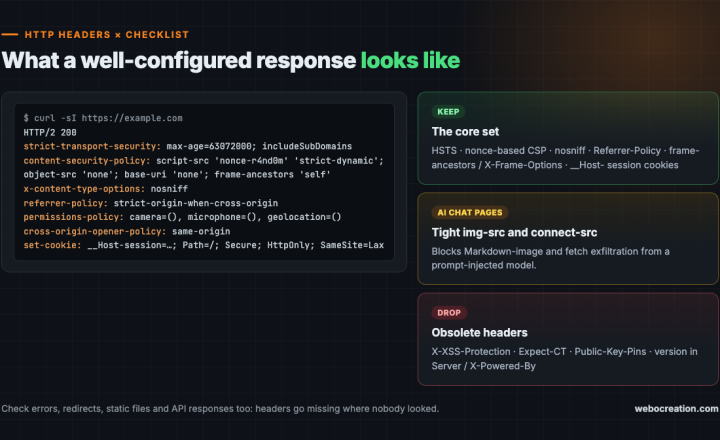
3. Deploy a strict Content Security Policy. A nonce-based CSP means only scripts carrying a fresh, unguessable nonce can run, so injected scripts are blocked even if an encoding bug slips through.
Content-Security-Policy: script-src 'nonce-{RANDOM}' 'strict-dynamic';
  object-src 'none'; base-uri 'none'
Nonce-based policies are generally stronger than domain allowlists, because allowlisted domains often host something an attacker can abuse. Roll out in Report-Only mode first, fix the violations, then enforce.
4. Turn on Trusted Types. With Trusted Types enforced, the browser refuses to accept plain strings in dangerous DOM sinks. Code must pass values through a policy you control, such as a DOMPurify wrapper. That turns “audit every innerHTML in the codebase” into “audit a handful of policies.”
The AI twist: model output is untrusted input
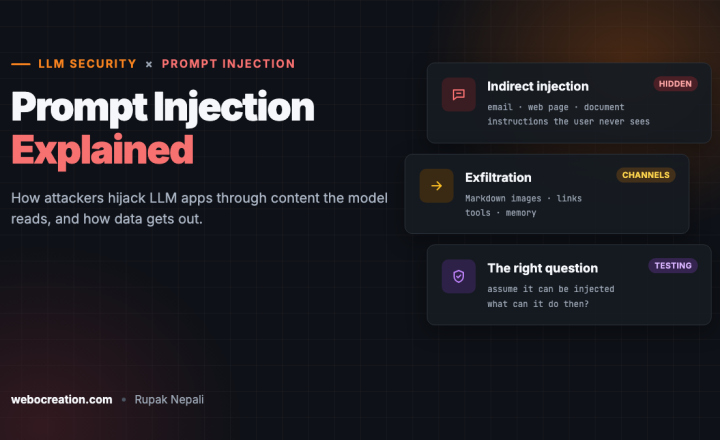
Here is the newest XSS source: chatbots and AI summaries. If your app asks an LLM to summarize a web page, an email, or a support ticket, and that content contains hidden instructions, the model can be steered into producing HTML or Markdown that carries a payload. Render that output with innerHTML and you have stored XSS delivered by your own AI feature.
The rule is simple: treat LLM output exactly like user input. Render it with a Markdown library that disallows raw HTML, sanitize the result, and keep a strict CSP that also limits where images and connections can go, which blocks a popular data-exfiltration trick using Markdown images.
Key takeaways
- XSS runs attacker script in your origin and can lead to full account takeover.
- Encoding must match the output context. HTML-encoding alone does not make a URL safe.
- Modern XSS concentrates in framework escape hatches and DOM sinks.
- Use safe DOM APIs, DOMPurify, a nonce-based CSP, and Trusted Types as layers.
- Treat everything an LLM writes as untrusted before it touches the page.
Go deeper with the book
This article is adapted from Web Security in the Age of AI: Attacks, Defenses, Tools, and Bug Hunting for Modern Web Applications and LLM Systems by Rupak (see Chapter 7, “Cross-Site Scripting”).
The book pairs every attack with its fix across 27 chapters, from core vulnerabilities and professional tools to bug bounty hunting, attacking and defending LLM applications, and lessons from real breaches. It includes hands-on labs, review questions, a full testing checklist, a security headers reference, and an LLM red teaming playbook.
Related reading
- HTTP Security Headers: A Practical Checklist for 2026
- Prompt Injection Explained: How Attackers Hijack LLM Apps

Rupak Nepali is a web developer, manage Webocreation website and the author of six books:
Getting Started with OpenCart Module Development (Packt, 2013),
OpenCart Theme and Module Development (Packt, 2015),
OpenCart 4: Dev Guide for Themes & Extensions (2024),
OpenCart 4: User Manual (2025),
Cloudflare for the Enterprise Website (2026) and
The Technical Web Guide for Marketers (2026).
Rupak has built OpenCart stores and extensions since 2010, has published more than 600 tutorials on Webocreation, and shares free OpenCart extensions on GitHub.
Find Rupak on
GitHub | Amazon | LinkedIn | X | YouTube.