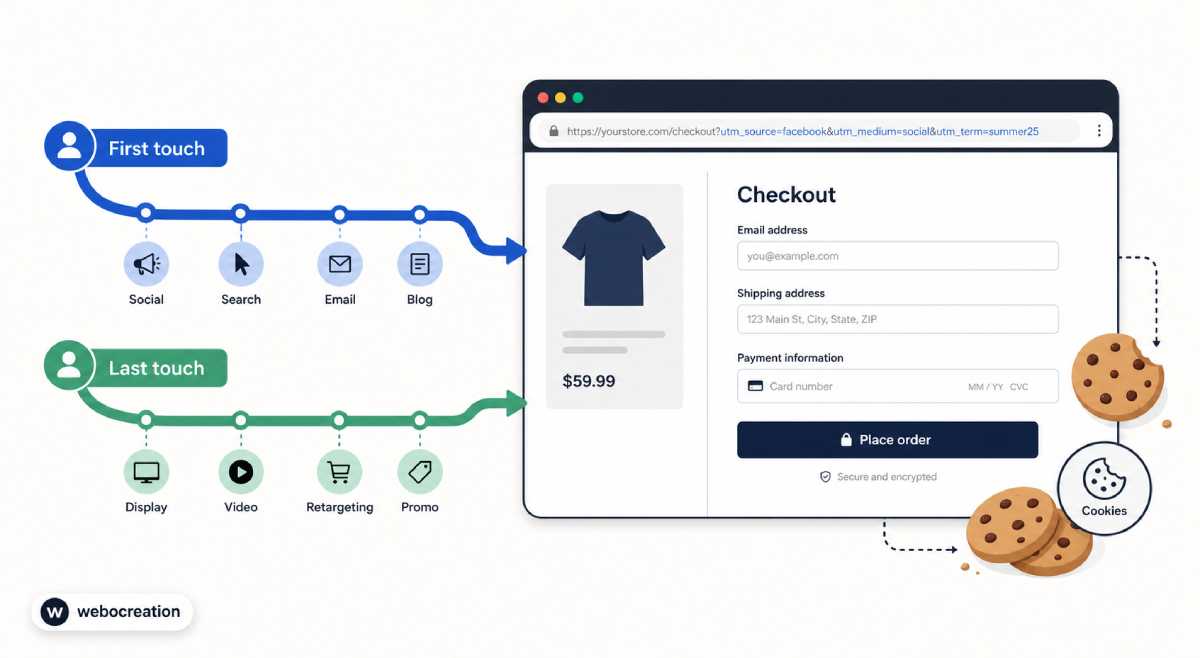
Bot Incidents 101: Treating Traffic Spikes as Security and Reliability Events
 Rupak NepaliPublished Jun 24, 2026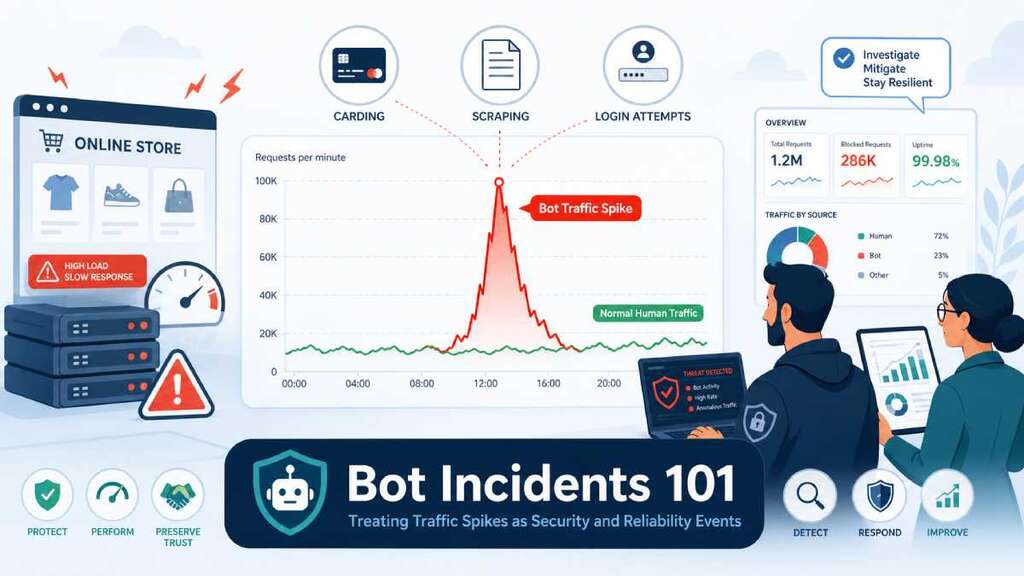
Bot traffic spikes shouldn’t just be treated as “weird analytics.” They are security incidents, reliability incidents, and sometimes quiet money leaks—all at once. In many ecommerce verticals, bots already make up a huge share of traffic, and they’re increasingly sophisticated, fast, and hard to distinguish from real shoppers.
Why bot spikes are not “just noise”
Several independent reports now estimate that bots account for 40–50% or more of ecommerce traffic, with some datasets showing bots actually outnumber human shoppers in peak seasons. Attack reports have documented triple‑digit growth in carding, scraping, and account takeover attempts over recent years, showing that automated abuse is climbing faster than organic traffic.
At the same time, analytics experts warn that bot sessions quietly corrupt every metric you rely on—traffic, engagement, conversion, and funnel performance—unless you actively filter them. Bot surges can make you think you have a growth or conversion problem when the real issue is that your reporting is lying to you.
Treating bot spikes as incidents forces you to ask three critical questions:
- Security: Is this card testing, credential stuffing, scraping, or another attack?
- Reliability: Is this traffic spike overloading our servers and slowing or breaking the site?
- Analytics & marketing: Are we making decisions on polluted data, or even paying for fake clicks?
What a “bot incident” actually looks like
Bot activity is normal up to a point—you’ll always see good bots (search crawlers) plus some low‑level noise. A bot incident is when that activity changes suddenly in a way that threatens security, reliability, or data quality.
Common patterns include:
- Sudden traffic spike that doesn’t match reality
- Sessions or requests jump 2–10×, but orders don’t move in sync.
- Spikes may concentrate on a few endpoints (search, PDPs, cart, specific APIs).
- Weird geography, devices, or user agents
- New “top country” that doesn’t match your market, often from data‑center IPs.
- Unusual user agents, or too many different ones in a short period.
- Strange behavior in analytics
- Very short session durations (under a second), single‑page sessions, or bizarrely low/high bounce rates.
- Conversion rate suddenly tanks—or appears to tank—because bots inflate sessions without buying.
- Infrastructure and reliability symptoms
- CPU and I/O spike, cache hit ratios drop, or backend services show elevated error rates and timeouts.
- Real users start seeing slow pages or 5xx on search or checkout.
When those patterns appear together, you’re not just looking at noisy analytics—you’re in the middle of a bot incident.
The main types of ecommerce bot incidents
Reports on ecommerce bots generally group attacks into a few categories, each with its own signature.
1. Scraping and content harvesting storms
Scraper bots aggressively copy your product catalog, pricing, or content.
- Impact:
- Infrastructure: extra load on PDPs, category pages, and APIs.
- Business: competitors can undercut prices or clone your catalog quickly.
- Analytics: inflated pageviews and sessions with no conversions.
2. Carding and checkout abuse
Carding bots test stolen credit cards by running many small transactions through checkout.
- Impact:
- Security/fraud: chargebacks, fraud fines, and brand damage.
- Reliability: spikes on checkout and payment endpoints, triggering timeouts or 5xx.
- Analytics: lots of failed transactions, bogus “customers,” and distorted funnel numbers.
3. Credential stuffing and account takeover
Bots reuse leaked usernames/passwords to break into customer accounts.
- Impact:
- Security: account takeovers, fraudulent orders, loyalty point theft.
- Reliability: login endpoints hammered, rate limits kicked in, some users locked out.
- Analytics: login error spikes, strange login geos, and weird session patterns.
4. Inventory hoarding and scalping
Bots hold or buy up limited stock (tickets, consoles, drops) faster than humans can click.
- Impact:
- Revenue/brand: real customers can’t buy, blame you for unfair drops, and churn.
- Analytics: product pages show huge interest but poor legitimate conversion.
- Security: ties to resale markets and organized abuse.
5. AI and crawler overload
AI crawlers and aggressive SEO bots hit content and APIs more frequently, sometimes overwhelming caches and backends.
- Impact:
- Reliability: increased CPU, I/O, and bandwidth lead to slower responses for real users.
- Analytics: your “traffic growth” is mostly bots, not humans.
- Costs: higher infra bills with no matching revenue.
Why bot spikes are both security and reliability events
The key mindset shift: bot incidents sit at the intersection of security, reliability, and analytics.
- Security
- Carding, credential stuffing, and account takeover are clearly abuses.
- Even “just” scraping can expose pricing strategies, aggregated PII, or proprietary structures.
- Reliability / performance
- Bots can trigger what some call an “I/O death spiral”: they consume CPU and I/O until real users see >5s load times and start bouncing.
- Cache and database systems are especially vulnerable to sustained bot load.
- Analytics & marketing
- Bot sessions massively inflate traffic, distort engagement metrics, and drag down apparent conversion, leading to bad decisions.
- Ad platforms may charge you for fake clicks, polluting audiences and campaigns.
If you only treat bots as a “security thing,” you’ll miss the performance and revenue angle. If you only see them as “analytics noise,” you’ll miss the fraud and abuse risks.
Detecting bot incidents early: what to monitor
Bot detection tools and WAFs help, but you still need to design what you watch for. Practical indicators include:
- Traffic and behavior metrics
- Sessions or requests per minute by route, segmented by suspected bot vs human.
- Session duration & pages/session anomalies: very short or oddly uniform patterns.
- Conversion rate with and without suspected bot traffic.
- Source & infrastructure signals
- Geos and ASNs (data‑center IP ranges, unexpected countries jump to the top).
- User agent fingerprints (toolkits, headless browsers, rotated UAs).
- CPU, memory, and I/O spikes on web/app servers aligned with unusual traffic patterns.
- Security‑specific events
- Login failure bursts, password reset spikes, or unusual 401/403 patterns.
- Surge in failed payment attempts with small values or identical SKUs.
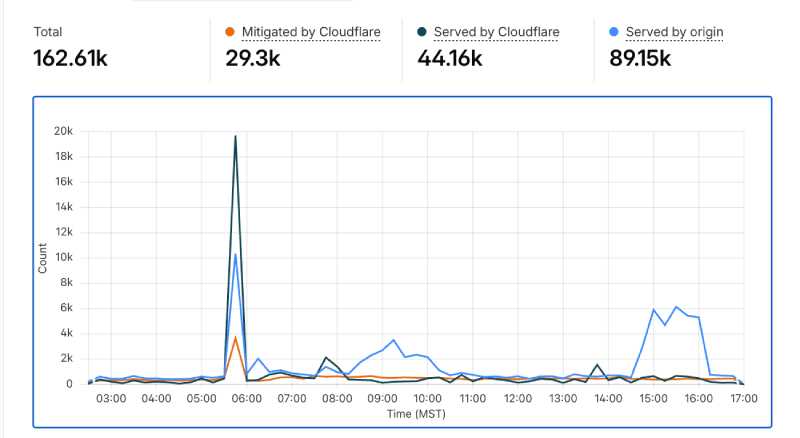
Many teams build dashboards that overlay traffic volume, error rates, latency, and conversion so bot incidents pop out visually rather than being buried in separate tools.
Treating bot spikes as incidents: a simple lifecycle
You can apply a standard incident lifecycle—detect → triage → escalate → communicate → resolve → review—to bots just like any other outage.
1) Detect and declare
When you see the patterns above, declare a bot incident rather than quietly tweaking filters.
- Create an incident record with time, routes affected, suspected bot type, and early impact.
- Include analytics screenshots: traffic spike, conversion drop, or error/latency graphs.
2) Triage: what kind of bot and how bad?
Ask:
- Is this clearly malicious (carding, credential stuffing) or “just” abusive scraping?
- Are real users slowed down, getting errors, or blocked?
- Are we wasting ad spend or corrupting audiences?
Set severity based on:
- Security risk (fraud, account takeover, compliance issues).
- Performance impact (p95 latency, 5xx on key routes).
- Business impact (conversion/revenue drop, ad budgets on).
3) Escalate: bring in security, ops, and marketing
Bot incidents often require a cross‑functional response:
- Security/fraud – lead on classifying the attack and long‑term mitigation.
- Ops/engineering – protect infrastructure, adjust rate limits, tune WAF, and caching.
- Analytics/marketing – filter bots from reports, adjust campaigns, and protect ROAS.
Paging and incident‑response tools (PagerDuty, etc.) are useful here because you can define bot‑related alert rules and escalation paths just like for other production incidents.
4) Communicate: internally and sometimes externally
Internal comms:
- Brief leadership and marketing: “We are seeing a bot attack affecting X routes; real users are currently Y% impacted; here’s what we’re doing.”
- Coordinate with support so they know what to tell customers.
External comms (for severe cases):
- If real customers can’t log in or check out, treat it like any other outage: short status updates, possible banners, and reassurance that fraud is being addressed.
5) Resolve: contain first, then clean up
Mitigation tactics depend on incident type, but common steps include:
- Tightening WAF and bot rules, especially on search, PDPs, and checkout.
- Adding or adjusting rate limits on critical endpoints.
- Blocking or challenging certain IPs, ASNs, or geos temporarily (with caution).
- Adjusting analytics filters and GA4 bot filters/segments so that reporting is usable again.
As a Reddit ecommerce discussion notes, a combination of good WAF/bot protection (for example, via Cloudflare), targeted rate limiting, and filtered analytics usually gives the fastest relief.
6) Review: learn, quantify, and harden
After a bot incident, do a short postmortem:
- How much real traffic and revenue were impacted?
- How much ad spend went to bots?
- Which controls worked, and which didn’t?
- What SLOs or alerts should we add or tighten (for example, bot‑filtered conversion SLOs)?
Update runbooks with concrete playbooks: “If we see pattern X on route Y, apply mitigation Z.”
Long‑term defenses: from one‑off incidents to durable posture
Bot‑incident handling gets easier when you invest in prevention and observability up front.
Key longer‑term steps:
- Deploy robust bot detection/WAF tooling that can distinguish good bots, bad bots, and humans, and adapt as attacks change.
- Segment and filter analytics so every dashboard has a “human only” view.
- Set SLOs and alerts that account for bots, such as conversion stability excluding suspected bots, and latency/error SLOs on key routes even under noisy conditions.
- Coordinate with marketing to monitor bot impact on ad clicks, pixels, and audience building.
When you treat bot spikes as first‑class incidents—complete with detection, triage, escalation, communication, resolution, and review—you stop seeing them as background noise and start treating them as what they are: security and reliability events that can quietly erode your margin, your data, and your customers’ trust.

Author of four Opencart book.
The recent are Opencart 4 developer book and Opencart 4 user manual