The directory containing files to be uploaded could not be found: OpenCart error
 Rupak NepaliPublished Dec 21, 2018
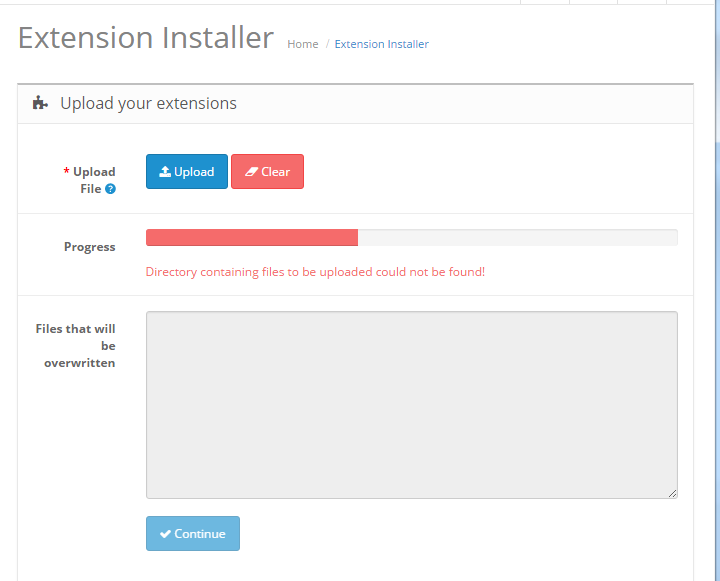
If you have come up with OpenCart error “Directory containing files to be uploaded could not be found” then it means you are uploading extensions. It means you are missing upload/ folder. Extract the files and create the upload/ folder then zip it again and upload that folder.
Following are the OCMOD file and folder structure

Hope it helps to solve your issues. You can see OpenCart error: Modification requires a unique ID code!

Rupak Nepali is a web developer, manage Webocreation website and the author of six books:
Getting Started with OpenCart Module Development (Packt, 2013),
OpenCart Theme and Module Development (Packt, 2015),
OpenCart 4: Dev Guide for Themes & Extensions (2024),
OpenCart 4: User Manual (2025),
Cloudflare for the Enterprise Website (2026) and
The Technical Web Guide for Marketers (2026).
Rupak has built OpenCart stores and extensions since 2010, has published more than 600 tutorials on Webocreation, and shares free OpenCart extensions on GitHub.
Find Rupak on
GitHub | Amazon | LinkedIn | X | YouTube.