Final: Question 3 Solution M101JS: MongoDB for Node.js Developers
 Rupak NepaliPublished Oct 5, 2018

Final: Question 3
In this problem, you will update a document in the Enron dataset to illustrate your mastery of updating documents from the shell.
Please add the email address “mrpotatohead@mongodb.com” to the list of addresses in the “headers. To” array for the document with “headers.Message-ID” of “<8147308.1075851042335.JavaMail.evans@thyme>”
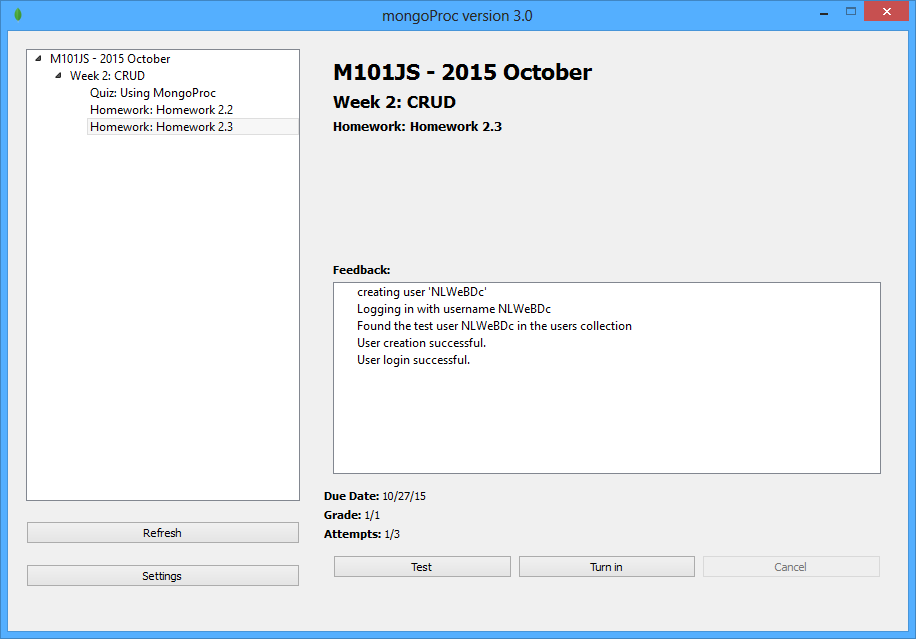
After you have completed that task, please download final3.zip from the Download Handout link and run final3-validate.js to get the validation code and put it in the box below without any extra spaces. The validation script assumes that it is connecting to a simple mongo instance on the standard port on the localhost.
Solution: vOnRg05kwcqyEFSve96R
How to achieve it?
- Extract the downloaded handout
- In the first command prompt, go to the Final3 folder where you will see final3-validate.js and package.json files.
- Now run “npm install”
- Now open your mongo shell with mongod in second command prompt and again in third command prompt mongo
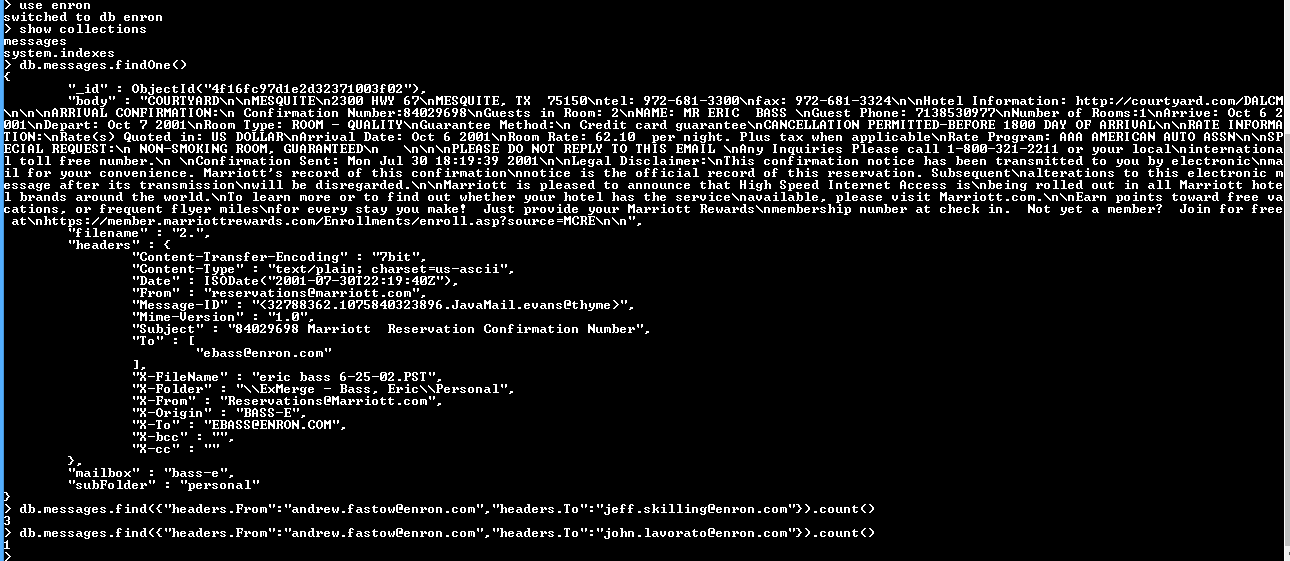
- Run command “show databases” and see whether Enron is there or not if install from final question 2 nor run query “use enron”
- Run the following query:
db.messages.update({“headers.Message-ID”:”<8147308.1075851042335.JavaMail.evans@thyme>”}, {$addToSet: {“headers.To”: “mrpotatohead@mongodb.com”}}, {multi: 1}) - Now run the command “node final3-validate.js” Â in first command prompt
- You will see something like below:
Welcome to the Final Exam Q3 Checker. My job is to make sure you correctly updated the document
Final Exam Q3 Validated successfully!
Your validation code is: vOnRg05kwcqyEFSve96R - Thus my answer is “vOnRg05kwcqyEFSve96R”
- It may differ to yours so please confirm before submitting.
Thanks

Rupak Nepali is a web developer, manage Webocreation website and the author of six books:
Getting Started with OpenCart Module Development (Packt, 2013),
OpenCart Theme and Module Development (Packt, 2015),
OpenCart 4: Dev Guide for Themes & Extensions (2024),
OpenCart 4: User Manual (2025),
Cloudflare for the Enterprise Website (2026) and
The Technical Web Guide for Marketers (2026).
Rupak has built OpenCart stores and extensions since 2010, has published more than 600 tutorials on Webocreation, and shares free OpenCart extensions on GitHub.
Find Rupak on
GitHub | Amazon | LinkedIn | X | YouTube.


Correct answer
Thank you, I have recently been searching for information approximately this
subject for a while and yours is the best I have discovered so far.
But, what in regards to the bottom line? Are you positive in regards
to the supply?