The directory catalog/controller/product is not allowed to be written to – Opencart error
 Rupak NepaliPublished Jan 20, 2019
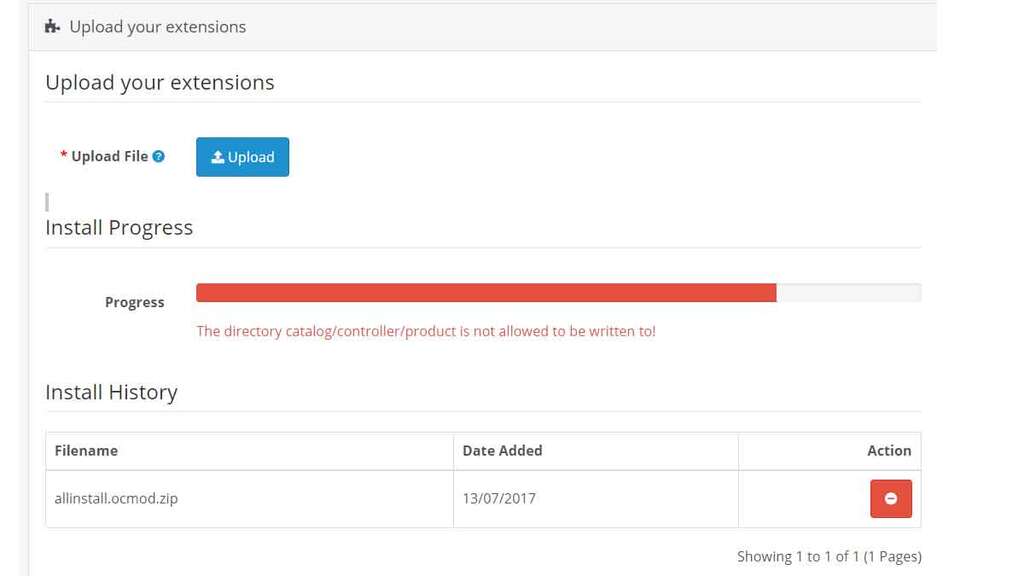
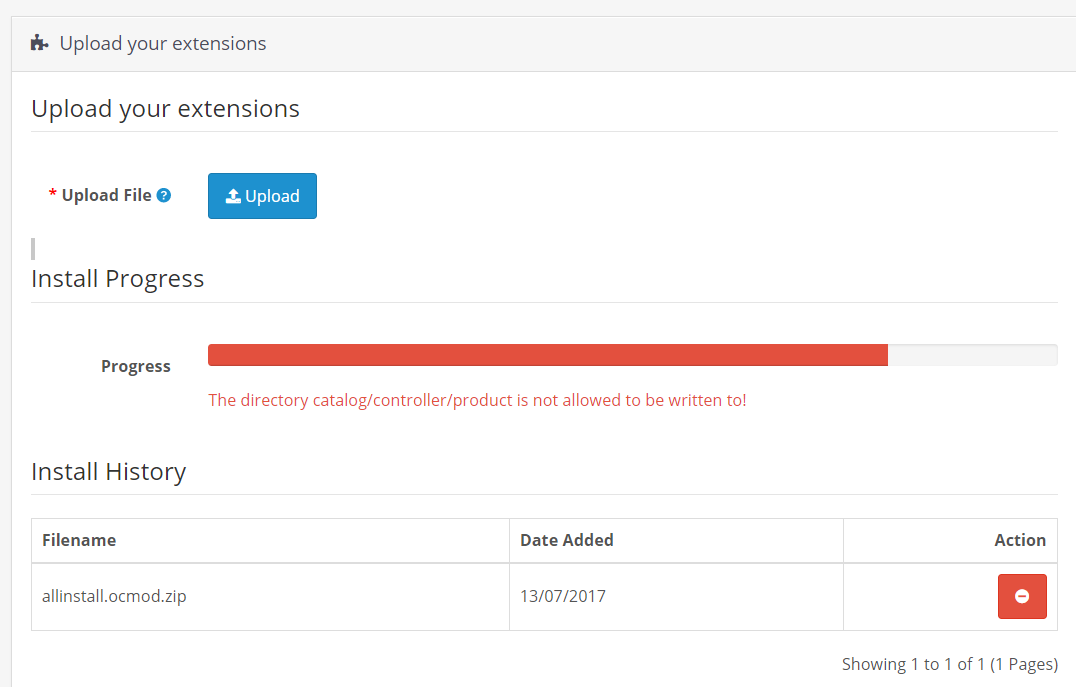
When you are installing the extension, you go to admin >> extensions >> installer and click the upload button and select the extension ocmod.zip file but you got the following error like “The directory catalog/controller/product is not allowed to be written to – Opencart error”. The way to solve it is to add the path at admin\controller\marketplace\install.php
Here in the example, the path is catalog/controller/product/ so we needed to add at
// A list of allowed directories to be written to
$allowed = array(
   'admin/controller/extension/',
   'admin/language/',
   'admin/model/extension/',
   'admin/view/image/',
   'admin/view/javascript/',
   'admin/view/stylesheet/',
   'admin/view/template/extension/',
   'catalog/controller/extension/',
   'catalog/language/',
   'catalog/model/extension/',
   'catalog/view/javascript/',
   'catalog/view/theme/',
   'system/config/',
   'system/library/',
   'image/catalog/',
   'catalog/controller/product/'
);
Whatever error path you get, you need to add here to install successfully. But the best practice is to stick to the provided folders only if you need to manage multiple folders than manage subfolders within them.
Thanks
Rupak Nepali

Rupak Nepali is a web developer, manage Webocreation website and the author of six books:
Getting Started with OpenCart Module Development (Packt, 2013),
OpenCart Theme and Module Development (Packt, 2015),
OpenCart 4: Dev Guide for Themes & Extensions (2024),
OpenCart 4: User Manual (2025),
Cloudflare for the Enterprise Website (2026) and
The Technical Web Guide for Marketers (2026).
Rupak has built OpenCart stores and extensions since 2010, has published more than 600 tutorials on Webocreation, and shares free OpenCart extensions on GitHub.
Find Rupak on
GitHub | Amazon | LinkedIn | X | YouTube.







Works great! Had this issue installing CKeditor for opencart 3.0.2.0 … had 2 different directories I had to add to get the ocmod file to complete the install.
Thanks for the info!
For anyone else who tried this and it didn’t work, heres why:
Make sure to have the / at the end of ‘catalog/controller/product/’
@Tom Thanks
not work for me